
Gamma AI Presentations by FamilyPro: A Faster Way to Make PPT or PDF Online
Making a presentation used to mean opening a blank deck, staring at it for a few minutes, then spending far too long deciding what each slide should say.
That process still works, of course. It is just not always the best use of time.
With FamilyPro Gamma AI, it is much easier to start with the material you already have — a rough idea, a few notes, a draft, a document, translated content, or even spoken thoughts — and turn it into something presentation-ready. From there, you can export the result as PPT or PDF and keep moving.
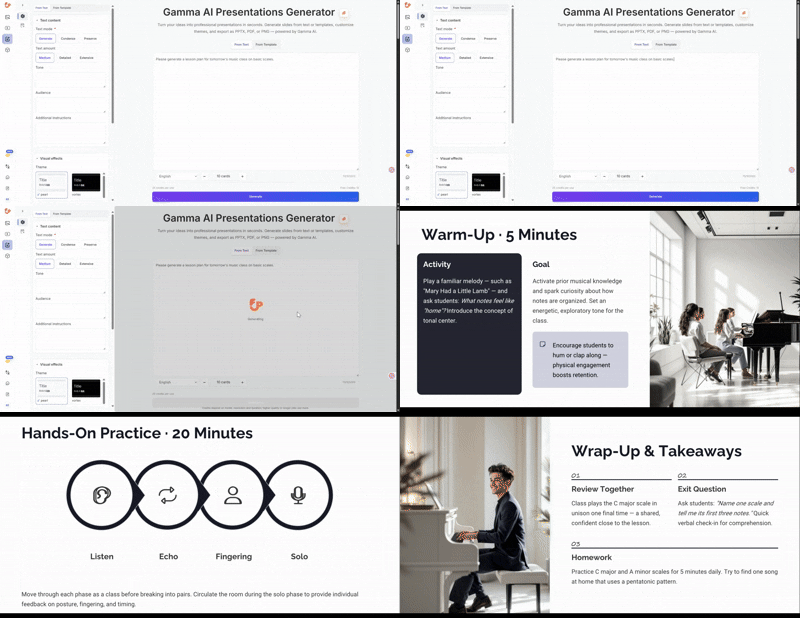
A quick look at how it works
Sometimes a short visual is the easiest way to understand the workflow.
If you also want a lightweight animated preview for faster loading on some pages, you can place this GIF version below or use it instead of the video:
Presentation work rarely starts with perfect slides
Most presentations do not begin as neat slides.
They begin as:
- a messy outline in a document
- notes from a meeting
- a paragraph someone wrote in a hurry
- a report that needs to be simplified
- a set of ideas spoken out loud
- a file in one language that needs to become a clear deck in another
That is why tools that start from real working material feel much more useful in practice.
FamilyPro is built around that kind of workflow. Instead of forcing everything into a manual slide-by-slide process, it helps turn existing content into a clearer presentation format that is easier to edit, share, and export.
A more natural way to create Gamma AI presentations
What makes this workflow helpful is not just speed. It is flexibility.
Some days, you have a short text prompt. Other days, you already have a full draft. Sometimes you want to start from a template because the structure matters more than the wording. Sometimes the content lives inside a file. Sometimes the fastest way to capture an idea is to say it out loud first.
With FamilyPro Gamma AI, those starting points all make sense.
You can begin with:
- text
- templates
- files
- voice-based input
Then you shape the content into a deck and export it in the format you need.
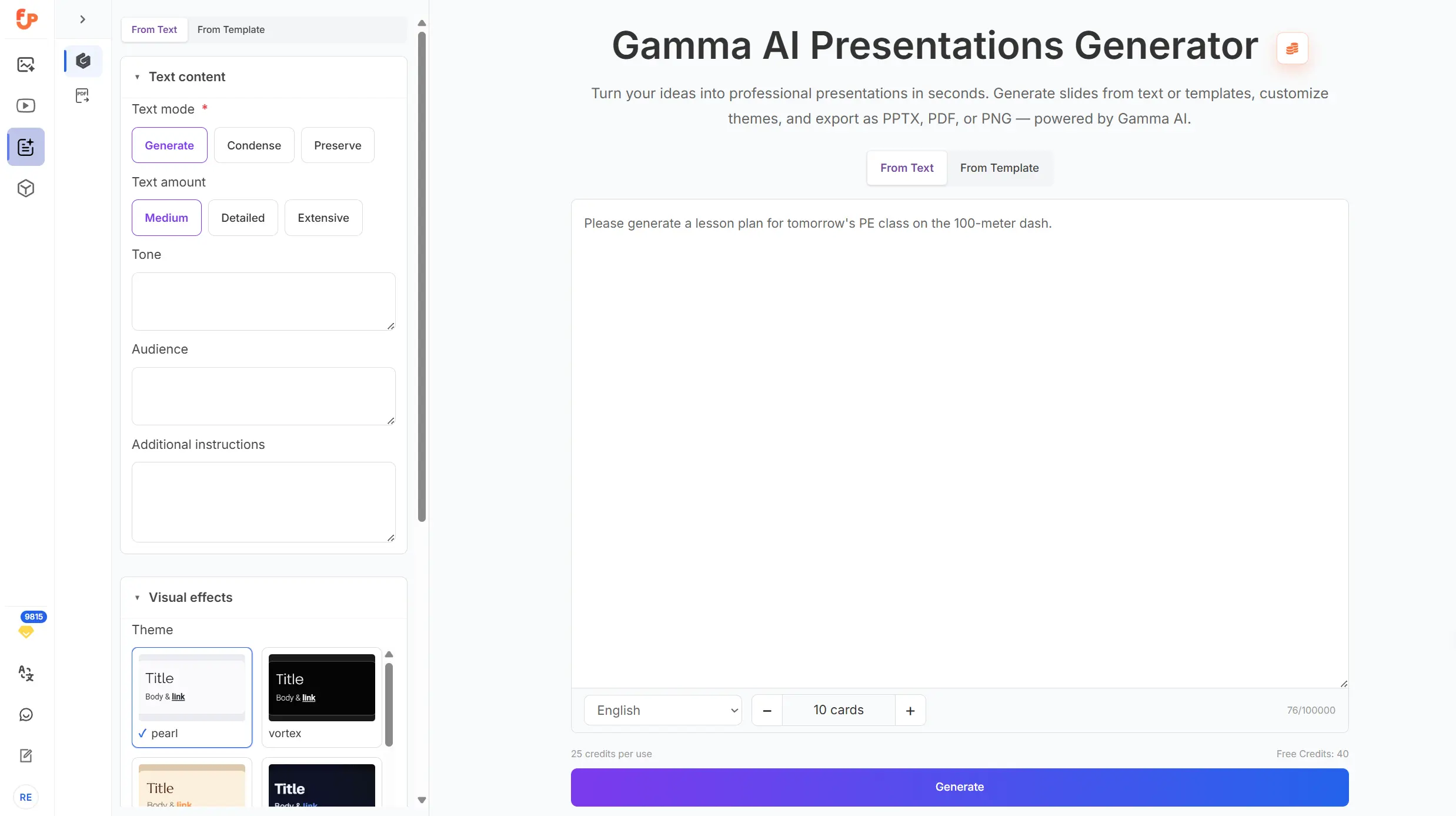
When text is already enough
There is something satisfying about taking a plain block of text and turning it into a clean presentation.
That might be:
- an outline for a class
- a short business summary
- a project update
- a lesson plan
- a proposal draft
- a product introduction
- internal documentation that needs a clearer format
This kind of workflow is especially useful when the thinking is already done, but the presentation still does not exist yet.
Instead of copying and pasting everything into slides one by one, it is often easier to start with the content itself and let the presentation structure come next. For many people, that is the point where the whole job starts feeling lighter.
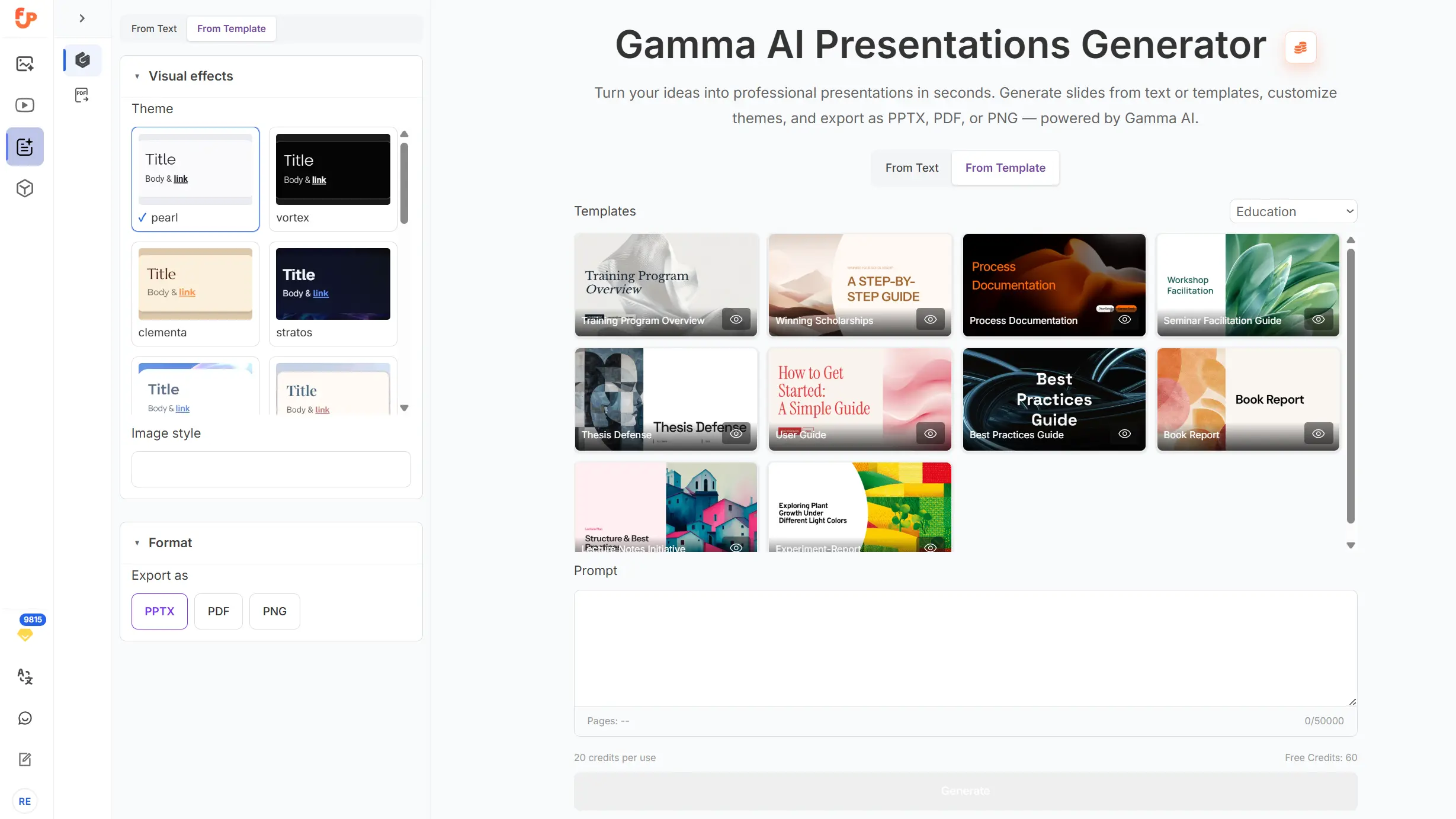
Templates are still underrated
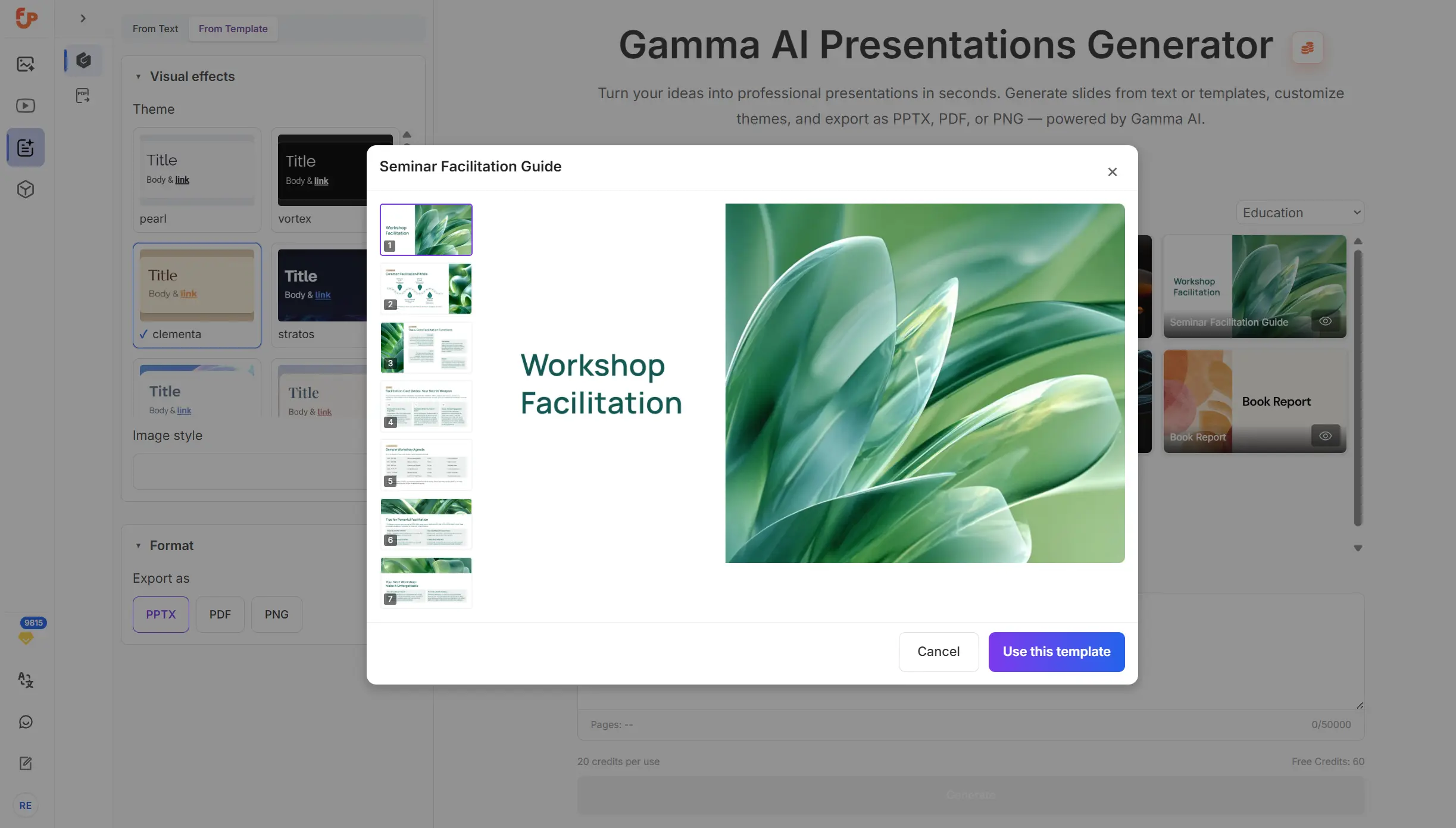
Not every project needs a creative starting point. Sometimes what helps most is a reliable structure.
Templates are useful because they remove a lot of small decisions:
- what should come first
- how sections should flow
- how much information belongs on each slide
- what kind of sequence feels professional
That is especially helpful for recurring work like:
- team updates
- pitch decks
- training slides
- product overviews
- classroom presentations
- campaign summaries
A good template does not make a presentation generic. It just gives it a cleaner starting shape.
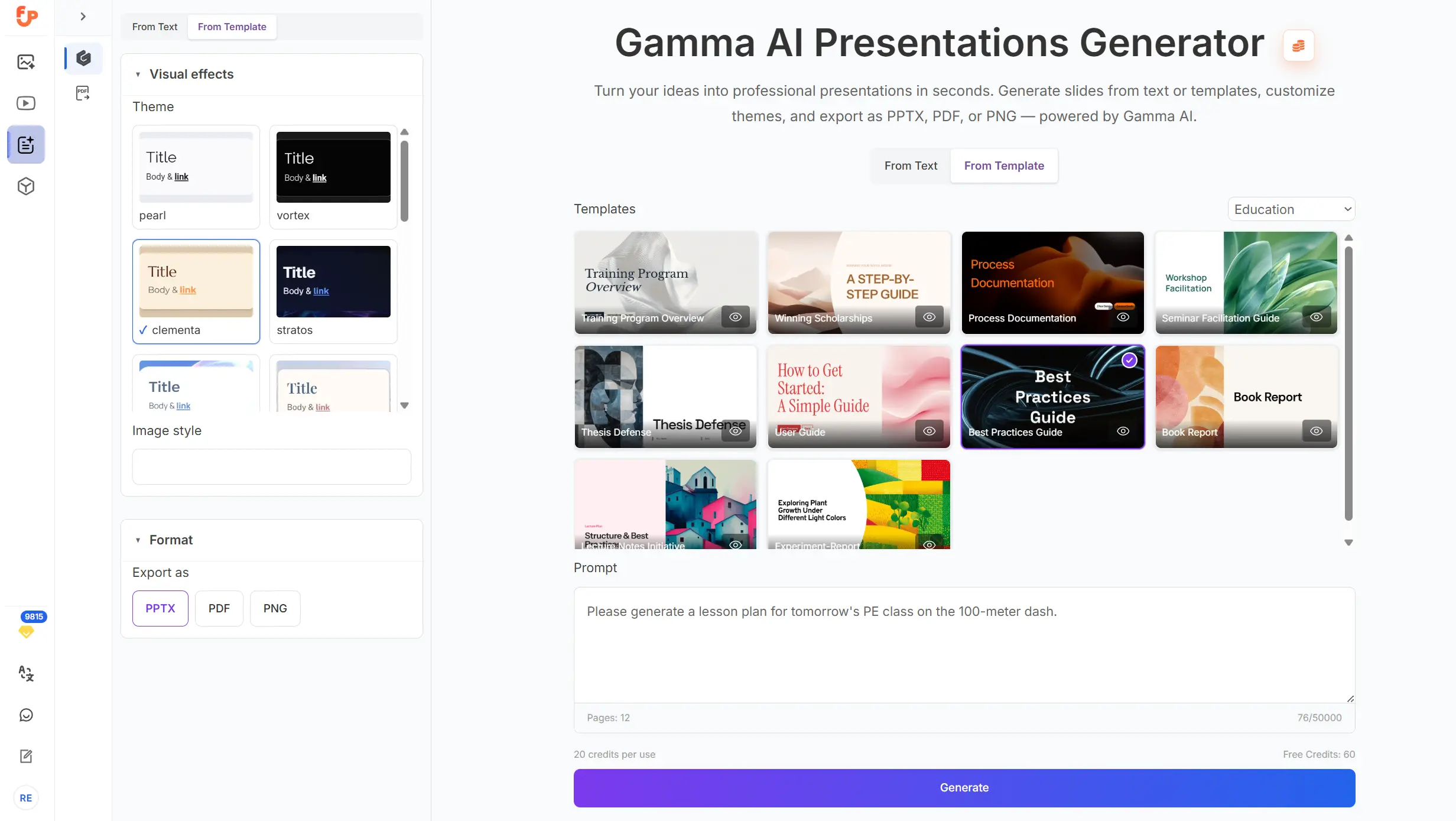
If you want to preview a template before using it, the workflow stays simple and visual:
What the result can look like
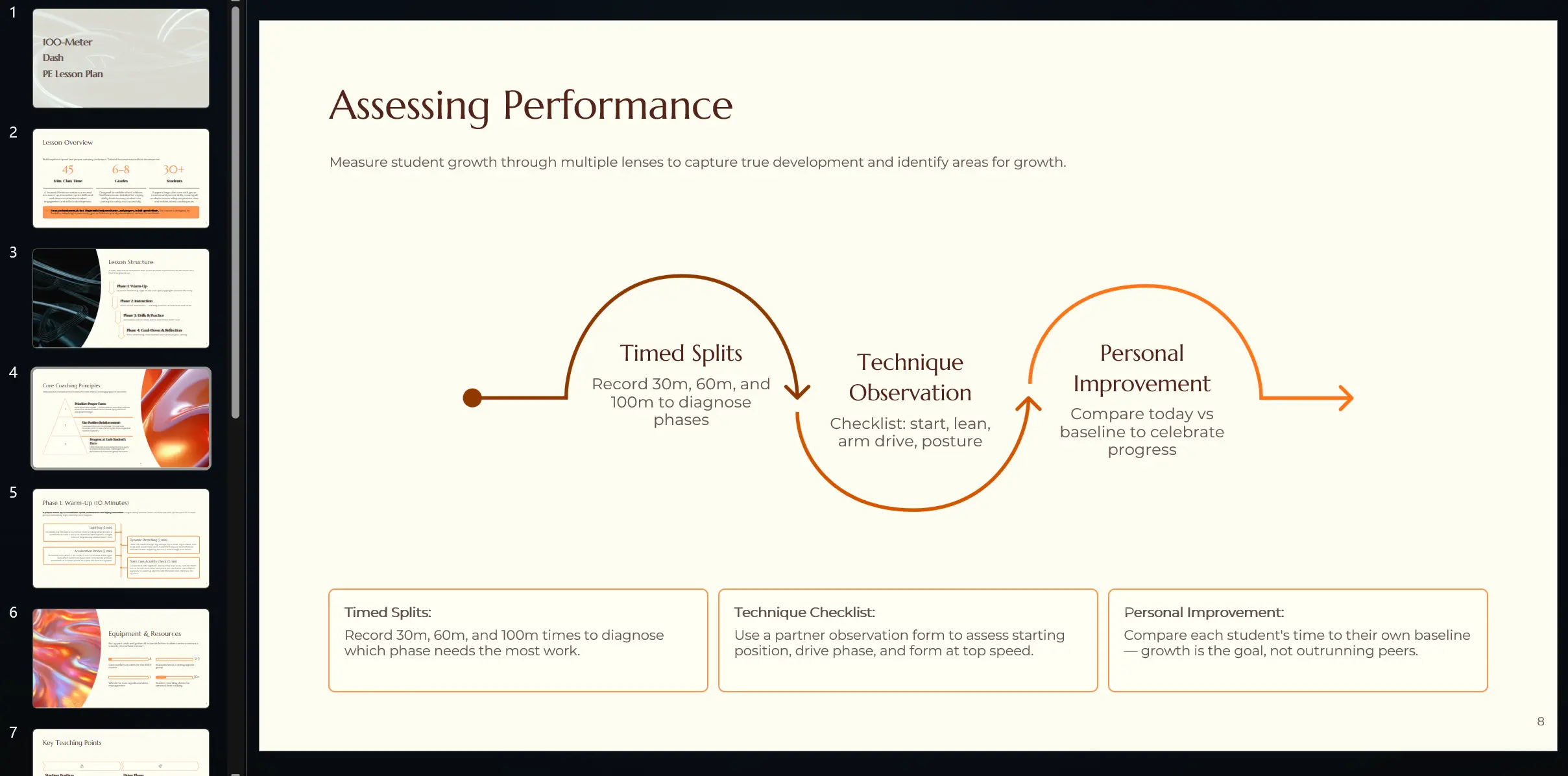
Once the structure is in place, the presentation starts to feel real. This is the stage where rough ideas become something you can actually share with a team, use in class, or send to a client.
A clean result matters because people rarely judge a presentation only by its content. They also respond to clarity, layout, pacing, and how easy the information is to follow.
Here is an example of a generated presentation result:
Files are often where the real content lives
A lot of useful presentation material already exists before anyone opens a deck.
It may be sitting in:
- a report
- a proposal
- a translated file
- meeting notes
- a long-form article
- product documentation
- training material
This is one of the reasons a file-based workflow matters. In real work, people often need to turn existing material into something easier to present. That process is less about “creating from zero” and more about reshaping information into a clearer format.
With FamilyPro, that kind of transition feels more direct. A file can become the starting point for a presentation instead of just background material that needs to be manually rewritten.
Translation makes presentation work more practical
Multilingual work is no longer a niche use case. It is normal.
A team may need to prepare content in English for one audience and another language for someone else. A document may need to be translated before it becomes a client deck. A training file may need to be adapted for a different region. A product explanation may need to be simplified across languages.
That is where translation becomes part of the presentation workflow rather than a separate task.
Being able to work from translated material — and turn that into a cleaner deck or downloadable PDF — is especially helpful for:
- global teams
- overseas projects
- cross-border communication
- international education
- multilingual product materials
- proposals for clients in different regions
It is a practical feature, but in day-to-day work, practical features are often the ones that matter most.
Voice can be a real starting point too
Some ideas come out better when spoken.
A founder rehearsing a pitch, a teacher outlining a lesson, a manager summarizing a meeting, a marketer thinking through a campaign — all of that can begin as voice before it becomes structured content.
That is why voice-based input is more useful than it might sound at first.
Sometimes people do not need help writing from nothing. They need help organizing what they already said.
Turning spoken thoughts into presentation content makes it easier to keep momentum. Instead of losing ideas between the conversation stage and the deck stage, the material can move more naturally from one form to the next.
Export still matters more than people admit
A presentation is only truly finished when it is in the format you need.
Sometimes that means PPT, because the file still needs editing, collaboration, or live presenting.
Sometimes it means PDF, because the goal is to send a polished version, archive it, print it, or attach it to a message without worrying about layout shifts.
That final step is not a detail. It is often the reason the work exists in the first place.
With FamilyPro, the output can be exported in the formats people actually use, which makes the tool useful beyond the generation step itself.
This works well across very different kinds of work
One of the nicest things about presentation tools is that they are rarely limited to one profession.
The same workflow can support very different people:
In education
Teachers, students, and trainers often need to turn notes into something easier to teach from or present.
That could mean:
- course slides
- workshop decks
- student presentations
- research summaries
- lesson material
In business
Teams often need something clear and fast for internal or external communication.
That might include:
- company profiles
- project updates
- proposals
- quarterly reports
- internal training
In marketing
Marketing work is full of content that needs structure.
For example:
- strategy decks
- campaign recaps
- launch summaries
- brand presentations
- performance updates
In sales and customer work
Presentation clarity matters when people need to explain value quickly.
That includes:
- sales decks
- onboarding material
- product summaries
- client-facing proposals
- service explanations
In global collaboration
When content moves across languages, teams, and regions, the ability to work from files, translated material, and flexible formats becomes even more useful.
The best tools usually feel lighter, not louder
A lot of software tries to impress users by doing everything at once.
In practice, what many people really want is something lighter: a tool that helps them move from rough content to clean output without turning every presentation into a long design exercise.
That is what makes FamilyPro Gamma AI feel practical.
It supports the kinds of inputs people actually have, not just the ideal ones. It helps users move from idea to deliverable. And it keeps the workflow online, flexible, and easy to export.
Sometimes that is all a presentation tool needs to do.
How to get started
The process is simple:
Open the official FamilyPro page
https://familypro.io/en/gamma-aiChoose how you want to begin
Start from text, templates, files, or voice-based material.Add your content
That could be a topic, a draft, a document, translated material, or spoken notes.Generate and refine
Shape the result into a clearer presentation flow.Export the final file
Download it as PPT or PDF.
A quick visual recap of the workflow:
Final thoughts
A good presentation workflow should meet people where they already are.
Sometimes that means starting with text. Sometimes it means using a template. Sometimes it means working from a file, translating existing material, or organizing ideas that were first spoken out loud.
With FamilyPro Gamma AI, those starting points are all valid. The result is a more flexible way to create gamma ai presentations, build a gamma ai powerpoint, prepare a gamma ai ppt, or export a polished PDF without getting stuck in manual slide work.
If the goal is to create presentation content online in a way that feels faster and more natural, FamilyPro offers a practical place to start.