
YouTube memberships explained: plans, prices and channel perks
If you use YouTube regularly, you may have considered Premium to remove ads, then noticed a creator's “Join” button and wondered whether it buys the same membership. These are separate services, with different benefits, billing and audiences.
This guide explains the main plans and who they suit, especially the distinction between YouTube Premium and channel memberships, so you can choose based on your viewing habits and budget.
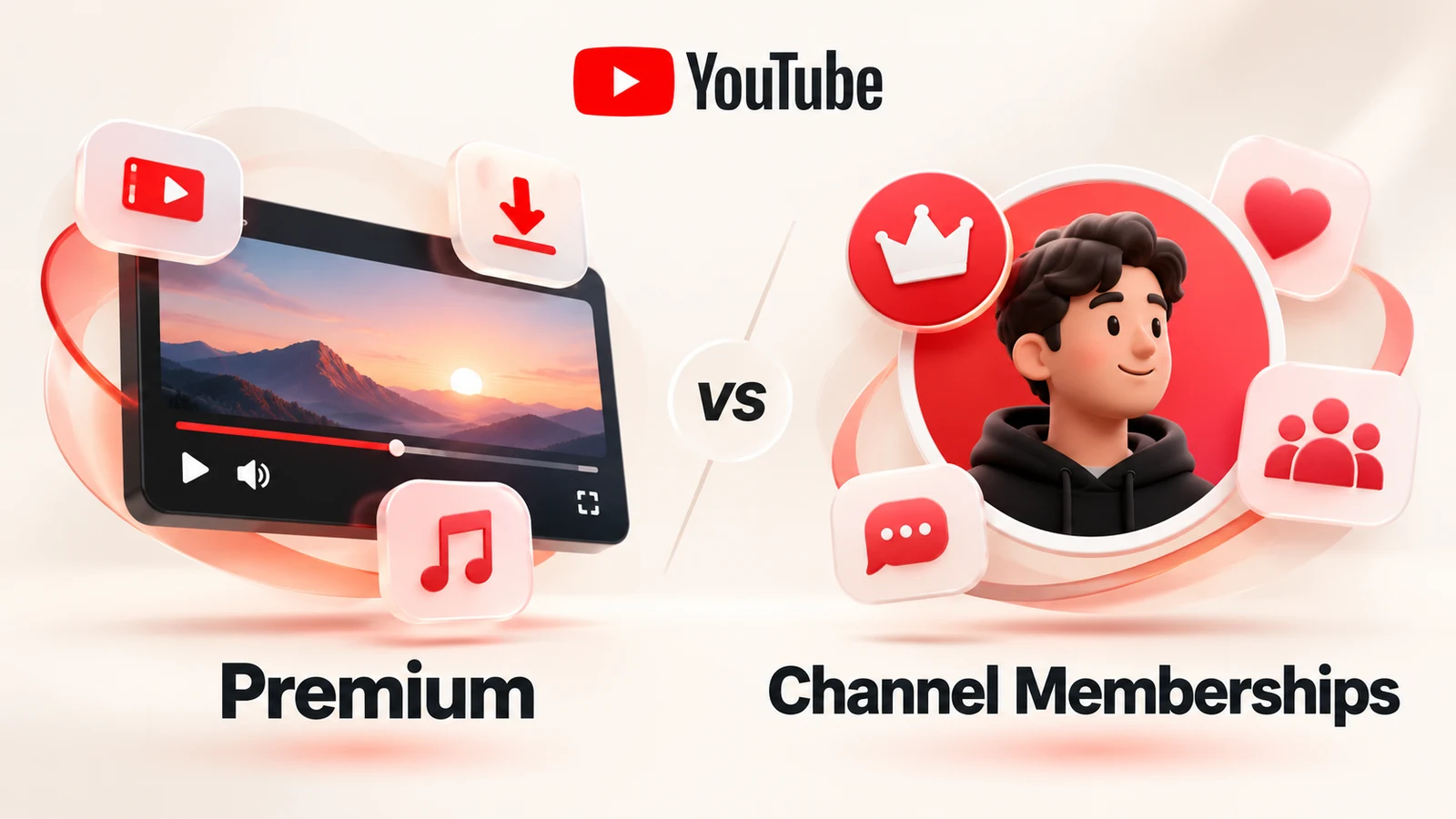
AI-generated concept illustration, not a product interface or pricing screenshot.
1. What kinds of YouTube memberships are there?
| Membership | Main purpose | What you pay for |
|---|---|---|
| YouTube Premium | Ad-free videos, background play and downloads | A platform subscription |
| YouTube Premium Lite | Fewer ads on most regular videos | A platform subscription |
| YouTube Music Premium | Ad-free music and offline listening | A music subscription |
| Channel memberships | Support a particular creator and get exclusive perks | One channel's membership |
Premium offers the most comprehensive video membership. Lite costs less, while Music Premium focuses on listening. Channel memberships buy perks from a specific creator rather than platform-wide Premium features.
2. Plans and reference prices
The following figures are US reference prices in US dollars, taken from public reporting. Availability, benefits and your final bill depend on your location, purchase channel, eligibility and taxes; check your account's offer before paying.
| Plan | Reference monthly price | Main benefits |
|---|---|---|
| Premium Individual | $15.99 | Ad-free videos, background play, downloads and Music Premium |
| Premium Family | $26.99 | Benefits for up to 6 eligible household members |
| Premium Student | $8.99 | Individual benefits, with student verification |
| Premium Lite | $8.99 | Most regular videos ad-free; background play and downloads for most videos |
| Music Premium Individual | $11.99 | Ad-free music, background play and offline listening |
See the 2026 price-change report and YouTube's membership overview. These are reported reference amounts, not a live checkout quote.
Family does not mean unrestricted sharing with friends. Members must live at the same residential address as the family manager and meet Google's family-group requirements. Students must pass eligibility checks, including institution approval through SheerID.
Premium Individual: $15.99 a month
This suits people who watch YouTube regularly. Benefits include:
- Ad-free viewing: removes regular platform ads before and during videos.
- Background play: audio continues when you switch apps or turn off your phone screen.
- Offline downloads: save eligible videos for viewing without a connection.
- YouTube Music Premium: ad-free music, background listening and music downloads.
- Additional features: depending on your account and location, options such as queuing, continue watching and Jump ahead.
Creator-read sponsorships, product placements and some live-event or podcast promotions can remain. Ad-free viewing does not promise content with no commercial messages. See Premium benefits.
Premium Family: $26.99 a month
A manager can share with up to five other eligible household members: six people in total. At full eligible membership, $26.99 ÷ 6 is about $4.50 per person per month.
Each person uses their own Google Account, keeping viewing history and recommendations separate. Everyone must meet the same-address requirement, which YouTube checks periodically. Google Workspace accounts cannot be used to join or start a family plan.
It can suit couples, parents and children, or other eligible family members living together. Savings depend on how many eligible members actually use it. See family-plan rules.
Premium Student: $8.99 a month
Eligible higher-education students get the main Premium benefits, including Music Premium, at a discount. Your institution must qualify, you must pass student verification, and eligibility must be reverified each year. Student membership can last up to four consecutive years.
After graduation or a failed eligibility check, another plan may be needed. At these reference rates, Student costs $7 less each month than Individual, or $84 across 12 months. See student membership requirements.
Premium Lite: $8.99 a month
Lite is the lower-cost choice for reducing ads on most regular videos. Gaming, news and similar videos are commonly covered. Current official guidance also includes background play and downloads for most videos.
There are important limits:
- Ads may remain on music content, Shorts, and search or browse pages.
- Background play and downloads do not cover music content or Shorts.
- YouTube Music Premium is not included.
- Some advanced features are excluded.
Music content can include covers, dance videos and vlogs using songs from music partners. If you mainly watch tutorials, technology reviews or news and already use Spotify or Apple Music, Lite may fit. If music videos, music downloads and background music listening matter, compare full Premium. See Lite's benefits and exclusions.
YouTube Music Premium: $11.99 a month
Music Premium offers ad-free music and music videos in YouTube Music, background listening, and offline songs and playlists. It does not remove ads across ordinary YouTube videos.
It may be enough if you mainly want a music streaming service and rarely watch other videos. If both matter, compare full Premium before buying a music-only membership. See the music membership overview.
3. Premium and channel memberships are different subscriptions
Premium improves your platform experience; channel memberships support one creator and unlock that channel's perks. Neither replaces the other.
What does Premium buy?
Imagine watching a dozen channels every day. Premium provides applicable ad-free viewing, background play and downloads across your viewing experience, without making you purchase a membership for each creator.
What does a channel membership buy?
A participating creator's channel or videos may show a Join button. Joining normally means a monthly payment for that channel's membership level. Possible perks include:
- Badges beside your name in comments or live chat.
- Custom channel emoji.
- Members-only videos.
- Members-only live streams or live chat.
- Exclusive community posts, behind-the-scenes material or other content.
The creator sets the levels and benefits. Not every channel offers the same perks.
How much do channel memberships cost?
There is no single price across all channels. Creators choose from available price tiers, sometimes offering an inexpensive entry level and several higher levels with different perks.
You can consult YouTube's example pricing tiers, but check the channel's Join page for actual prices and benefits. Channel, price changes and purchase platform can affect the amount shown.
| Feature | Premium | Channel membership |
|---|---|---|
| Main payment purpose | Platform viewing and listening | Support one creator, receive channel perks |
| Removes regular video ads | On eligible content | Not automatically |
| Background play | Included | Not automatically |
| Offline downloads | Included | Not automatically |
| Music Premium | Included | Not included |
| Channel badges and emoji | Not automatically | May be included |
| Members-only videos | Not automatically | May be included |
| Can be held together | Yes | Yes |
For example, a technology creator's membership might unlock exclusive videos. If you also want fewer ads on other channels, you would separately consider Premium. Buying Premium does not automatically make you a paid member of any channel.
YouTube processes channel-membership payments and shares revenue with creators. “Paying a channel” describes supporting it, not the creator receiving the entire payment directly. See channel membership rules.
For music-service comparisons, see YouTube Music vs Spotify.
4. Which option fits your habits?
You watch many videos every day
Consider Premium Individual if ads bother you and you regularly use background play or downloads across several channels.
You mainly want fewer ads on regular videos
Consider Lite if you rarely use YouTube Music and can accept ads on music, Shorts and some other surfaces.
Several eligible people in your household watch YouTube
Consider Family. At the reference rate, six eligible users average about $4.50 each per month. Do not ignore the shared-address requirement just to split costs.
You qualify as a student
Consider Student if you watch regularly and can complete verification. It is substantially cheaper than Individual at the quoted rates.
You only want music
Consider Music Premium for background listening, music downloads and an ad-free music experience.
You want to support a favorite creator
Consider that channel's membership for its exclusive videos, badges or live-stream benefits. Do not buy it expecting platform-wide ad removal.
5. Where can you check and manage a subscription?
Sign in to your Google Account and check the official Premium page for available plans, trial terms, renewal rates and your checkout total. For a channel membership, select Join on that channel and review the level's perks.
Use Purchases and memberships to manage or cancel subscriptions. Apple- or Google Play-billed purchases may require management through that provider. Check the renewal and benefit-expiry dates: cancellation and refunds are separate actions.
6. Frequently asked questions (FAQ)
Q1: What is the difference between Premium and channel memberships?
Premium buys platform benefits such as ad-free viewing, background play and downloads. A channel membership supports a particular creator and may include badges, emoji or exclusive videos and streams. You can subscribe to both, but they are billed separately and neither replaces the other.
Q2: Does Premium remove every advertisement?
It removes regular platform ads before and during videos, but creator-read sponsorships, product placements and promotional material inside videos or streams can remain. Some live events and Primetime Channels may also contain ads. See the official exclusions.
Q3: How does Lite differ from full Premium?
Lite removes ads from most regular videos and currently includes background play and downloads for most videos. Music and Shorts are excluded from those playback and download benefits; ads may also appear while searching or browsing. Music content includes some covers, dance videos and vlogs with licensed partner music. Lite has no Music Premium and fewer advanced features. Check current Lite terms.
Q4: Does Premium include Music Premium?
Yes. Full Premium includes ad-free music, background music playback and music downloads through Music Premium. A music-only subscription does not provide full Premium benefits for regular videos. Compare the price difference if you use both.
Q5: How many people can use Family?
Up to six: one manager and five other eligible members living at the same residential address. YouTube checks eligibility. Friends in different cities or countries should not join simply to split the bill. Each eligible member keeps an individual account, history and recommendations.
Q6: Who qualifies for Student?
Students at eligible higher-education institutions who pass SheerID verification. A school email address alone is not sufficient. Verification is annual, for up to four consecutive years; see the eligibility process.
Q7: Can I download videos on a phone or computer?
Eligible mobile apps and supported desktop browsers offer offline viewing; see desktop instructions. Downloads stay managed by YouTube rather than becoming unrestricted MP4 files you can copy, edit or distribute. Some videos are unavailable for downloading, and periodic online checks are required.
Q8: Can videos play in the background?
Full Premium supports background play in compatible mobile apps when switching apps or locking the screen, subject to settings and device support. This does not apply to the Shorts player. Lite also supports most videos, excluding music content and Shorts.
Q9: Can several people share an Individual account?
Individual is designed for one person and does not create separate user profiles. Sharing an account also shares history, recommendations and other account data, and may trigger security checks. Eligible household members can consider Family for separate accounts.
Q10: Why can an iPhone subscription cost more than the website?
In-app pricing can differ from website pricing. Compare the final amount for the same account and plan before choosing a purchase channel. Differences depend on the current offer and conditions; not every iPhone user necessarily pays more.
Q11: Can I still watch downloads after cancellation?
For a regular monthly subscription, benefits normally continue until the paid period ends. After expiry, Premium offline content may stop playing until you resubscribe and meet the applicable conditions. Cancellation does not delete your Google Account or YouTube channel.
Q12: Does cancellation trigger an immediate refund?
Usually not. It generally stops the next renewal while leaving current paid-period benefits available. For duplicate charges, mistaken purchases or billing issues, check your order and purchasing provider. YouTube, Apple and Google Play procedures can differ; start with YouTube's refund guidance.
Q13: Can I cancel a channel membership at any time?
Normally yes, through the membership-management page. Further renewals stop and perks generally last until the paid billing period ends. Canceling a channel membership does not cancel Premium, or vice versa.
Q14: Does joining one channel unlock other channels' perks?
No. Joining channel A does not unlock channel B's videos or badges. To support multiple creators and receive their benefits, join each separately and pay the corresponding fees.
Q15: Which is more worthwhile?
Compare Premium and Lite if your goal is fewer platform ads, background listening or offline viewing. Choose a channel membership for a creator's exclusive content or to support that creator. Both can make sense if you want both experiences; keep the two purposes separate.
7. Choose according to what you actually use
Full Premium is the broader choice if you want fewer ads, background video, downloads and music. A channel membership fits supporting a particular YouTuber and accessing their exclusive content.
On a smaller budget, check whether Lite covers the videos you watch. Eligible students can compare Student, while households can assess Family and its shared-address requirements.
Before subscribing:
- Check benefits before prices. Make sure the plan includes the features you need.
- Compare purchase channels. Check the final website and in-app amounts.
- Keep the two subscriptions separate. Platform memberships and channel memberships have independent fees and management.
Frequent viewers may value the convenience, while occasional viewers may find the free service sufficient. Decide what you need before paying.
References
Benefit rules checked on October 27, 2026. Prices come from public price-change reporting; live account checkout prices were not verified.
- Premium benefits and advertising exclusions
- Lite: background play, downloads and music exclusions
- Family plans: household eligibility and separate accounts
- Student verification and annual checks
- Joining and canceling channel memberships
- Offline viewing on computers
- Canceling Premium and benefit expiry
- Refunds and purchase channels
- The Verge: April 2026 price changes
- 9to5Google: plan and Music Premium price changes