FamilyPro GitHub Copilot Pro
Please review the Service Rules and User Guide before purchase.
Unlimited agent mode Unlimited code completions 300 premium requests Access to models from Anthropic, Google, OpenAI, and more
FamilyPro GitHub Copilot Pro offers unlimited code completions, agent mode, real-time suggestions, automated workflows, and 300+ premium requests.
Why Choose to Purchase on FamilyPro?
Backed by rave reviews. The undisputed choice.
UNBEATABLE VALUE
Enjoy the exact same official membership benefits at a fraction of the cost. We optimize family plan sharing to bring you the best price in the market.
24H RESPONSE GUARANTEE
Our support team is available through multiple channels. Once we receive your request, we will respond promptly and help resolve your issue within 24 hours.
WORRY-FREE GUARANTEE
We promise a full refund if any issues arise that cannot be resolved. Our secure payment processing ensures your data stays safe and private.
LIGHTNING FAST DELIVERY
Start enjoying your service immediately after payment. Our automated system delivers account credentials instantly to your dashboard.
100K+
Satisfied Members
99.8%
Uptime Record
Expert
Support Availability
2 Years
Trusted Service
Service Rules
If using your FamilyPro GitHub Copilot Pro VPN, avoid switching IPs often to prevent suspension
We recommend using fixed devices and IPs, avoiding frequent changes to reduce risk control issues.
Please back up your personal and project data promptly
FamilyPro GitHub Copilot Pro accounts are one-time purchases and do not support renewals. After expiration, you lose access to all associated information.
Prohibited from sharing account info
If account suspension occurs, affecting normal usage, no after-sales service will be provided.
User Guide
How to get FamilyPro GitHub Copilot Pro
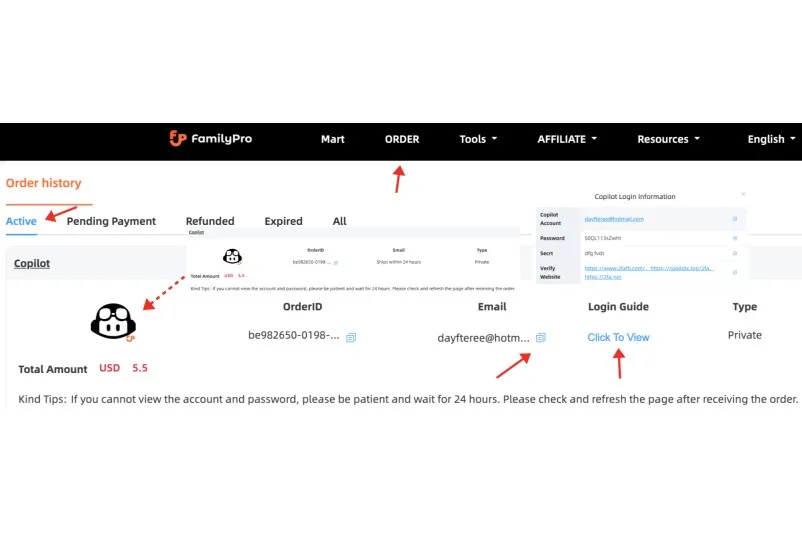
Step 1
Once you've placed your order, we'll promptly send your account details and password within 24 hours. You can easily find this information either in your email or on the order page.
Step 2
Log in using the provided account and password. If you see a Two-Factor Authentication prompt during login, please obtain the verification code.
Step 3
Please make sure to get your two-factor authentication code. You can find detailed instructions by clicking on “Login Guide” on the order page. It's a simple step to help you stay secure!
How to Log In to FamilyPro GitHub Copilot Pro
Enter your account and password
Open GitHub Copilot, click the sign-in button in the top-right corner, and enter your account and password.
Obtain the 2FA verification code
To access the order page, click “Login Guide” to find out how to obtain it.
To learn more about how to use Copilot
You can refer to the following tutorial: Copilot Official Tutorial
FamilyPro GitHub Copilot Pro
Assist with writing code, complete functions, generate tests, explain code, and provide refactoring suggestions.

GitHub Copilot Pro Features — Why FamilyPro Developers Love It
Code Completion “Infinite”
Real-time code completion in IDEs like VS Code, Visual Studio, and JetBrains works smoothly with GitHub Copilot Pro, with no restrictions. It’s a fantastic tool for developers who spend their days writing code, helping to make their workflow easier and more enjoyable.

Copilot Chat Unlimited Conversations
GitHub Copilot Pro Chat offers unlimited questions, code generation, and explanations with our built-in models. In contrast, the free version has a limit of just a few dozen uses, making the Pro version a great choice for those who need more flexibility and support.

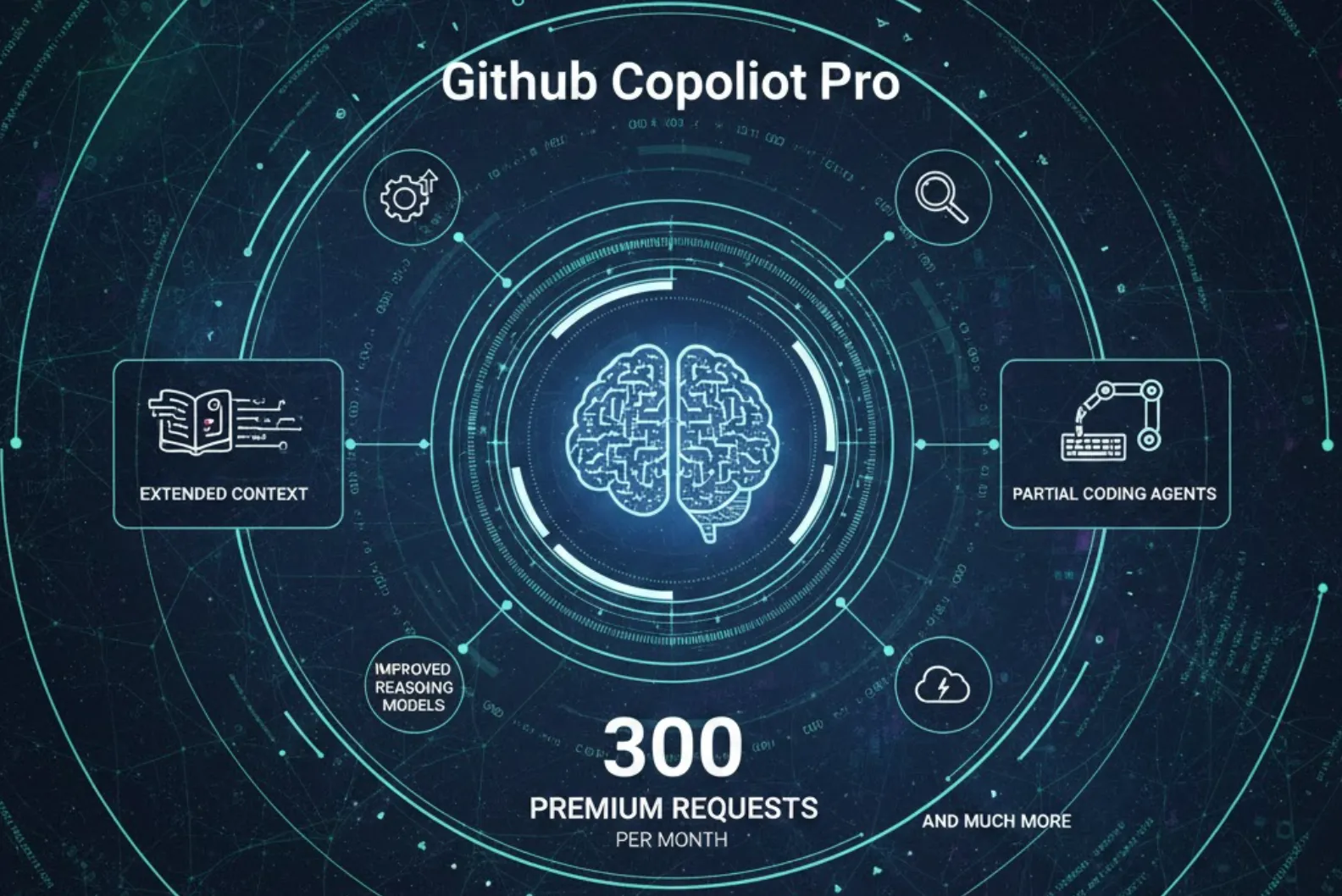
Approximately 300 premium requests per month
GitHub Copilot Pro offers around 300 premium requests each month, giving you access to more powerful models and advanced features like extended context, improved reasoning models, partial coding agents, and much more.
Coding Agents
Let GitHub Copilot Pro serve as your helpful "agent” to take care of tasks like modifying code, creating and editing PRs, and resolving issues. These automated workflows make the most of your premium requests and GitHub Actions minutes, so AI can proactively “work” on your behalf, saving you time and effort.

GitHub Copilot Pro Use Cases in Real-World Development
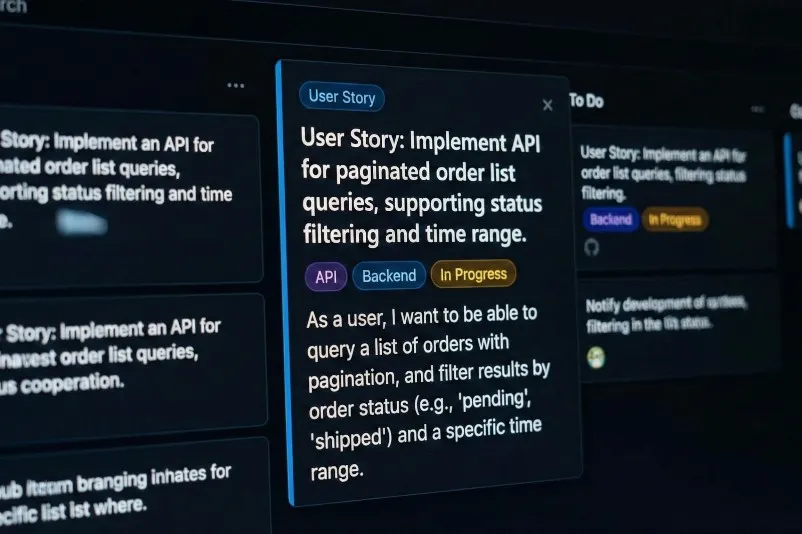
Building Business Functionality from Scratch (CRUD / API Development)
Write a comment or user story, such as “Implement an API for paginated order list queries, supporting status filtering and time range.”
Let GitHub Copilot Pro automatically generate the code skeleton for routes, controllers, and service layers, along with basic parameter validation and error handling.
You then refine the business logic and implement security/boundary checks.
Let GitHub Copilot Pro automatically generate the code skeleton for routes, controllers, and service layers, along with basic parameter validation and error handling.
You then refine the business logic and implement security/boundary checks.

Reworking and migrating based on old projects
Open an outdated module (e.g., Node.js code using callback hell, services written in older frameworks).
Have GitHub Copilot Pro Chat explain this code in plain language: “What does this do? What are the potential pitfalls?”
Have it automatically generate refactored versions based on your requirements: “Convert to async/await,” “Rewrite using the new API,” or “Break into smaller functions.”
Have GitHub Copilot Pro Chat explain this code in plain language: “What does this do? What are the potential pitfalls?”
Have it automatically generate refactored versions based on your requirements: “Convert to async/await,” “Rewrite using the new API,” or “Break into smaller functions.”

Automatically generate and refine unit tests / integration tests
Select a core class or function, then tell GitHub Copilot Pro: “Generate Jest unit tests for this class, covering both normal and exceptional cases.”
Let it infer inputs and outputs from existing code, construct mocks, and provide assertions.
You can then add boundary conditions, complex scenarios, and integration with your actual testing framework/environment.
Let it infer inputs and outputs from existing code, construct mocks, and provide assertions.
You can then add boundary conditions, complex scenarios, and integration with your actual testing framework/environment.
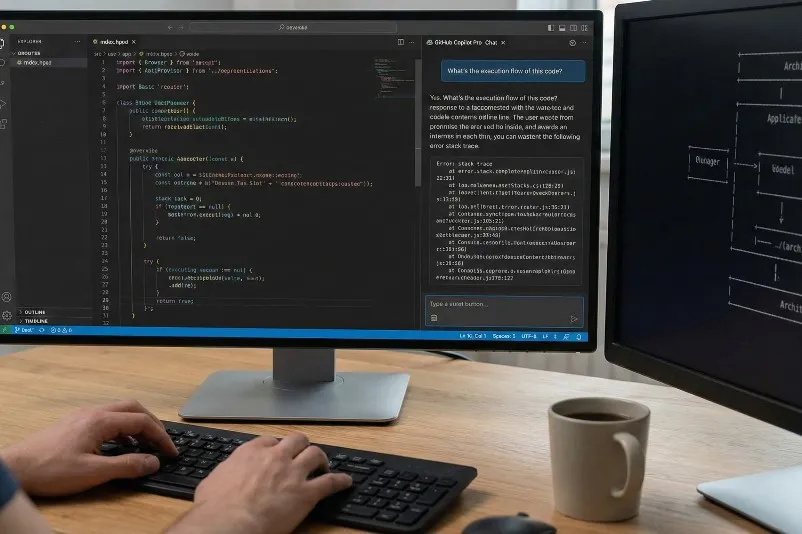
Daily “Code Q&A” and Troubleshooting Assistance
When encountering confusing library/framework code in your IDE, simply ask GitHub Copilot Pro Chat: “What's the execution flow of this code?” or “What does this regex match?”
Paste your error stack trace and ask it to “analyze possible causes and suggest fixes.”
For an open-source project, ask it to “briefly describe the module structure of this repository” or “draw a text-based architecture diagram.”
Paste your error stack trace and ask it to “analyze possible causes and suggest fixes.”
For an open-source project, ask it to “briefly describe the module structure of this repository” or “draw a text-based architecture diagram.”
What Do Our Users Say?
With the rise of AI, coding has become much easier and is no longer a manual task. GitHub Copilot Pro through FamilyPro changed my workflow—unlimited completions, agent mode, and chat. Just tell the AI to handle the work, and you'll find your productivity doubles!

Lukas
Senior Software EngineerWe use FamilyPro GitHub Copilot Pro for our department's developers—unlimited code completions and agent mode. Efficiency is something the company highly values.

TianZhong
Software ManagerWith the rise of AI, coding has become much easier and is no longer a manual task. GitHub Copilot Pro through FamilyPro changed my workflow—unlimited completions, agent mode, and chat. Just tell the AI to handle the work, and you'll find your productivity doubles!
Lukas
Senior Software EngineerWe use FamilyPro GitHub Copilot Pro for our department's developers—unlimited code completions and agent mode. Efficiency is something the company highly values.
TianZhong
Software ManagerAmazing! The efficiency is nothing short of magical! FamilyPro GitHub Copilot Pro—with its unlimited completions and agent capabilities—felt like discovering a whole new world. My programming efficiency shot through the roof.

Kim
Front-end EngineerAmazing! The efficiency is nothing short of magical! FamilyPro GitHub Copilot Pro—with its unlimited completions and agent capabilities—felt like discovering a whole new world. My programming efficiency shot through the roof.
Kim
Front-end EngineerFAQ
Does the order support renewal?
Renewals are not supported. Currently, FamilyPro GitHub Copilot Pro does not support renewal. Users cannot renew their subscription on the website. If you need to renew, please contact customer support.
Will payment be automatically deducted after the order expires?
No. All current orders are one-time purchases and will not automatically renew. FamilyPro GitHub Copilot Pro does not support renewals.