Netflix Standard Plan (FamilyPro)
Please review the Service Rules and User Guide before purchase.
Private PIN Profile Ad-Free Experience Free Replacement Warranty 24h Money-Back
Buy Netflix Standard Plan (FamilyPro) to unlock the full library of movies and TV shows without ads. Secure your own private profile with a PIN code to keep your watchlist, viewing history, and recommendations 100% personal and intact. Enjoy seamless 1080p streaming with our full-cycle warranty—receive an instant, free account replacement immediately if any connection issues arise, ensuring your entertainment never stops.
Why Choose to Purchase on FamilyPro?
Backed by rave reviews. The undisputed choice.
UNBEATABLE VALUE
Enjoy the exact same official membership benefits at a fraction of the cost. We optimize family plan sharing to bring you the best price in the market.
24H RESPONSE GUARANTEE
Our support team is available through multiple channels. Once we receive your request, we will respond promptly and help resolve your issue within 24 hours.
WORRY-FREE GUARANTEE
We promise a full refund if any issues arise that cannot be resolved. Our secure payment processing ensures your data stays safe and private.
LIGHTNING FAST DELIVERY
Start enjoying your service immediately after payment. Our automated system delivers account credentials instantly to your dashboard.
100K+
Satisfied Members
99.8%
Uptime Record
Expert
Support Availability
2 Years
Trusted Service
Service Rules
Use Fixed Devices and IPs
Recommend using fixed devices and IP addresses to avoid frequent device or network changes, reducing account control risks.
Account Info Sharing Prohibited
Strictly prohibited to leak or share account information, otherwise may lead to account suspension, affecting normal use.
Do Not Modify Shared Account Profiles
For shared accounts, do not delete/modify others' Profiles. Please use the Profile number shown on the Order Page. Contact customer service if you have any questions.
Do Not Modify Profile Names
If you need to change the name, please keep the Profile number (e.g.,
1. Erica) to avoid affecting account management.Password Update and Login Instructions
Password will be updated periodically. If unable to log in, please visit the Order Page to get the latest account information.
Usage Guide
How To Buy Netflix Standard on FamilyPro
Step 1
Open FamilyPro and sign in to your account.
Step 2
Choose your preferred subscription period (e.g., 3 Months or 12 Months) on the Netflix product page.
Step 3
Select your preferred payment method (e.g., USDT-TRC20 or Credit Card).
Step 4
Review your order details and click to confirm the payment.
Step 5
Receive the Netflix account email, password, and your assigned profile number (e.g., Profile No.2) via email or in your account order page.
How to Use Netflix Standard Plan on FamilyPro
Get Account Details
Copy the Netflix login email and password provided by FamilyPro from your order details.
Log in to Netflix
Open the Netflix App or website, and sign in using the provided credentials (do not use your personal email).
Select Your Profile
Identify and click on your assigned profile number (e.g., Profile 2) to enter your personal viewing space.
Set Profile PIN
Go to Account Settings > Profile & Parental Controls. Add a 4-digit PIN to your profile immediately to secure your watch history and prevent others from entering.
The New Standard of Streaming
Crystal clear. Zero interruptions. Pure immersion.
Elevate your viewing to 1080p. The Standard Plan isn't just a subscription; it's the ultimate way to watch ad-free.
Official Standard Plan. Better Deal on FamilyPro
100% ad-free catalog, Real 1080p quality, genuine private access.
Full HD 1080p Clarity
Experience every detail with the Netflix standard plan, delivering crisp, high-definition quality for a superior visual experience compared to basic tiers.
100% Ad-Free Streaming
Say goodbye to commercial breaks. The Netflix standard plan guarantees a seamless, uninterrupted viewing session, keeping you immersed in the story.
Universal Device Compatibility
Watch on your terms. The Netflix standard plan supports streaming on Smart TVs, phones, tablets, and laptops, ensuring your entertainment goes wherever you go.
Download & Watch Offline
Save data and watch on the move. The Netflix standard plan allows you to download your favorite titles to your device, perfect for traveling without Wi-Fi.
Cinematic Storytelling, Uninterrupted
Full HD Clarity, Absolutely No Ads.

The "Me Time" Weekend Binge
Nothing kills a Friday night vibe like a loud commercial break. When you buy Netflix standard plan on familypro, you get a completely ad-free experience, so you can power through an entire season of Stranger Things without a single interruption.

Surviving the Daily Commute
Stop staring at the subway walls. I use the "Download" feature to save data and watch movies offline on my phone. It’s a total game-changer for travelers who decide to buy Netflix standard plan on familypro—entertainment goes wherever you go.
Privacy in a Shared House
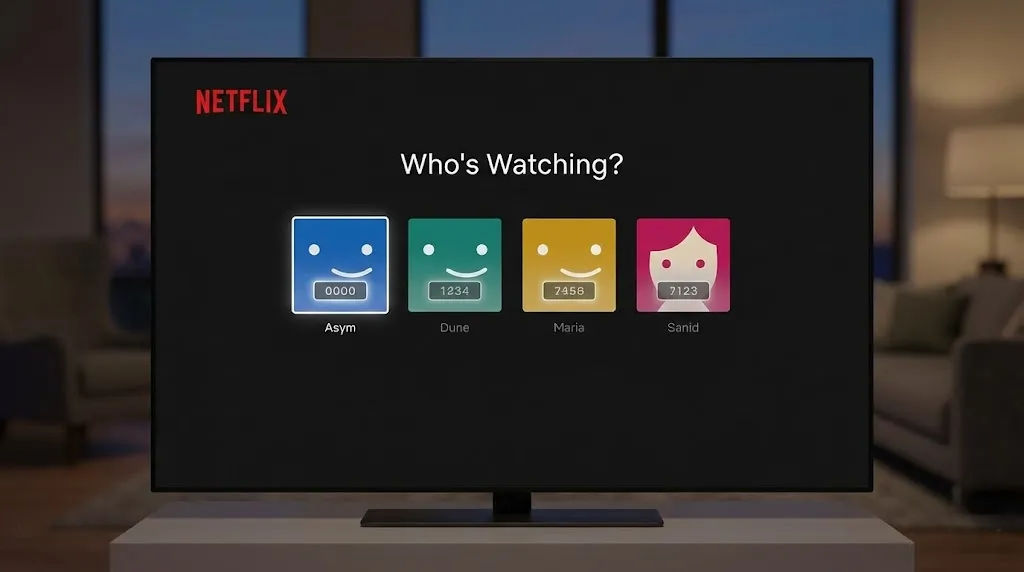
Tired of your roommate messing up your algorithm with their weird documentaries? The best reason to buy Netflix standard plan on familypro is for the PIN-protected profile. You get your own space, your own history, and zero judgment.
Keeping Up Without Going Broke
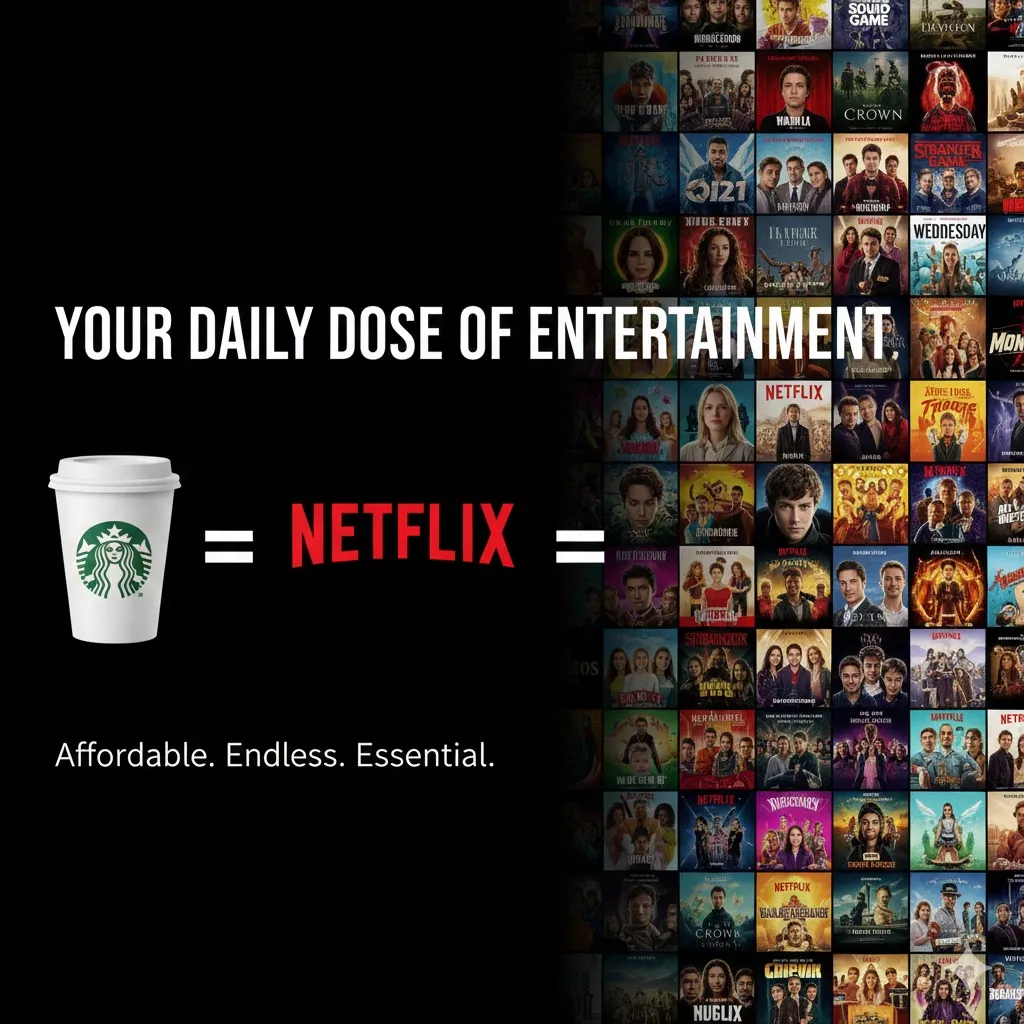
You want to discuss the latest hit show at work, but the official subscription costs a fortune. It’s just smarter to buy Netflix standard plan on familypro; you get the exact same 1080p quality and catalog, but for the price of a single coffee.
What Our Users Say
Reliable and Budget-Friendly "I was skeptical about third-party services at first, but the experience was seamless. The instant delivery and stability of the account really impressed me. If you want to save money without sacrificing quality, you should definitely buy Netflix standard plan on familypro. It’s been working perfectly for my weekend binges."

Sarah Jenkins
Digital Marketing Specialist性价比极高的选择 “作为一名自由职业者,我需要控制每月的固定开销。官方订阅价格一直在涨,朋友推荐我来这里。体验之后发现画质非常清晰,没有任何卡顿。对于想省钱又想享受高清流媒体的朋友,我的建议是 buy Netflix standard plan on familypro,绝对物超所值!”

Lin Hao
Freelance Writerコスパ最高です (Best Cost Performance) 「最近サブスクリプションの費用がかさんでいたので、節約できる方法を探していました。画質もフルHDで全く問題ありません。もし月額料金を抑えたいなら、迷わず buy Netflix standard plan on familypro することをお勧めします。サポート対応も早くて安心でした。」

Tanaka Kenta
IT Consultant가성비 끝판왕 (The Ultimate Value) "요즘 넷플릭스 구독료가 너무 부담스러워서 찾아보다가 알게 되었습니다. 화질 저하도 없고 끊김 없이 잘 나옵니다. 저렴하게 이용하고 싶은 분들은 고민하지 말고 buy Netflix standard plan on familypro 하세요. 정말 강추합니다!"

Kim Min-su
Graduate StudentReliable and Budget-Friendly "I was skeptical about third-party services at first, but the experience was seamless. The instant delivery and stability of the account really impressed me. If you want to save money without sacrificing quality, you should definitely buy Netflix standard plan on familypro. It’s been working perfectly for my weekend binges."
Sarah Jenkins
Digital Marketing Specialist性价比极高的选择 “作为一名自由职业者,我需要控制每月的固定开销。官方订阅价格一直在涨,朋友推荐我来这里。体验之后发现画质非常清晰,没有任何卡顿。对于想省钱又想享受高清流媒体的朋友,我的建议是 buy Netflix standard plan on familypro,绝对物超所值!”
Lin Hao
Freelance Writerコスパ最高です (Best Cost Performance) 「最近サブスクリプションの費用がかさんでいたので、節約できる方法を探していました。画質もフルHDで全く問題ありません。もし月額料金を抑えたいなら、迷わず buy Netflix standard plan on familypro することをお勧めします。サポート対応も早くて安心でした。」
Tanaka Kenta
IT Consultant가성비 끝판왕 (The Ultimate Value) "요즘 넷플릭스 구독료가 너무 부담스러워서 찾아보다가 알게 되었습니다. 화질 저하도 없고 끊김 없이 잘 나옵니다. 저렴하게 이용하고 싶은 분들은 고민하지 말고 buy Netflix standard plan on familypro 하세요. 정말 강추합니다!"
Kim Min-su
Graduate StudentGreat for Commuters "Streaming on the go is a must for my job travel. The 1080p quality is crisp on my tablet. I highly recommend anyone looking for a deal to buy Netflix standard plan on familypro; the setup was incredibly easy and the customer support is responsive."

David Chen
Software Engineer追剧党的福音 “操作流程非常丝滑,没有任何复杂的步骤。账号非常稳定,而且不需要梯子就能直接看(当然取决于你的网络环境)。与其和别人拼车不仅麻烦还不安全,不如直接 buy Netflix standard plan on familypro,省心又省力,强烈推荐!”

Chen Ya
Graphic Designer手軽に始められました (Started Easily) 「通勤時間の暇つぶしにNetflixは欠かせません。登録が複雑かと思いましたが、驚くほどスムーズでした。友人に勧められて buy Netflix standard plan on familypro を選びましたが、大正解でした。これからの新作映画が楽しみです。」

Suzuki Misaki
Sales빠르고 편리한 서비스 (Fast and Convenient Service) "결제하자마자 바로 계정 정보를 받아서 사용할 수 있었습니다. 주말에 몰아보기를 좋아하는데, 스탠다드 플랜으로도 충분히 고화질을 즐길 수 있어 만족스럽습니다. 현명한 소비를 원한다면 buy Netflix standard plan on familypro 하는 것이 최고의 선택입니다."

Lee Ji-young
Web DeveloperGreat for Commuters "Streaming on the go is a must for my job travel. The 1080p quality is crisp on my tablet. I highly recommend anyone looking for a deal to buy Netflix standard plan on familypro; the setup was incredibly easy and the customer support is responsive."
David Chen
Software Engineer追剧党的福音 “操作流程非常丝滑,没有任何复杂的步骤。账号非常稳定,而且不需要梯子就能直接看(当然取决于你的网络环境)。与其和别人拼车不仅麻烦还不安全,不如直接 buy Netflix standard plan on familypro,省心又省力,强烈推荐!”
Chen Ya
Graphic Designer手軽に始められました (Started Easily) 「通勤時間の暇つぶしにNetflixは欠かせません。登録が複雑かと思いましたが、驚くほどスムーズでした。友人に勧められて buy Netflix standard plan on familypro を選びましたが、大正解でした。これからの新作映画が楽しみです。」
Suzuki Misaki
Sales빠르고 편리한 서비스 (Fast and Convenient Service) "결제하자마자 바로 계정 정보를 받아서 사용할 수 있었습니다. 주말에 몰아보기를 좋아하는데, 스탠다드 플랜으로도 충분히 고화질을 즐길 수 있어 만족스럽습니다. 현명한 소비를 원한다면 buy Netflix standard plan on familypro 하는 것이 최고의 선택입니다."
Lee Ji-young
Web DeveloperFAQ
Can I renew my order? Can I continue using the same account after renewal?
Yes. Before your order expires, you can go to the Order Page, click the "Renew" button to complete payment. After renewal, account information remains unchanged, and the subscription period is automatically extended.
Will I be charged automatically after the order expires?
No. All orders are one-time purchases and will not auto-renew. If you need to renew, please manually go to the Order Page to proceed.
Can I set a PIN code for my Profile?
Yes. On Netflix homepage, click profile icon in top right > Account > Manage Profiles, select your Profile, click "Profile Lock", enter account password, check "Require PIN to access profile", and set your PIN code.
Can I watch Netflix without an internet connection?
Yes. Tap the Download icon (downward arrow) on any title while on Wi-Fi. The Standard Plan allows you to download content on up to 2 devices simultaneously.
Why is my video quality not in HD?
Check your settings under Account > Playback Settings and ensure it is set to "High." Note: The Standard Plan supports up to 1080p (Full HD).