
Grok Bot Explained: From AI Chat Assistant to AI Teammate
For $30 a month, you can have several AI bots share research, writing, and everyday operations. That is the appeal of Grok Bot. The questions come when you try to put it to work: how much can it finish on its own? Will the allowance cover several bots? And if you already use Grok Chat or ChatGPT Dots, what would you gain?
The idea is straightforward: give a bot a job and access to the tools it needs. A research bot can gather market information, while a content bot turns those findings into a draft. Assigned cloud tasks can keep running after you close your laptop.
That feels closer to working with a colleague than asking isolated questions. Still, your subscription pays for tools and usage. The time you save depends on the job. Multi-bot handoffs, shared limits, and persistent logins deserve a closer look before the first assignment.
Information checked October 19, 2026. This article draws on official documentation. The assignments below illustrate possible workflows; they are not the author's hands-on test results.
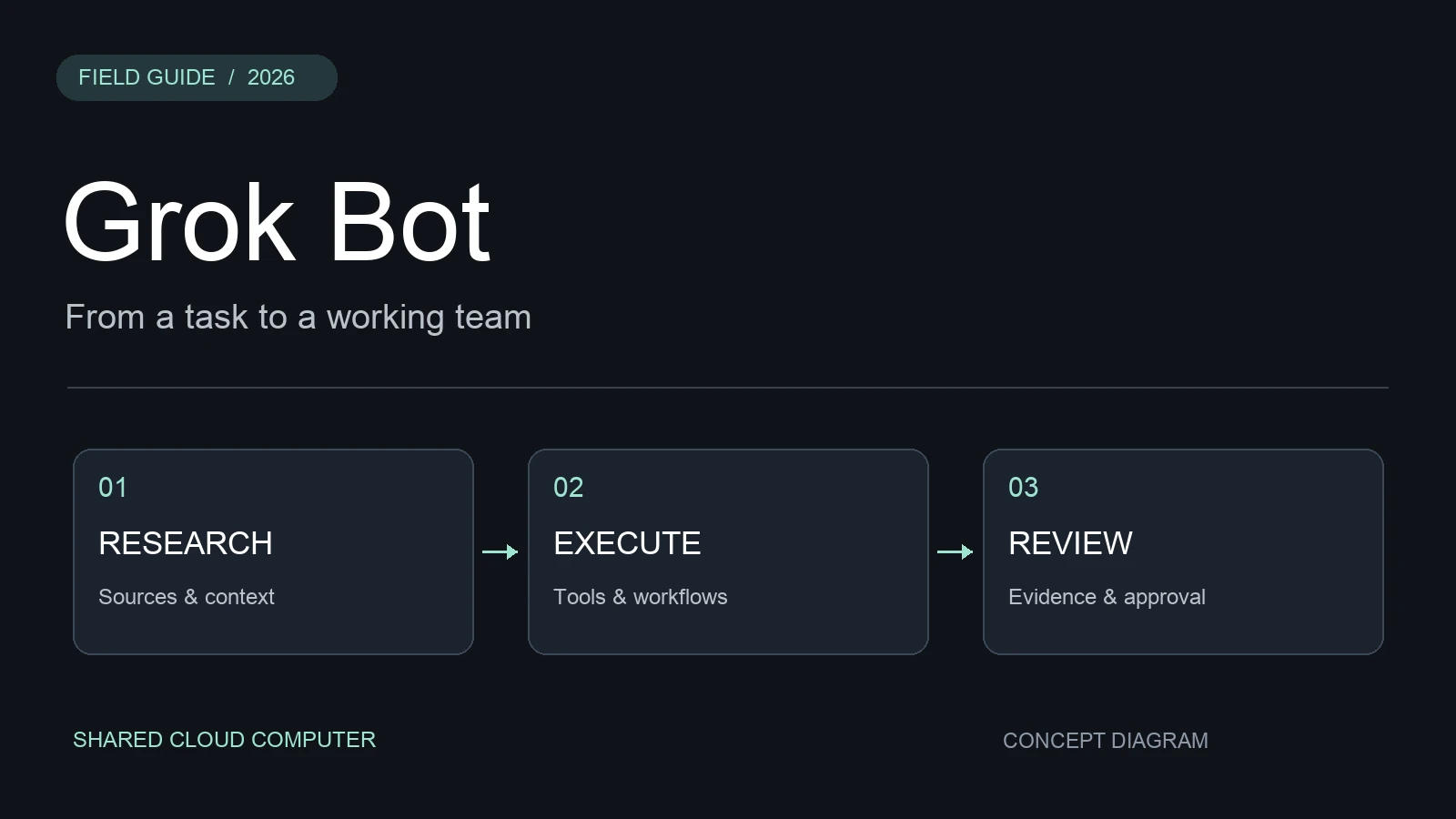
Concept diagram, not a product screenshot.
What is Grok Bot, and how is it different from Grok Chat?
Grok Bot is positioned as AI teammates. Each bot can have a name, a role, and accumulated work context. It works through a cloud computer with a browser, filesystem, and terminal.
Consider an online store. With Grok Chat, you might ask for a product description or an analysis of a sales spreadsheet, then take the answer into your store admin yourself. With a bot, the assignment can cover the whole process:
Help maintain this store's product information. Check the inventory sheet daily, find products with missing specifications or descriptions, and prepare suggested changes. Keep decisions for me in one list. Ask before publishing products or changing prices.
You are giving it an ongoing responsibility. It needs to know where to find information, which rules to apply, and where to leave the result. You should not have to explain the business from scratch for every repeat task.
| Dimension | Grok Chat | Grok Bot |
|---|---|---|
| Typical work | Questions, explanations, analysis, drafts | Research, files, cross-app execution, follow-up |
| Assignment | Discuss the current question | Give a named bot a role and a complete job |
| Environment | Conversation and available tools | Persistent cloud computer |
| Recurring work | User starts another request | Routines can repeat the work |
| Coordination | User organizes and combines results | Bots can communicate and hand off tasks |
Grok Chat already offers tools such as search and file analysis. For a one-off question, that may be enough. A bot becomes more useful when you want the next steps handled too, including work that continues tomorrow or next week.
How do several bots work as a team?
For a product launch, you could assign competitor research to one bot, drafting to another, and progress tracking to a coordinator. The handoffs are easy to describe in messages: who does the work, what they return, and who receives it next.
There is no need to recreate a company org chart on day one. A job with one source and one clear result often works well with a single bot. More roles also mean more coordination and more opportunities for information to get lost.
Bots under the same account share one cloud computer. Their conversational context can be separate, but files, browser sessions, and app logins are shared. Logging a research bot into your store does not prevent other bots from using that session. Separate bot names do not isolate confidential client work. See the computer and apps documentation.
Can you save a process for next time?
Yes. A Skill records how to do the work; a Routine determines when to run it again. Once you have corrected the inventory filters, shortage rules, and report format, save that method and schedule it for each morning.
If Teach a task is available on your account, you can demonstrate a browser workflow and have the bot draft a skill. Recording lasts up to ten minutes and does not capture microphone audio. Try the result with different data afterward: a demonstration rarely covers missing records or a changed page. Availability and setup are described in Skills and routines.
How much does Grok Bot cost?
The X Subscription, introduced on October 12, 2026, combines Grok, Grok Bot, Cursor, and X membership benefits. For new subscribers, Grok Bot starts with Premium at $30 a month.
| New plan | Monthly price | Grok Bot | Included usage relative to Plus |
|---|---|---|---|
| Free | $0 | Not included | Limited |
| Plus | $8 | Not included | Base |
| Premium | $30 | Included | 4× |
| Super | $100 | Included | 15× |
| Ultra | $200 | Included | 50× |
These are official US-dollar list prices, before applicable taxes. Checkout determines your actual price. All multipliers use Plus as the baseline; they are neither task counts nor successive increases from the preceding tier.
Already paying for Cursor or SuperGrok? Check your existing bot entitlement first. The announcement preserves legacy plans, with optional migration as it becomes available. Compare your current access and limits before buying another subscription.
Also distinguish this Premium tier from the old standalone X Premium. For annual billing, account combination, and refunds, see our X Subscription guide.
What does the shared weekly allowance mean in practice?
Suppose you analyze files in Grok during the day, use Grok models for coding in Cursor, and ask a bot to research customers in the evening. Eligible usage draws from the same weekly pool. The subscription does not give each product a separate full allowance.
Third-party Cursor models are charged separately. First-party work beyond the included pool can also require additional credits. Your account shows consumption, the next reset, and spending controls. See the official usage rules.
How can you avoid spending the allowance before finishing?
Start with a batch you can review: research 20 companies, return the results, then wait. This reveals whether the criteria are clear and how much that kind of work consumes.
Specify what happens when something fails. If a source cannot be opened, return the link and reason. If sign-in keeps failing, stop for help. Repeated attempts can consume work without producing a useful result.
Pass original links, key figures, and reasoning between bots so the writer does not repeat the research. Delegating heavy work to another tool may help with a particular assignment, but check that tool's fees too. Track the total cost of an acceptable result, along with your review and correction time.
Four workflows worth trying
Good starting jobs have identifiable source material, understandable rules, and a result you can inspect. The official use cases include outreach research, bug reproduction, and account reviews. Here is how that translates into everyday assignments.
Customer research and outreach drafts
Prospecting involves checking a company's business, finding relevant contacts, assessing fit, and preparing a message. Give the bot a list, qualification rules, and examples of emails you like:
Research these 20 companies. Verify products and target markets on their websites. Flag priority prospects against our criteria, explain each choice with sources, and prepare email drafts. Do not send or enroll anyone in an automated sequence.
Review the evidence behind specific claims. Does the company actually offer that service? Is there a source for the need mentioned in the draft?
Turning a vague bug report into reproducible steps
A screenshot saying “checkout failed” leaves plenty of investigation. A bot can try the reported flow in staging and collect steps, expected and actual behavior, screenshots, and console errors. If it cannot reproduce the issue, it should record what it tried.
Only then decide whether another bot or coding tool should attempt a fix. Starting a rewrite before establishing the trigger can create changes unrelated to the reported problem.
Connecting research with content production
Have a research bot maintain a weekly update sheet with publication dates, source links, and specific changes. A content bot can use that sheet to propose angles and outlines.
Keep the original evidence in the handoff. If the writer receives only a summary, it may mistake the researcher's inference for an announced fact. An outline with sources is easier for an editor to use than a polished article whose claims cannot be checked.
Shopify inventory and unusual orders
Start with daily lists of low-stock products, stalled orders, and unresolved service issues. Keep refunds, price changes, and customer contact under human control.
Define thresholds and time windows: “stock below five units” and “unfinished orders from the past 24 hours” are easier to verify than “inventory problems.” Access depends on a suitable connector or authorized cloud-browser access. Compare the first result with the store admin, including its timezone and filters, before scheduling it.
Grok Bot or ChatGPT Dots?
Grok Bot makes the roles visible: research, writing, development, coordination. Dots emphasizes a persistent assistant that follows an ongoing responsibility and decides what should happen next.
For a launch, you might assign roles to several Grok bots. With Dots, you might ask your dot to track the launch plan and delegate individual jobs to Work, Codex, or background agents.
| Dimension | Grok Bot | ChatGPT Dots |
|---|---|---|
| Interaction | Named bots and role-based messages | Ongoing conversation with your dot |
| Delegation | Communication and handoffs between bots | Background agents, Work, or Codex |
| Repeated work | Skills and Routines | Scheduled work and follow-up |
| Eligibility | New Premium and above; check legacy plans | Depends on plan and rollout |
| Main reason to choose | Explicit division of roles | Persistent coordination and follow-through |
Dots can delegate several background tasks, so describing it as strictly “single-agent” is misleading. The official Dots documentation lists a gradual rollout for Pro 100, Pro 200, and Pro 500 users over 18 outside the EEA, UK, and Switzerland. Business Premium and Enterprise have different conditions; Enterprise needs administrator enablement. Check actual access before purchasing.
My advice is to start with your existing tools. If Grok and Cursor are already part of your work and your plan includes Bot, try one recurring job there. If you work in ChatGPT, Work, and Codex and need ongoing coordination, consider Dots first. Our Dots guide explains its approach.
A cheaper subscription does not always produce cheaper work. Compare repeated instructions, corrections, extra charges, and review time on the same assignment. This article does not rank performance from a controlled comparison.
Start with one bot and one familiar job
Download the app through the official site, confirm access, and assign work you already understand. Use public material or a small test dataset first. Correct the result, then save the stable method.
Specify approval points for email, payments, deletion, and production changes. Auto Review evaluates actions; Take over lets you control the computer for a sensitive step. Completing a login does not approve every later action.
Use secure handoff or take control for passwords, verification codes, and payment confirmation. Do not put them in ordinary chat. See the security and approvals guide.
After a few runs, compare the steps saved with the time spent checking and correcting. Expand the role or upgrade only once that particular job is delivering reliably.
Frequently asked questions
Does Grok Bot work after I close my laptop?
Cloud tasks and routines can continue. Sign-in, approval, or usage limits can still interrupt them. Work using your local computer also needs that device available as required.
Is the $30 plan unlimited?
No. Premium includes bot access and a shared weekly allowance. Additional spending depends on your account settings.
Does each bot have a separate computer?
No. Bots under one account share the cloud computer, files, browser sessions, and app logins. Separate names do not isolate client data.
Can one bot finish a complete job?
Yes. Start with one bot when the source material and finish line are clear. Add roles when a specific part of the work benefits from separate handling.
Sources
- Product overview: roles, persistence, and collaboration.
- Computer and apps: shared environment and access.
- Skills and routines: saved processes and demonstrations.
- Subscription announcement: launch and legacy plans.
- Pricing and usage limits: access, pools, and extra usage.
- Use cases: research and reproduction examples.
- OpenAI Dots documentation: responsibilities, delegation, and availability.
- Security and approvals: review and sensitive handoffs.