
GPT-6.1 Terra: Pricing, Access and Is It Worth Using?
GPT-6.1 Terra is an OpenAI model for visual reasoning, computer use and clear writing. It is a useful model to evaluate for defined tasks where you can check the result. Eligible users can access it through GPT Work, Codex and the API, but it is not a separate option in regular Chat. Standard API pricing is $1 per million input tokens and $5 per million output tokens. 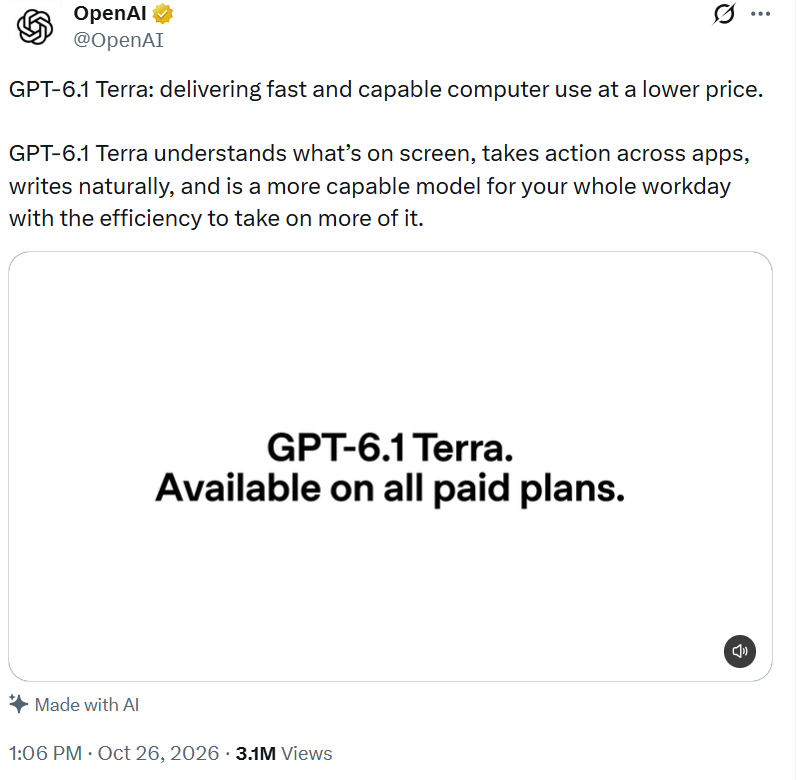 What caught my attention is not simply the lower API price. Terra looks most interesting when the task involves a screen or document and the finished result is easy to verify. I would be more cautious about choosing it for a complex coding project on price alone. After comparing OpenAI's documentation with early outside reports, the question I would ask is: how much work does the model actually save after someone checks its output?
What Is GPT-6.1 Terra and What Can It Do?
OpenAI positions GPT-6.1 Terra for work that involves reading images, operating apps and producing useful written output. Think of matching supplier product photos to catalog entries, reading a technical drawing or drafting a proposal from supplied information. The official model page describes text and image input, text output, a 1,050,000-token context window and a maximum output of 128,000 tokens.
One distinction I would check before planning a workflow is the difference between understanding a screen and acting on it. Terra can reason about a screenshot, but interacting with it requires a computer-use tool and an environment that gives it the necessary access. Likewise, support for an image-generation tool does not mean the model itself produces an image as its native output.
A useful first job has a result you can check. For visual work, ask the model to read a screenshot of a product table, then compare the names and prices it extracts with the image. A missed decimal point can matter more than a fluent explanation. For coding, try a small form bug where empty email addresses are accepted; the fix should reject empty input without breaking valid submissions.
The OpenAI launch announcement also describes form filling and document work. Treat those examples as a starting point. A real workflow may involve permissions, unusual layouts or data that requires human review.
How to Access GPT-6.1 Terra in Work, Codex and the API
When I checked the availability details, the most useful distinction was not the plan name alone, but the place where you open the model. The GPT Work update lists Plus, Pro, Business, Enterprise and Edu plans for Work and Codex, subject to access and workspace controls. The API is a separate route for developers.
| Where you look | What to expect |
|---|---|
| Regular Chat | Terra is not available as a separate model in Chat. |
| GPT Work | Eligible users can select it from the model list in Advanced. |
| Codex | Eligible users can select the model in a supported Codex environment. |
| OpenAI API | Use the model ID gpt-6.1-terra with an eligible API account. |
In the GPT desktop app or GPT Work on the web, open the model list under Advanced and look for GPT-6.1 Terra. Work also supports the model on mobile. In Codex, check the model selector for your environment. The exact interface can change, so follow the current options shown in your app.
For API use, set the model ID in a request to the Responses API. The model supports Chat Completions too, but OpenAI's model documentation says tool calling requires Responses. If you want the model to operate a browser or computer, you must also configure the relevant tools and permissions.
Why Can't I Find GPT-6.1 Terra in GPT?
First, check whether you are in regular Chat rather than Work. Terra is not separately selectable in the former. Then check your plan, app and available model list. In an enterprise workspace, an administrator may control access. Browser use and computer use also have their own setup requirements.
If your goal is coding, our guide to Codex explains the broader distinction between GPT and Codex. For current model availability, use OpenAI's product documentation rather than assuming an older guide reflects today's menus.
GPT-6.1 Terra Pricing: How Much Does the API Cost?
For GPT-6.1 Terra, OpenAI lists these Standard text token rates:
| Billing item | Price per million tokens |
|---|---|
| Input | $1.00 |
| Cached input read | $0.05 |
| Output | $5.00 |
| Cache write, 30-minute retention | $1.25 |
These are API rates, not a monthly GPT subscription price. The model pricing page lists separate cache-write prices, including a higher rate for 12-hour retention. It also says requests with more than 272,000 input tokens use higher rates for the full request. Batch, Flex, Fast and regional processing can change the bill as well.
To see what the published rates mean for a budget, I would start with a simple estimate. Suppose each document uses 10,000 standard input tokens and 2,000 billed output tokens, including any reasoning tokens. At $1 and $5 per million, the token cost is $0.01 for input plus $0.01 for output, or $0.02 per document. A thousand similar documents would cost about $20 in text tokens.
That is a calculation, not a measured average. It excludes image charges, cache writes and reads, tool fees, retries and other adjustments. If a task needs screenshots or several attempts, measure those costs before setting a budget. Cached input is charged at the lower read rate only when it is actually served from cache; creating the cache has its own charge.
One more distinction: a GPT subscription does not supply an API token balance. Decide whether you need the Work or Codex interface, an API integration, or both before comparing prices.
GPT-6.1 Terra vs GPT-6.1 Sol: Which Should You Choose?
GPT-6.1 Terra is a sensible starting point for defined visual and computer tasks where you can check the output. GPT-6.1 Sol is the stronger candidate to compare when the work involves complex coding or a less predictable professional project. Use the same task and acceptance criteria to see which one earns its place in your workflow.
| Comparison | Terra | Sol |
|---|---|---|
| Standard input / output per million tokens | $1 / $5 | $2 / $10 |
| OpenAI's suggested emphasis | Visual reasoning, computer use and writing | Complex coding and professional work |
| Good first comparison | Screenshot or document workflow with a clear result | Multi-file coding or a more involved project |
The prices above come from the Terra model page and Sol model page. OpenAI recommends comparing models on the same representative tasks in its model selection guide.
The lower token price makes GPT-6.1 Terra a sensible candidate for routine visual work, but the price alone would not decide it for me. If a model fixes a form but breaks valid submissions, or needs repeated attempts to pass the tests, corrections can eat up the savings. Compare what it takes to get an accepted result, including the time someone spends checking it. If a smaller model already handles the job reliably, there may be no reason to pay more.
If your workflow needs only simple classification or extraction, consider testing Luna too. For difficult reasoning or a demanding multi-step project, compare Sol or Astra rather than assuming the lower-priced model is enough. Our GPT-6 Astra guide covers the flagship model's original positioning; check current OpenAI documentation for changes to access and pricing.
GPT-6.1 Terra Benchmarks: What Do They Tell You?
OpenAI's launch material presents several ways to assess GPT-6.1 Terra. MMMU-Pro covers visual reasoning, OSWorld 2.1 evaluates multi-step desktop tasks, and Agents' Last Exam includes professional work using tools. These tests are useful because each asks a different question. A good score on one does not establish that the model will perform equally well on your codebase, documents or desktop setup.
For example, OpenAI reports that Terra at medium reasoning effort scored 15 percentage points higher than GPT-5.6 Terra on Agents' Last Exam at about one-third of the cost per task in its evaluation. That is an OpenAI-reported comparison for a specific benchmark and setting, not an independent promise about everyday costs. Read the original launch announcement for the comparison and its context.
In Thorsten Meyer's newsroom test of Terra's effort settings, the author reports that the highest setting was the weakest in that particular writing evaluation. The author used Codex on a subscription on October 26, 2026, with one task type, 12 articles per language, one run per setting and AI judges; one judge was also a model in the comparison. Useful detail, but still a narrow result.
An individual experience adds another perspective. In a Reddit post comparing Terra and Sol on a game project, one Codex user preferred the Sol result and reported using more of their allowance with Terra. The user compared different reasoning settings and a single project, so the post does not establish a general quality or cost ranking.
My reading of these reports is that neither a benchmark score nor an enthusiastic or disappointed post answers the buying decision on its own. The official tests help identify capabilities worth investigating; the outside reports show how much the task and settings can matter. I would measure correct results, corrections needed and cost per accepted task before deciding which model belongs in a workflow.
How to Test GPT-6.1 Terra on a Codex Coding Task
Pick a small bug with a clear expected result, such as a form that accepts an empty email address. Give GPT-6.1 Terra and Sol the same issue description, starting code and acceptance criteria in separate clean copies of the project. Keep the available tools and reasoning settings comparable, and record any differences that cannot be matched.
Ask each model to fix the issue, then run the same tests: an empty email should be rejected, a valid email should still submit, and existing form behavior should remain intact. Review the changed files as well as the test results. Note how long each attempt takes, any additional corrections and the usage reported in your environment. This is a suggested comparison, not a result from a test we have run.
GPT-6.1 Terra FAQ
Is GPT-6.1 Terra Available in Regular GPT?
No. OpenAI says the model is available in GPT Work and Codex for eligible users, but it is not a separately available model in regular Chat. Check the current Work update for product and workspace conditions.
Can Plus Users Access GPT-6.1 Terra?
OpenAI lists Plus among eligible plans for Work and Codex. Check your account and workspace settings if the model does not appear.
What Is the GPT-6.1 Terra Context Window?
The official model page lists a 1,050,000-token context window and a maximum output of 128,000 tokens. A large context window is useful for long inputs, but longer requests can trigger different pricing and still need careful checking.
Can GPT-6.1 Terra Work With Images?
Yes. The model accepts image and text inputs and produces text. Computer actions require a compatible tool, as explained below.
Does GPT-6.1 Terra Support Computer Use?
Yes, through compatible tools and environments. Access to the model alone does not set up browser or desktop automation. You also need the relevant tools, permissions and environment; see OpenAI's model documentation for supported tools.
Is GPT-6.1 Terra Free to Use?
OpenAI's API model page lists the free API tier as unsupported. Work and Codex access follows eligible subscription and workspace rules, while API usage is billed separately. Check your account for the current limits rather than assuming unlimited use.
Conclusion: Is GPT-6.1 Terra Right for You?
I would start with GPT-6.1 Terra for screenshot understanding or interface tasks whose results I can verify. For complex code or changes across multiple files, I would compare its finished work with Sol before choosing. For simple classification or extraction, I would first check whether Luna meets the quality bar. The decisive number is the cost of an acceptable result, including review and repairs, not just the price on the model card.
If you decide you need a GPT subscription as well, payment is a separate question from model selection.
If you want GPT Plus but cannot pay OpenAI directly, FamilyPro's third-party GPT Plus top-up service offers a way to upgrade your own account. Confirm the service terms and your account's eligibility before purchasing. Access to Terra in Work or Codex depends on OpenAI's current product rules; the subscription and API billing remain separate.