
Where to use GPT-6.2 Astra and Sol: Chat, Work, and Codex
Updated November 18, 2026
OpenAI released GPT-6.2 Astra and GPT-6.2 Sol on November 17. If neither shows up in regular Chat, switch to ChatGPT Work or open the model picker in Codex. Both are also available through the API. OpenAI's announcement
Start with Sol for everyday writing, research notes, and routine code changes. Try Astra when a fix spans several services or a slide deck has to follow a company template. The models also differ in API price and how much of your subscription allowance they use.
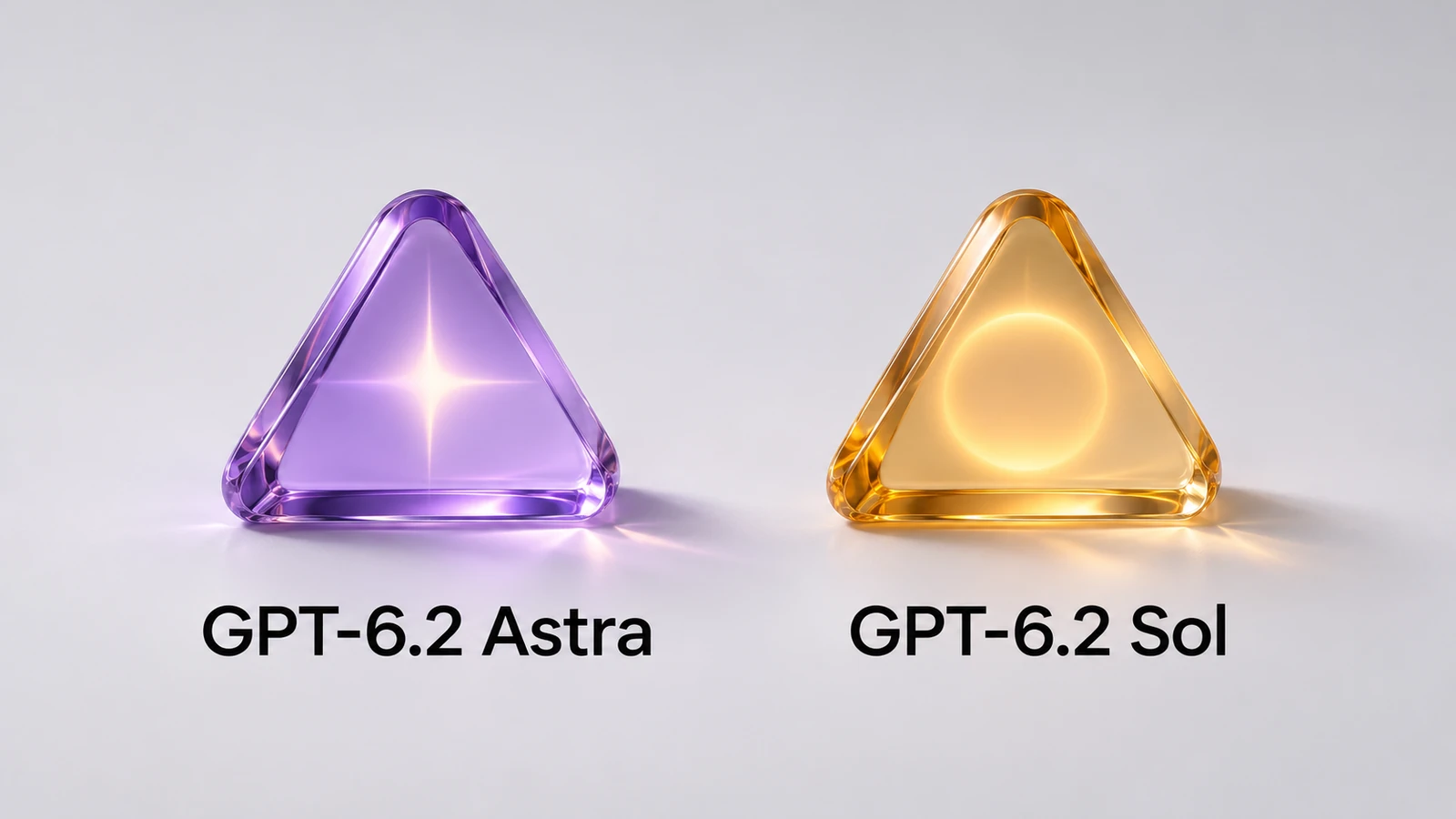
1. How to access GPT-6.2
| Where | GPT-6.2 availability | What to use it for |
|---|---|---|
| Regular Chat | Neither model in this rollout | Questions, search, brainstorming |
| ChatGPT Work | Astra and Sol | Research, reports, spreadsheets, slides, websites |
| Codex | Astra and Sol | Coding, debugging, review, and testing |
| OpenAI API | Both models | App development, automation, and integrations |
On desktop, choose ChatGPT from the menu, then switch to Work. On the web or mobile, select Work directly. ChatGPT Work and Codex help · GPT-6.2 availability
In ChatGPT Work
Work can take a task from source material to a finished report or spreadsheet. Eligible Plus, Pro, Business, Enterprise, and Edu users can access the models in Work on desktop, web, and mobile. Enterprise and Edu admins need to enable them first.
- Sign in and select Work.
- Start a new task.
- Open the model picker and look for GPT-6.2 Astra or Sol.
- Pick the model and reasoning effort. If you see the Power slider, open Advanced.
New Work chats on supported personal plans default to Sol at Light reasoning effort. Enterprise workspaces with model access default to Sol at Medium. Check the model settings to see which version your chat is using.
In Codex
Use the app's model picker or enter /model in the CLI. Astra is a candidate for tracking a bug across services and testing the affected workflows. Sol suits routine coding, pull request reviews, and changes based on feedback.
During the rollout, one Reddit user saw both models after restarting Codex. Others could see only one at the time. Codex rollout discussion · Codex guide
In the API
Use gpt-6.2-astra or gpt-6.2-sol with the Responses API. Both models support Ultrafast. Calls made in Codex with your own API key are billed through the API. Model IDs and API access
2. GPT-6.2 Astra vs. Sol
| Task | Astra | Sol |
|---|---|---|
| Reasoning | Complex work across files and sources | Most routine requests |
| Coding | Cross-module changes and difficult bugs | Everyday coding, review, and iteration |
| Documents and slides | Projects with strict templates and formatting | Routine writing and organization |
| Automation | Complex, long-running workflows | Frequently repeated multi-step tasks |
| Standard API cost | Higher per token | Lower at the same token volume |
For emails, content planning, and small code changes, start with Sol. If you need to trace a failure across files, verify a fix, or turn a report into slides that follow a strict template, give Astra a try. Earlier GPT-6 models compared
3. What's improved in GPT-6.2?
Astra follows document and slide templates more closely
OpenAI demonstrated Astra using a PowerPoint template or a screenshot to match layout, colors, fonts, font sizes, and writing style. It can also organize spreadsheet data around what the reader needs. For work in consulting, finance, sales, operations, or research, that could cut down on formatting. Check content, formulas, and template details before delivery.
Astra's results on long professional tasks
On Agents' Last Exam, Astra scored 5.2 points above GPT-6 Astra at less than a third of the cost per task. It gained about 9 percentage points on Terminal-Bench-Science 0.1. On GDPval v2, it gained 6.2 percentage points while using 22% fewer output tokens. These results reflect the benchmark tasks and settings.
Sol's cost per task
On Cognition's FrontierCode 2.0, Sol came within about 0.5 points of Astra at maximum reasoning effort for both. Sol cost about one-fifth as much per task in that test. It also gained 5.3 percentage points over GPT-6.1 Sol on GDPval v2. If Sol meets your acceptance criteria on routine jobs, try measuring how many you can finish on the same budget.
Computer use, websites, and 3D design
OpenAI also showed Astra combining code, design, and tools to prototype mechanical parts in CAD, interactive sites, games, and 3D scenes. Review and testing still matter when a prototype moves into production. OpenAI demos and benchmarks
4. GPT-6.2 subscription and API pricing
Work and Codex draw from your subscription allowance when you sign in with an eligible plan. Requests sent with your own API key follow API pricing.
ChatGPT subscription prices
These are US reference prices. Check your local checkout page.
| Plan | Reference price | GPT-6.2 access |
|---|---|---|
| Free / Go | $0 / $8 per month | Outside the main rollout |
| Plus | $20 per month | Work and Codex, subject to usage limits |
| Pro | $100, $200, or $500 per month | Work and Codex, with usage and speed by tier |
| Business | From $20 per seat per month, billed annually | Work and Codex, subject to seat and workspace rules |
| Enterprise / Edu | Contract pricing | Admin enablement required |
A standard Business seat costs $25 per month with monthly billing. Most workspaces require two seats, though some new workspaces can start with one if checkout offers it. Eligible Plus and Pro users already have GPT-6.2 access through their plan. ChatGPT plans · US Go price · Business seat pricing
For Plus and Standard Business, OpenAI estimates about 6–50 Astra local messages or 17–180 Sol messages per five-hour window. Task complexity, context length, reasoning, and tools all affect usage. Cloud tasks can use more, and weekly limits can also apply. Official usage estimates
API prices per million tokens
These are Standard rates in US dollars for short-context requests. Above 272,000 input tokens, both GPT-6.2 models apply long-context rates to the entire request.
| Model | Input | Cached input | Output |
|---|---|---|---|
| GPT-6.2 Astra | $8.00 | $0.40 | $40.00 |
| GPT-6 Astra | $10.00 | $1.00 | $50.00 |
| GPT-6.2 Sol | $2.00 | $0.10 | $10.00 |
| GPT-6.1 Sol | $2.00 | $0.10 | $10.00 |
Astra's input and output rates are down 20% from GPT-6 Astra, and cached input is down 60%. Sol keeps GPT-6.1 Sol's rates. Astra costs four times as much at the same token volume and mix. Your final bill also depends on tool calls, how many tokens each model uses, and how many times you have to revise the result.
Batch, Fast, and Ultrafast have their own rates. For both GPT-6.2 models, Ultrafast API use costs 3× Standard through February 28, 2027, and 6× starting March 1, Pacific time. OpenAI API pricing
Work and Codex share the same allowance
A report in Work and a repository task in Codex draw from the same usage pool and purchased credits. Check the usage dashboard for the remaining allowance and reset time. Eligible accounts can buy more credits.
In Codex, Pro $200 supports Ultrafast with Sol. Pro $500 supports both models. Eligible Enterprise and Edu workspaces can enable it through an admin. Ultrafast uses 6× the included allowance for equivalent Standard usage. Eligible credit-based overages follow the published promotional and later rates. Work and Codex pricing · Shared usage limits explained
5. Which model should you try first?
| Your work | Try first | Why |
|---|---|---|
| SEO and content | Sol | Keyword research, outlines, titles, editing |
| Product and operations | Sol, then Astra for complex reports | Routine tasks vs. formal deliverables |
| Everyday coding | Sol | Small changes and reviews |
| Large projects and hard bugs | Astra | Cross-file reasoning and testing |
| Finance, research, and consulting | Astra | Reconciling sources and checking calculations |
| Slides and formal documents | Astra | Template and layout requirements |
| Web prototypes and 3D | Astra | More involved visuals and interactions |
Sol is a good first choice for an SEO brief or a routine pull request. Try Astra when several sources need to be checked for a formal report or a production bug requires tracing several services.
6. What early users say
Mixed feedback from early testers
VentureBeat reported that developer Theo Browne and investor Matt Shumer were frustrated with some long delegated tasks. Browne found the progress hard to steer and the results hard to follow, though he credited Astra with catching review issues other models missed. Dan Shipper's team at Every saw Astra stop early on some coding tasks and leave out explanations. Wharton professor Ethan Mollick showed a space elevator simulation built with Astra and said he still found himself reaching for other models. VentureBeat's early coverage
Speed and usage on Reddit
Some users thought Sol 6.2 felt similar to 6.1 but used fewer tokens. Reports on speed went both ways. One user liked Astra's summary of a large backlog, and another reported using 6.2 to revise a small game and fix a crash. A Codex user reported getting through several hours of relatively complex work on Astra with less usage than expected, though responses felt slower. GPT-6.2 discussion · Astra first impressions
Why benchmarks and daily use can differ
Benchmarks use defined tasks, tools, and scoring. Live projects change as you work, and handoffs matter. OpenAI found both models more likely to omit a blocker in two tests, such as a missing file or unavailable search tool. It added instructions in Codex and is continuing to investigate. Tighter cybersecurity safeguards can also affect legitimate research and reverse engineering. For a long job, tell the model what to report if it gets stuck. OpenAI's evaluation notes
7. Can't find GPT-6.2 in ChatGPT?
Switch to Work
The release adds Astra and Sol to Work. Check the model picker there if you were looking in regular Chat.
Check the default model
A new task on an eligible personal plan may already be using Sol. Open the model and reasoning settings to confirm.
Update the desktop app or CLI
Use Check for Updates and restart the desktop app. Update Codex CLI and run /model again. OpenAI's update instructions
Check workspace permissions
Enterprise and Edu admins need to enable the models. Ask the workspace admin to check your access.
Check rollout progress
Accounts and devices may receive access at different times. If your plan, workspace settings, and client are all in order, check again as the rollout reaches your account.
8. Is Astra worth the extra usage?
Take a task you do every week and run it with each model. For content, use the same research to write a cited report. For coding, have both models fix the same known issue in the same repository and test environment. For office work, give them the same material and company template for an editable presentation.
Keep inputs, tools, permissions, and acceptance criteria the same. Record whether each model finished, how many edits you made, how long it took, and how much allowance it used. Stick with Sol if it meets the bar. Astra can justify the higher usage if it saves enough rework. This article draws on public material and does not include a controlled head-to-head test.
9. Frequently asked questions
Are GPT-6.2 Astra and Sol free?
The main rollout covers eligible Plus, Pro, Business, Enterprise, and Edu accounts, as well as developers paying for API access. Free and Go are outside that rollout.
Is GPT-6.2 Astra better than Sol?
Astra leads on some complex professional tasks. For everyday coding, writing, and frequent workflows, start with Sol.
Does GPT-6.2 Sol cost more than GPT-6.1 Sol?
Short-context Standard input, cached input, and output prices are the same. OpenAI reports lower token usage on some tasks, which could reduce the bill.
Can Plus users use GPT-6.2 Astra?
Yes. Plus is listed for Work and Codex. Availability and allowance depend on your account.
Are Work and Codex limits separate?
They share subscription usage and credits. Requests made with your own API key are billed through the API.
Does Ultrafast make the answers better?
Ultrafast is a speed setting. It can cut response times and uses the included allowance faster.
Start with Sol, then try Astra on a harder job
If your plan includes GPT-6.2, try Sol in Work or Codex on a routine task first. Save Astra for a multi-service bug, a difficult report, or a presentation with a strict template. Compare the extra usage with the time you save on edits. You can keep using regular Chat for everyday questions, writing, and search.
Sources
- OpenAI's GPT-6.2 announcement and GPT-6.2 product guide for availability, examples, and benchmark results
- Work and Codex help, subscription usage, and API pricing for access and billing
- VentureBeat and Reddit's GPT-6.2 discussion for early user reports
Sources checked November 18, 2026. Availability, usage, and pricing may change.