
ChatGPT Access Denied: Fix 1020 and File Download Errors
ChatGPT access denied is not one diagnosis. If the website shows Error 1020, investigate the security block. If only a generated file fails, troubleshoot that download. If the message names an account restriction, follow the account notice. Start with the exact wording before changing settings or buying another plan.
Quick navigation: Identify the error · Run a comparison · Website fixes · File downloads · FAQ
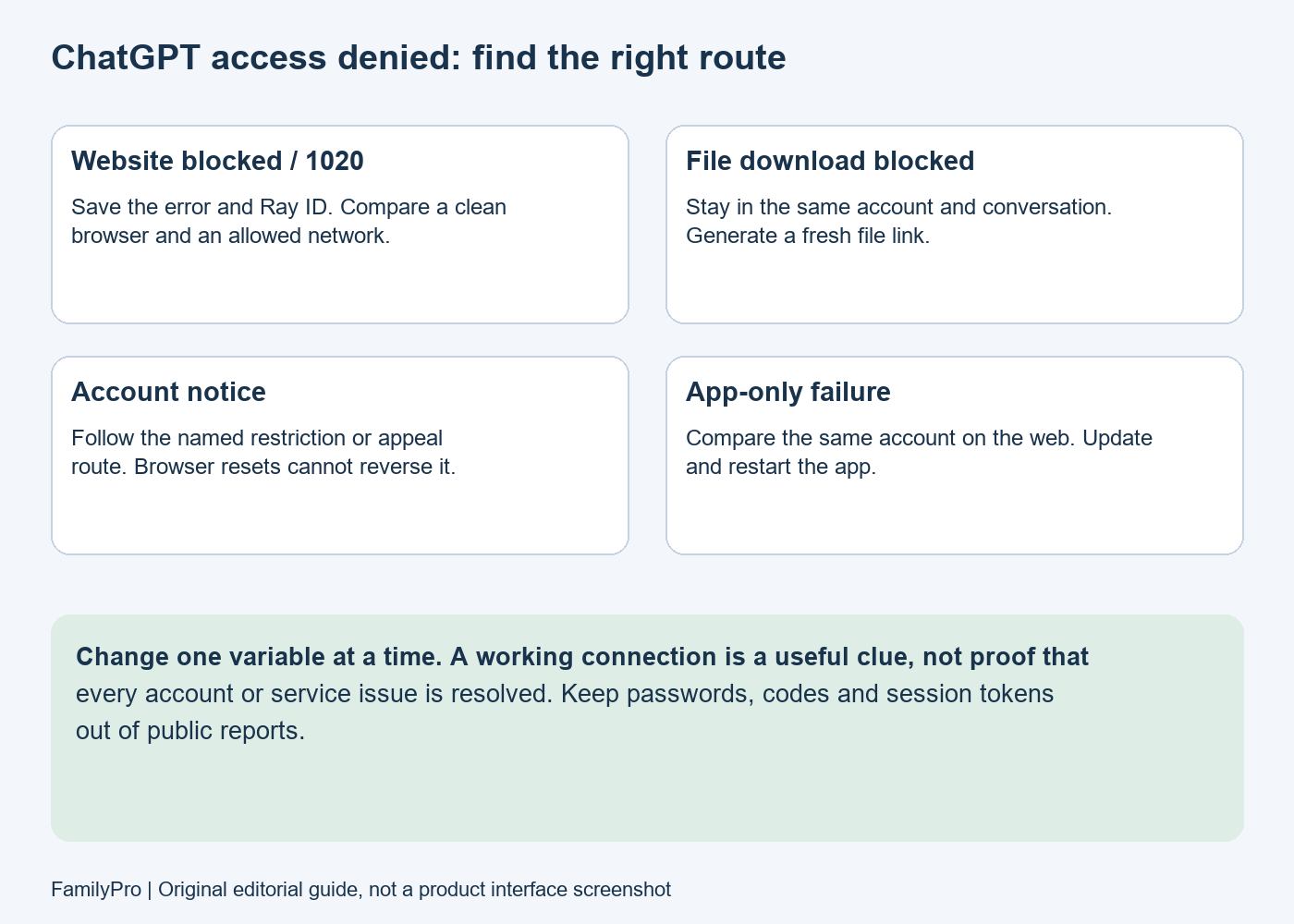
What “ChatGPT access denied” means
The phrase describes a refused action. Where it appears matters more than the phrase alone.
| What you see | What to investigate first | What it does not establish |
|---|---|---|
| A full-page Error 1020 before ChatGPT opens | A security rule blocking the request | That your account was deleted |
File stream access denied after clicking a generated file | The file link, current session and download path | That every ChatGPT feature is blocked |
| An explicit deactivation message | The account notification and appeal instructions | That clearing cookies will restore access |
| A country or region notice | Official availability for your location | That paying for Plus changes eligibility |
| A model or usage-limit notice | The particular feature and displayed limit | That it is a Cloudflare error |
Cloudflare defines Error 1020 as a request blocked by a security feature configured by the site owner. It uses HTTP status 403. The number does not reveal the exact rule to a visitor; do not assume it proves an IP ban or misconduct.
Is it your account or your connection?
Use the same account, the same action and one changed variable. Switching accounts, browsers and networks together produces an ambiguous result.
| Controlled comparison | Useful interpretation | Next step |
|---|---|---|
| Normal browser fails; private window works | Browser state or an extension may be involved | Check site-specific data and extensions |
| Wi-Fi fails; your permitted mobile connection works | The network path may matter | Ask your network administrator or ISP about the difference |
| App fails; web works in the same conversation | The app path deserves investigation | Update/restart the app and record its version |
| Chat works; one file fails | Investigate the particular download | Request a newly generated file |
| Same restriction notice everywhere | Follow the named restriction | Use the appropriate support or appeal route |
These are clues, not definitive diagnoses. Mobile data working does not prove that every account setting is healthy. A managed office network may apply policies your home connection does not.
An explicit deactivated-account notice deserves attention immediately; you do not need to exhaust every browser test before asking for help.
How to fix website access denied or Error 1020
- Save the evidence. Record the exact message, affected URL, date, time zone and Ray ID if shown. Crop personal details before sharing screenshots publicly. A Ray ID identifies the failed request; it is not a recovery code.
- Check service status. Look at OpenAI Status for the affected ChatGPT feature. A reported incident may explain the failure; an all-green page does not rule out an individual problem.
- Confirm the account and sign-in method. Use the original Google, Apple, Microsoft or email method associated with the account. Follow OpenAI’s sign-in guidance if you see an authentication-method mismatch.
- Try a clean browser session. If it works, remove only relevant ChatGPT/OpenAI site data in your normal browser and sign in again. This signs you out locally. Check whether a particular extension interferes before changing unrelated settings.
- Compare an allowed connection. If you use a personal VPN or proxy, test your ordinary connection where ChatGPT is supported. On a managed device, ask IT before changing required network or security controls. This is a diagnostic comparison, not a method to bypass regional restrictions.
- Escalate persistent blocks. Contact OpenAI support with your observations. For Error 1020, Cloudflare tells visitors to send the site owner a screenshot. Visitors cannot edit the website’s security rules in their own Cloudflare account.
A useful support note is: “At [time and time zone], [URL/action] showed [exact message]. It occurs in [browser/app version]. The same account [works/fails] in a private window and [works/fails] on another permitted connection. The page shows Ray ID [ID].”
Do not include passwords, one-time codes or session cookies. If support requests a diagnostic file, follow its instructions and review it for sensitive information before sending.
What if you use a shared ChatGPT login?
There is no verified rate in this guide comparing access-denied errors across shared and individual accounts. However, multiple people using one login complicate diagnosis: you may not control sign-in activity, recovery details or other sessions.
OpenAI’s account-sharing policy says an account is for the individual who created it. Using your own account on multiple devices is different from distributing credentials to other people.
FamilyPro publishes this guide and offers subscription products. A purchase, replacement login or payment service should not be presented as a fix for a security block. If you are comparing access arrangements, read our shared GPT account guide and check account ownership, privacy and provider terms before paying.
Similar messages that need different fixes
Keep the full error text rather than reporting every failure as “access denied.”
| Message | Correct route |
|---|---|
| HTTP 403 without a 1020 page | See the ChatGPT 403 troubleshooting guide; context still matters |
| Wrong authentication method or sign-in loop | Use ChatGPT login troubleshooting |
| Account deactivated | Read the account email and appeal instructions |
| Usage limit reached | Follow the displayed feature limit and reset information |
| Unsupported country | Check ChatGPT’s supported countries |
| An API request fails | Diagnose the API response and credentials separately from the ChatGPT app |
Do not infer a failed subscription from a generic block. Billing notices, account restrictions and website security responses require different evidence.
Fix “File stream access denied” on mobile or the web
If you can chat normally but cannot download a PDF, spreadsheet or other generated file, start here. This is a download failure; it is not necessarily an upload-permission problem.
- Open the original conversation in the same account and workspace. Avoid testing a copied link in an unrelated signed-out browser.
- Ask ChatGPT to generate the file again, then try the new link promptly. OpenAI notes that generated files can expire quickly in its download-error guidance.
- Compare the same conversation on the web if the app fails. Update and restart the app using the official mobile troubleshooting guidance.
- If the document remains inaccessible, ask for its text or a table in the chat as a temporary fallback. Check completeness before using it; this does not recreate complex formatting automatically.
- Report whether all downloads fail or just this file, along with the file type, app version and error. A successful chat response does not rule out a file-service incident.
There is precedent for service-side download failures: OpenAI recorded a resolved file-download incident in March 2026. That history explains why a server problem is possible; it is not evidence of an outage today.
FAQ
Does ChatGPT access denied mean I am banned?
No. It can refer to a website request or a particular file operation. Look for an explicit account notice before concluding that the account is suspended or deleted.
Can I fix Error 1020 by clearing cookies?
A clean session can help identify browser-related issues, but it cannot change the website owner’s security rules. Persistent 1020 errors should be reported with the error screenshot and request details.
Why does ChatGPT work on mobile data but not Wi-Fi?
That suggests a difference in the connection, network filtering or request path. It is a useful comparison, not proof of an IP ban. Check with IT if the failing network is managed.
Will buying Plus fix access denied?
Do not buy a subscription as an error-repair step. First identify the message. Paid access does not itself remove an account restriction, unsupported-region notice or website security rule.
Why does a file fail when ChatGPT still responds?
Chat and file delivery are different operations. Test a freshly generated file in the same account, compare app and web, and check for a relevant incident.
Your next step
Choose the route that matches the failed action, change one variable at a time, and keep the results. If the problem persists, a short, specific report gives support more useful evidence than repeated login attempts or an unrelated subscription purchase.