
Grok Account Suspended? Here's What to Do
Seeing a message that your Grok account is suspended can be frustrating, especially when you were able to use Grok normally before.
But before assuming that your account has been suspended, there is one important thing to check:
Does Grok actually say that your account is suspended?
A failed login, wrong password, page-loading error, locked account, disabled account, and subscription problem can all prevent you from using Grok, but they are not necessarily the same thing.
In this guide, we'll walk through how to identify the problem, what you can check yourself, and what to do if your account really is suspended.
Quick answer: If Grok explicitly says your account is suspended, save a screenshot of the message and follow the official support or appeal process available to you. If there is no suspension message, troubleshoot the login, password, browser, account, or subscription issue first.
Why Is My Grok Account Suspended?
There isn't always enough information on the error screen to tell you exactly why an account has been restricted.
If Grok explicitly shows a message such as:
- Account suspended
- Account locked
- Account disabled
- Account restricted
then you're dealing with an account-level issue, rather than a normal browser or password problem.
However, users sometimes describe any inability to access Grok as an "account suspension."
For example, you might see:
"Something went wrong while loading this page."
Or:
"I can't log in to Grok."
Neither message necessarily means that your account has been suspended.
That's why the first step is to identify the exact problem.
Grok Account Suspended vs. Locked vs. Banned vs. Disabled
These terms are easy to mix up.
| Status | What you may see | What it usually means |
|---|---|---|
| Login Error | Something went wrong / page won't load | The login process may have failed |
| Wrong Password | Incorrect password / invalid credentials | The credentials may be incorrect |
| Account Locked | Account locked | Access to the account is restricted |
| Account Suspended | Account suspended | The account has been restricted or suspended |
| Account Banned | Account banned | The account has received a more serious restriction |
| Account Disabled | Account disabled | The account is no longer available for normal use |
| Subscription Problem | SuperGrok unavailable / asks you to subscribe | The account may work, but subscription access is not recognized |
The distinction matters because the solution can be completely different.
If you're simply entering the wrong password, there is no reason to treat the situation as an account suspension.
Likewise, if you can log in but SuperGrok is unavailable, the problem may be related to your subscription or feature access.
How to Tell If Your Grok Account Is Actually Suspended
Before trying random fixes, go through these questions.
1. Does Grok explicitly mention "suspended"?
If yes, take a screenshot.
If no, don't immediately assume that your account is suspended.
2. Can you log in successfully?
Try signing in using the same account and login method you normally use.
For example, if you originally used Google to sign in, make sure you're not accidentally using a different email login.
3. Does the problem happen on another browser?
Try a private or incognito window.
This helps determine whether an old session, cookie, or browser issue is involved.
4. Does the same account fail on another device?
If the same account shows the same account-status message on your desktop, laptop, and phone, the problem is less likely to be caused by one particular browser.
5. Can you use Grok but not a premium feature?
If Grok itself works but SuperGrok or another premium feature doesn't, you may be dealing with a subscription or entitlement issue instead of a suspended account.
How to Fix a Suspended Grok Account
If you believe your account is actually suspended, don't start by repeatedly changing passwords or creating new accounts.
Work through the following steps instead.
Step 1: Check the Exact Error Message
Start with the message Grok is showing you.
Look for words such as:
- Suspended
- Locked
- Disabled
- Restricted
- Banned
Also look for more general errors such as:
- Something went wrong
- Login failed
- Page loading error
- Invalid credentials
These messages point to very different problems.
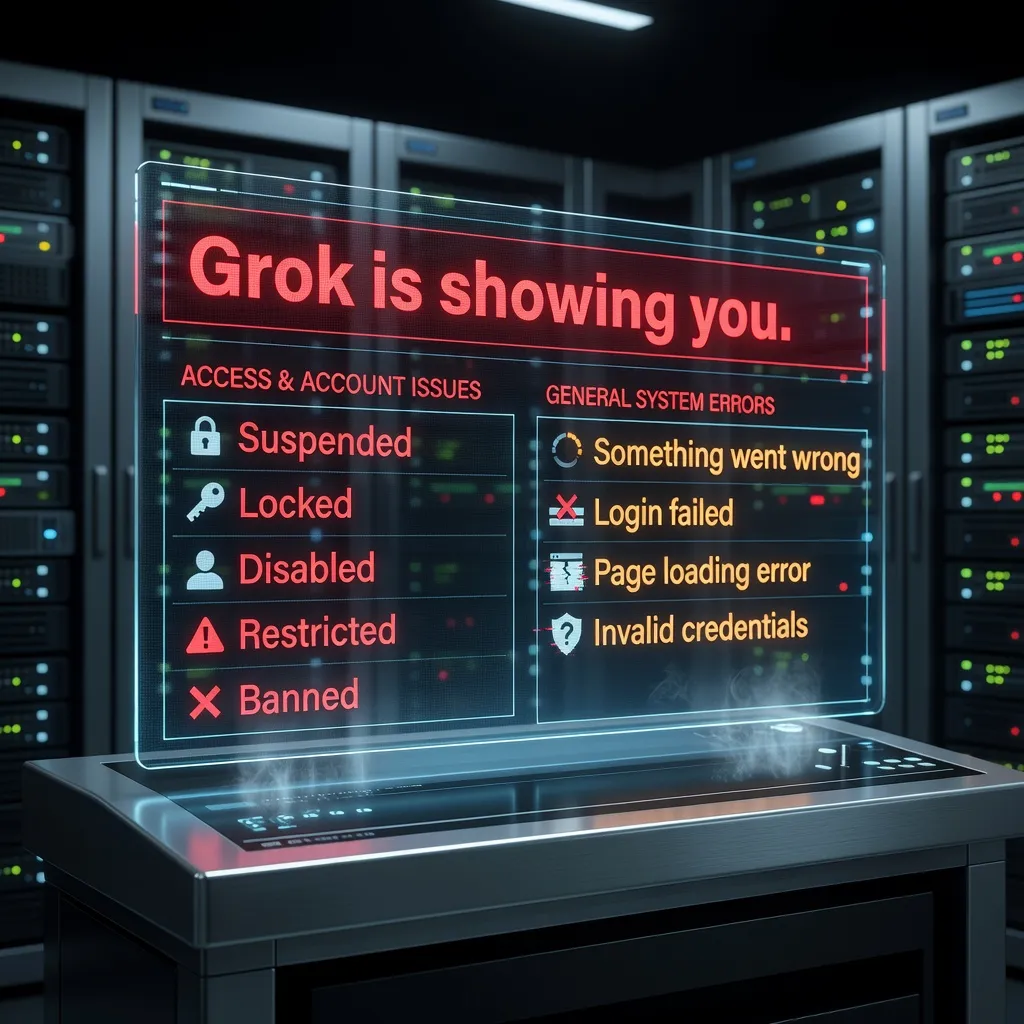
Example of an account-status or access-related message. Replace this placeholder with a real screenshot.
Step 2: Confirm the Account You're Using
This sounds obvious, but it's one of the easiest things to overlook.
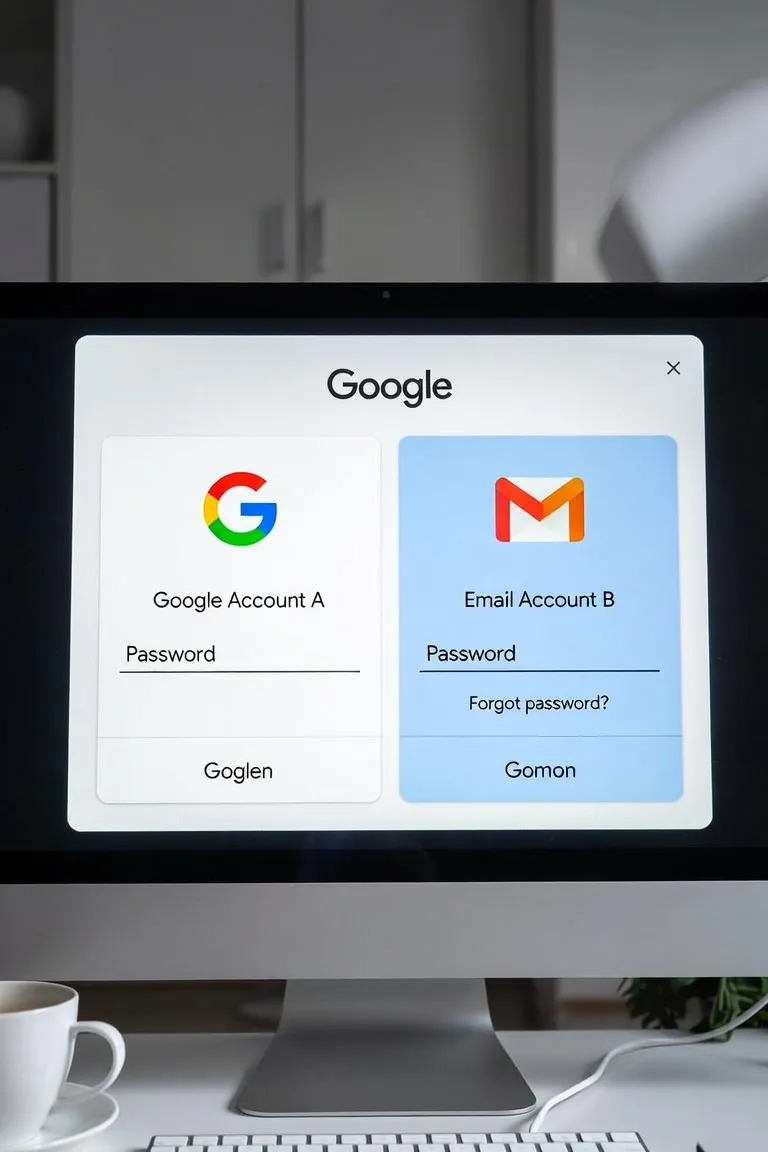
If you have multiple Google accounts or email addresses, you may accidentally be signing into a different Grok account.
For example:
text
Google Account A
        ↓
Grok Account A

Email Account B
        ↓
Grok Account B
If Account A is restricted but Account B works, switching between login methods can make the situation confusing.
Before doing anything else, confirm the exact email address associated with the account you're trying to access.
Step 3: Try a Private or Incognito Window
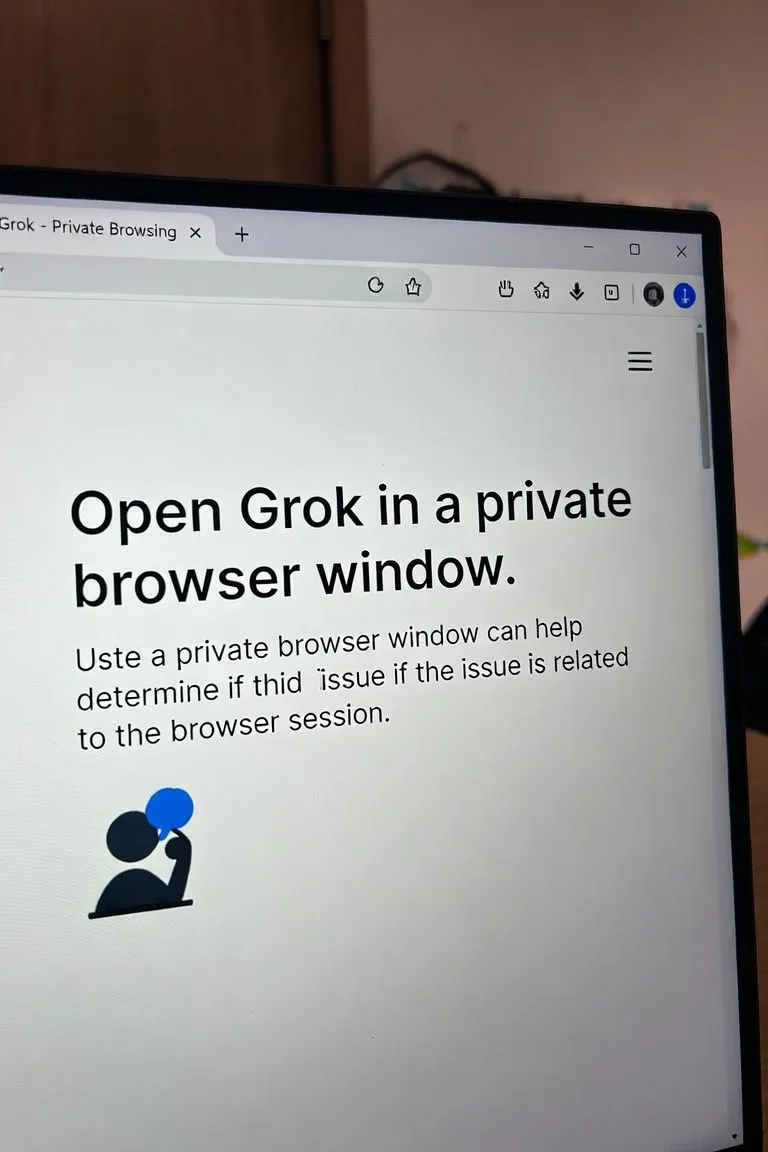
Open Grok in a private browser window.
This doesn't remove an account suspension. Instead, it helps answer a different question:
Is the problem actually caused by my browser session?
If Grok works normally in an incognito window, your existing cookies or session may be part of the problem.
If you see exactly the same account restriction message, the issue is more likely account-related.
Step 4: Try Another Browser
If you're currently using Chrome, try another browser.
For example:
- Chrome
- Edge
- Firefox
- Safari
Again, the purpose isn't to bypass an account restriction.
You're simply checking whether the problem follows the account or stays with the browser.
Step 5: Check the Account on Another Device
If possible, try the same account on another device.
For example:
text
Desktop
   ↓
Laptop
   ↓
Phone
If the problem only happens on one device, investigate the browser, network, extensions, or local session first.
If the same account restriction appears everywhere, the issue is more likely associated with the account itself.
Step 6: Don't Assume Every Login Failure Means Suspension
This is one of the most important points.
A user may see:
"I can't log in to Grok."
and immediately conclude:
"My account has been suspended."
That's not necessarily true.
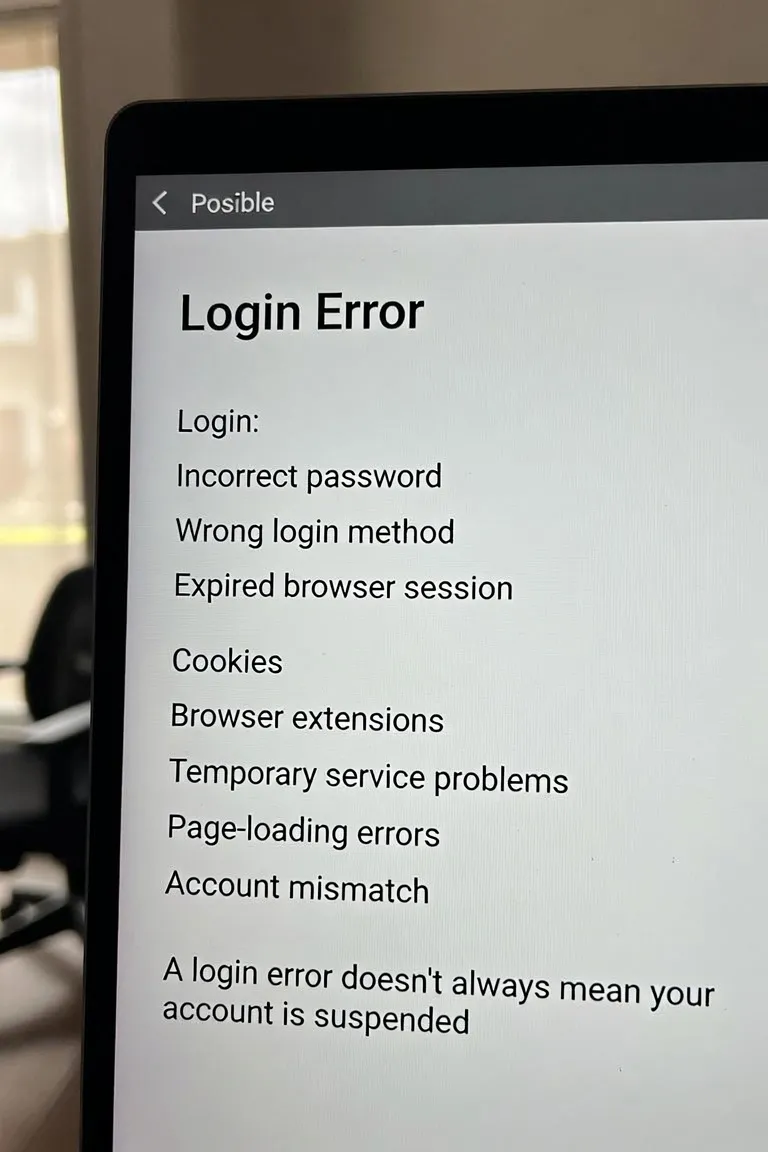
A login problem can also be caused by:
- Incorrect password
- Wrong login method
- Expired browser session
- Cookies
- Browser extensions
- Temporary service problems
- Page-loading errors
- Account mismatch
If your problem is simply that you can't log in, see our guide to Grok login errors.
Step 7: Check Whether You Have a Subscription Problem Instead
Another common source of confusion is premium access.
You may be able to log in to Grok normally but still be unable to use SuperGrok.
For example:
text
Grok login
   ↓
Successful


Grok basic features
   ↓
Available


SuperGrok
   ↓
Unavailable
This doesn't automatically mean your account is suspended.
It may be a subscription or entitlement problem.
If you can log in but SuperGrok isn't available, see our guide to SuperGrok not working.
Step 8: Don't Immediately Reset Your Password
If the page explicitly says your account is suspended, repeatedly resetting your password is unlikely to resolve an account-level restriction.
Password recovery makes more sense when you're seeing something like:
- Wrong password
- Invalid credentials
- Forgot password
- Unable to authenticate
If your problem is specifically a password error, see Grok wrong password.
Step 9: Save the Relevant Information
If you need to contact support, take a moment to collect the useful information first.
Keep:
- Your account email
- A screenshot of the error
- The exact error message
- The approximate time the problem started
- Your login method
- Any relevant subscription information
A clear description is much more useful than simply saying:
"Grok doesn't work."
For example:
"I could access Grok yesterday. Today, after signing in with my Google account, I receive an account restriction message. The same message appears in Chrome and in a private browser window."
That's much easier to investigate.
Step 10: Use the Official Support or Appeal Process
If Grok explicitly tells you that your account is suspended or restricted, follow the official support or appeal process provided by the service.
Explain the situation clearly and provide the relevant information.
Don't make unsupported claims about why the account was suspended.
And don't pay third-party services that promise to "unlock" or "unban" your Grok account.
Real User Cases: Not Every Grok Access Problem Is a Suspension
We reviewed real support tickets from users who reported different types of Grok access problems.
These cases are useful because they show how easily different issues can look similar from the user's perspective.
Case 1: SuperGrok Account Appeared to Be Locked
One user reported that they had paid for a SuperGrok product and then tried to access the account.
The user reported that the account appeared to be locked and they couldn't access it.
Feedback No.: FB20260406132603461533
The important detail here is the wording:
The user reported a locked account, not necessarily a suspended account.
This is exactly why it's useful to distinguish between locked and suspended.
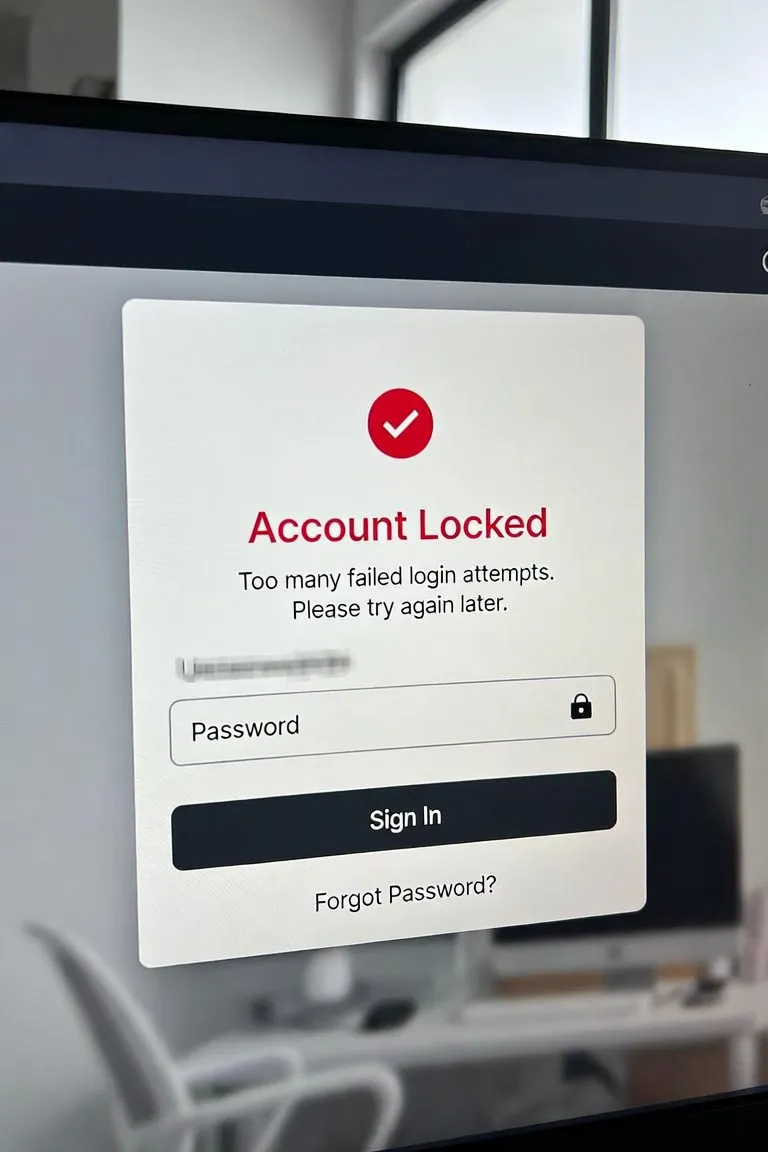
Replace this placeholder with the real user-case screenshot, with personal information hidden.
Case 2: Google Login Worked, Email Login Didn't
Another user reported that they could enter Grok using a Google account, but logging in with their outlook email didn't work.
The page showed an error while loading the page.
Feedback No.: FB20260509202434226369
This is a good example of why a login failure shouldn't automatically be described as an account suspension.
The user could access Grok through one login method, while another login path failed.
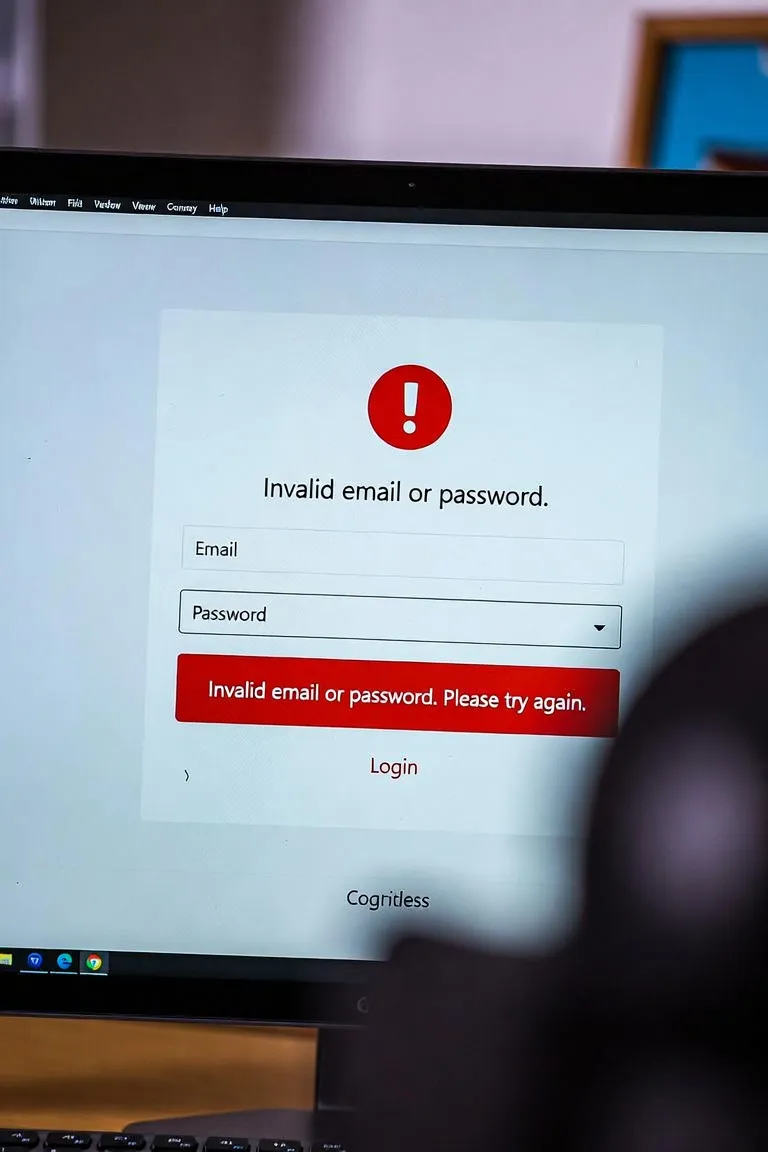
Replace with the actual user screenshot after removing private information.
Case 3: A User Saw a Storage Quota Error
Another user reported that they couldn't access their Grok account and received the following error:
text
User exceeded storage quota [WKE=file]Feedback No.: FB20260424071127362533
Again, this doesn't automatically indicate an account suspension.
It shows why reading the actual error message is so important.
If the error says something about storage, loading, authentication, or another system condition, you should investigate that specific issue rather than assuming the account has been banned.
Case 4: Repeated Grok Login Failures
Another user simply reported:
"I can't log in to Grok again."
Feedback No.: FB20260511164805216414
This type of ticket is common.
From the user's perspective, "I can't log in" feels like an account problem.
But without an explicit suspension, locked, banned, or disabled message, there isn't enough information to conclude that the account has actually been suspended.
What If Your Grok Account Is Suspended for No Obvious Reason?
This can be especially frustrating.
You may feel that you haven't done anything unusual, yet the account suddenly becomes unavailable.
If this happens, avoid guessing about the reason.
Instead:
- Save the exact message.
- Confirm the affected account.
- Test the account in a private browser window.
- Test another browser or device.
- Check whether other login methods work.
- Record when the problem started.
- Use the official support or appeal process if one is available.
The goal is to give support enough information to understand what happened.
Should You Create a New Grok Account?
Creating another account shouldn't be treated as a solution for a suspended account.
If your original account has been restricted, creating multiple new accounts doesn't explain why the original account was restricted.
It can also make troubleshooting more difficult because you may end up with several different accounts and login methods.
It's better to resolve the original account issue first.
What If You Can Log In but Grok Still Doesn't Work?
If you can successfully log in, check exactly what is unavailable.
Grok itself doesn't load
This could be a login or service issue.
See: Grok login error
Your password is rejected
See: Grok wrong password
You don't receive the verification code
See: Grok verification code not received
SuperGrok isn't available
Only Imagine isn't working
This may be a feature-specific problem rather than an account suspension.
When Should You Contact Grok Support?
Contact official support or use the available appeal process when:
- Grok explicitly says your account is suspended.
- Your account is explicitly locked or disabled.
- The same restriction appears across browsers and devices.
- You can no longer access the account despite using the correct login method.
- The service provides an appeal option.
- You need clarification about the status of your account.
Before contacting support, prepare the details they are most likely to need.
A useful support message
You can write something like:
Subject: Unable to access my Grok account
Hi,
I'm unable to access my Grok account and I'm seeing an account restriction message.
Account email: [your email]
The issue started around: [date/time]
Login method: [Google / email / other]
I also tested the account in [browser/device] and received the same message.
I've attached a screenshot of the error.
Could you please confirm the status of my account and let me know what I should do next?
Thank you.
Keep the message factual and concise.
Quick Grok Account Suspension Checklist
Before contacting support, run through this checklist:
- [ ] Does the page explicitly say "suspended"?
- [ ] Does it say "locked" instead?
- [ ] Does it say "disabled"?
- [ ] Is this actually a wrong-password problem?
- [ ] Am I using the correct email account?
- [ ] Am I using the correct login method?
- [ ] Have I tried a private browser window?
- [ ] Have I tried another browser?
- [ ] Have I tried another device?
- [ ] Can I log in but not access a premium feature?
- [ ] Have I saved a screenshot of the error?
- [ ] Have I recorded when the issue started?
- [ ] Have I checked the official support or appeal option?
This simple checklist can help you avoid treating every Grok login problem as an account suspension.
Grok Account Suspended FAQ
Why is my Grok account suspended?
There can be different reasons for an account restriction, and the error message may not always explain the reason in detail.
If Grok explicitly says your account is suspended, check the information provided on the account-status page and use the official support or appeal process available to you.
How do I know if my Grok account is actually suspended?
Look for an explicit account-status message such as:
- Suspended
- Locked
- Disabled
- Restricted
- Banned
If you only see "Something went wrong," "Login failed," or a page-loading error, don't automatically assume the account is suspended.
How do I fix a suspended Grok account?
First, confirm that the account is actually suspended.
If it is, save the error message and screenshot, then follow the official support or appeal process.
There isn't a universal browser setting or password reset that can guarantee an account suspension will be removed.
Can I recover a suspended Grok account?
That depends on the account status and the reason for the restriction.
If an official appeal or support process is available, use it and provide accurate information about the problem.
Avoid services that promise guaranteed account recovery.
Is a Grok login error the same as a suspended account?
No.
A login error can be caused by many things, including:
- Wrong password
- Incorrect login method
- Browser session problems
- Cookies
- Temporary service problems
- Account mismatch
An account suspension should be treated as a separate account-status issue unless Grok explicitly identifies it as such.
What is the difference between a suspended and locked Grok account?
A suspended account and a locked account are both account-level restrictions, but they aren't necessarily the same status.
If Grok explicitly identifies the account as locked, describe it as locked rather than assuming it is suspended.
This distinction is especially important when contacting support.
Should I create a new account if my Grok account is suspended?
Creating another account shouldn't be your first response to a suspension.
First determine why the original account is restricted and whether an official support or appeal process is available.
What if I can use Grok but SuperGrok doesn't work?
If you can log in normally but SuperGrok isn't available, the issue may be related to your subscription or premium feature access rather than an account suspension.
Check your subscription status and troubleshoot the SuperGrok issue separately.
Final Thoughts
A Grok account suspended message can look similar to many other Grok problems, but the underlying issue can be very different.
The most important thing is not to jump straight from:
"I can't use Grok."
to:
"My account has been suspended."
First check the exact message.
Then determine whether you're dealing with:
- A login error
- A wrong password
- A verification problem
- A locked account
- A suspended account
- A disabled account
- A subscription issue
- Or a feature-specific problem
If Grok explicitly confirms that your account is suspended, save the evidence and use the official support or appeal process.
If there is no suspension message, start with the specific problem you're actually seeing.
Need Help With Other Grok Problems?
Check out our troubleshooting guides for Grok login errors, Grok wrong password, Grok verification code not received, and SuperGrok not working.
Related Grok Guides
- Grok Login Error: How to Fix Common Login Problems
- Grok Wrong Password: What to Do When Your Password Doesn't Work
- Grok Verification Code Not Received? Here's What to Check
- SuperGrok Not Working? Here's How to Troubleshoot It
- Grok Imagine Not Working? Common Problems and Fixes
This guide is based on common Grok access problems and real user support cases. Screenshots and personal information should be removed or anonymized before publishing.