Model
Images

Drag and drop your image here, or click to browse
Up to 10 pictures are supported
Prompt *
Aspect Ratio
Resolution
Image format
Background
5 credits per use
GPT Image 2: AI Image Generator by OpenAI
Try OpenAI’s free, online ChatGPT image generator—no sign-up required. Choose from Standard (1K), Medium (2K), or Ultra (4K) modes for quick, balanced, or detailed images. Describe your idea and generate instantly—free and unlimited download.
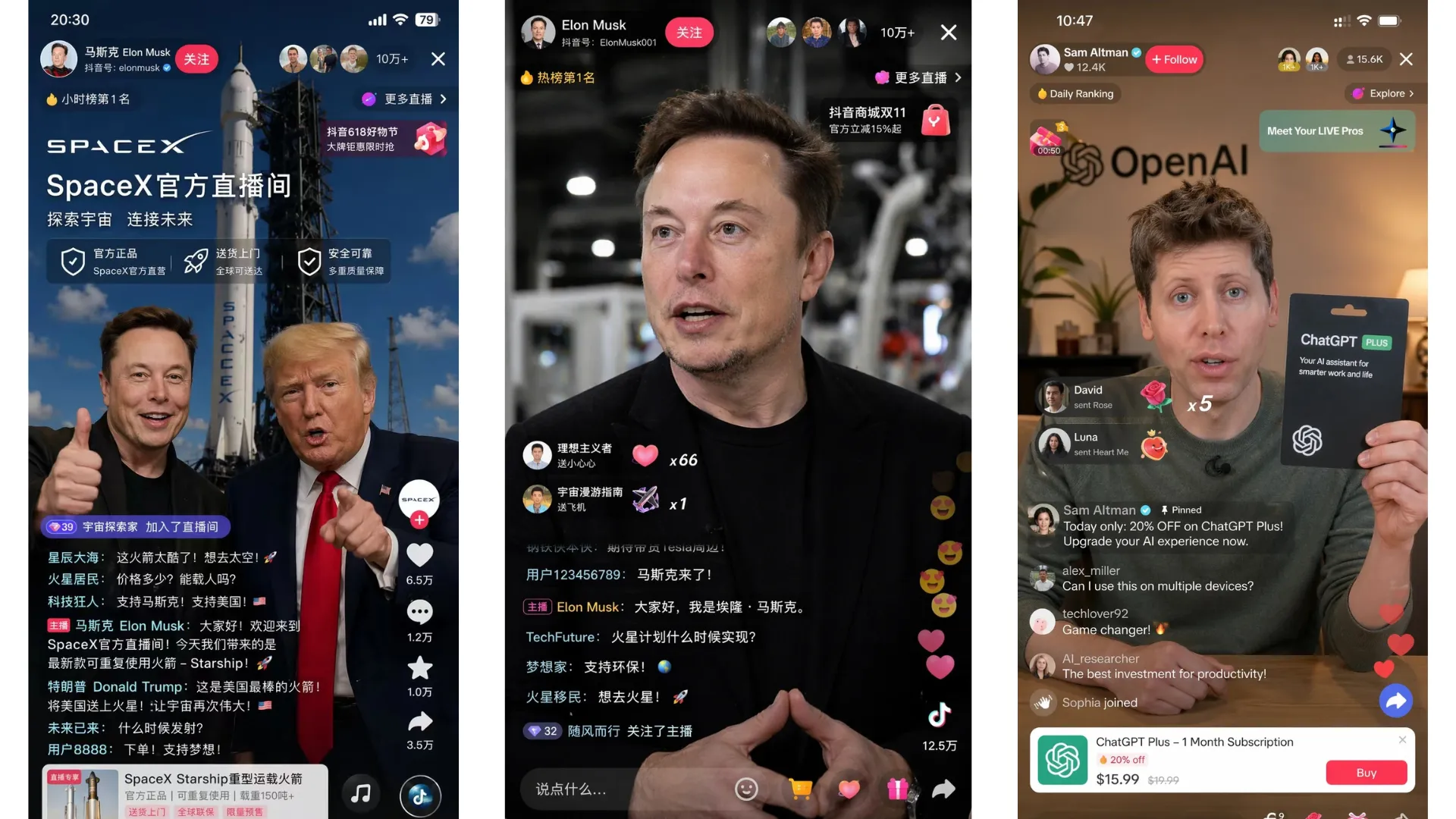
How to Use GPT Image 2 AI to Generate Image
Step 1
Input Your Prompt & Reference
Start by typing your detailed description into the text box. If you have a specific style or composition in mind, you can optionally upload a reference image to guide the AI’s generation.
Step 2
Configure Image Parameters
Customize the output to suit your needs with ease. Simply select your desired Aspect Ratio (such as 1:1, 3:2, or 2:3), pick a Resolution (Standard, Medium, or Ultra), and choose your favorite Image Format (WebP, PNG, or JPEG).
Step 3
Generate & Download
Click Generate to process your request using your daily free quota. Once ready, preview and download your image directly. (Tip: Selecting the ‘Ultra’ resolution instructs the AI to maximize detail and produce the highest possible quality for your prompt.)
GPT Image 2: AI-generated image tool by OpenAI
GPT Image 2 on FamilyPro is a powerful multimodal AI image generator from OpenAI that supports both text-to-image and image-to-image generation. Designed to understand complex contexts, this visual engine turns your ideas into highly detailed visuals and flawless multilingual text. Experience top-tier generative AI right here—no sign-up required. Start creating for free now and unlock its full potential with the ‘Ultra’ resolution mode. Looking to explore further? Try our other top-tier models, including Nano Banana Pro Image Editor, Nano Banana 2 Free AI Image Editor, and Seedream 4.5 AI Image Generator.
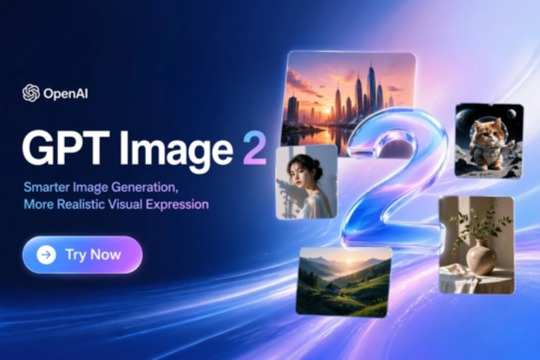
What you can generate with GPT Image 2
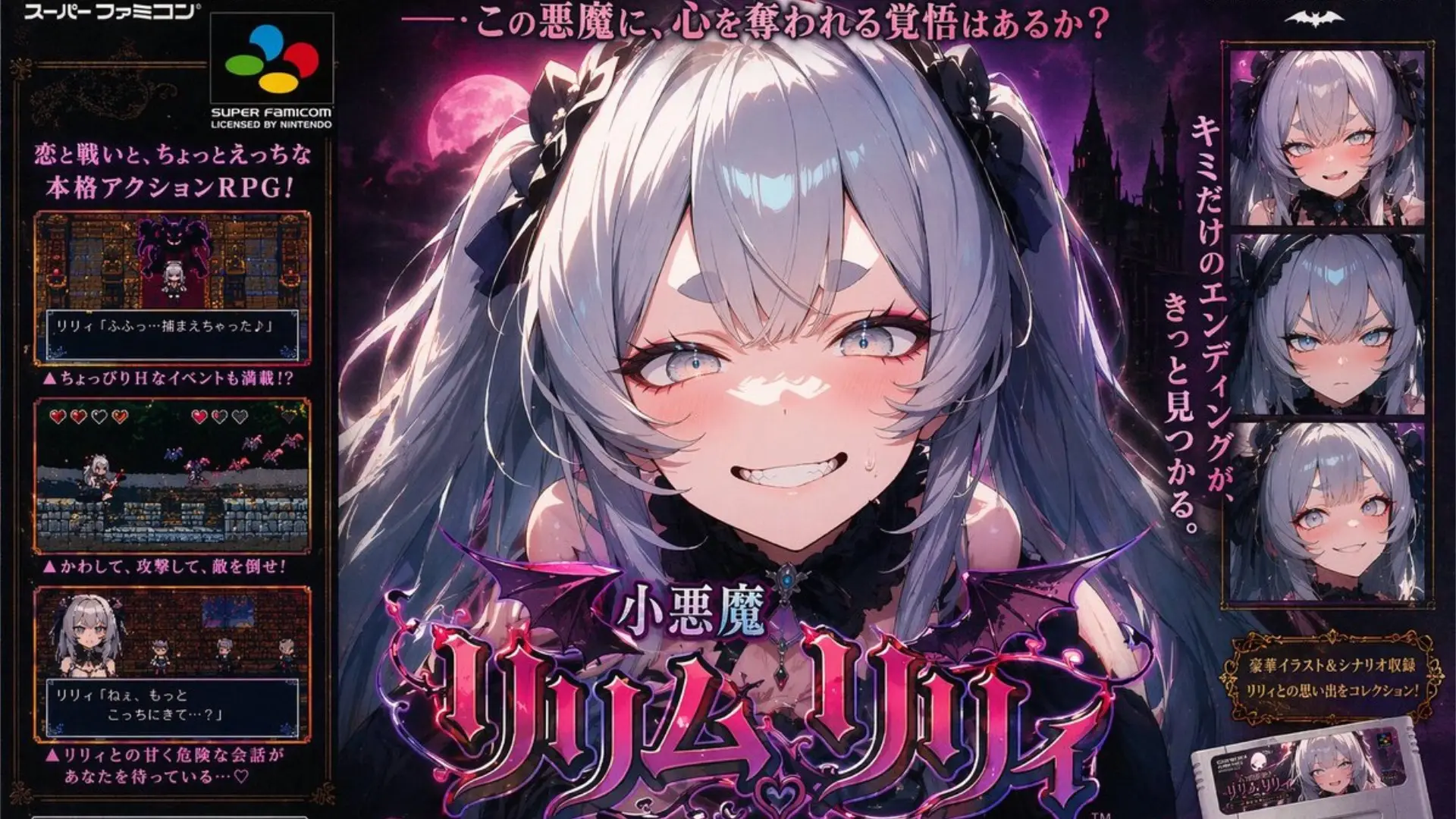
Super Famicom Poster Style
Capture the iconic retro aesthetic with flawless Japanese typography and intricate anime art. Thanks to this ChatGPT image generator’s unmatched text rendering, creating print-ready posters is effortless. Simply describe your nostalgic vision, and let GPT Image 2 deliver high-res, authentic 4K results in seconds—ideal for gaming fans and professionals alike.
Viral Streamer Interface
Standard graphics struggling with low CTR? Let GPT Image 2 recreate that addictive live-stream vibe with lifelike digital personas and perfectly readable scrolling chats. With the precise layout control of this ChatGPT image generator, you can craft interactive visuals that make viewers pause, spark curiosity, and drive massive traffic. Stop posting static images and start dominating the algorithm.
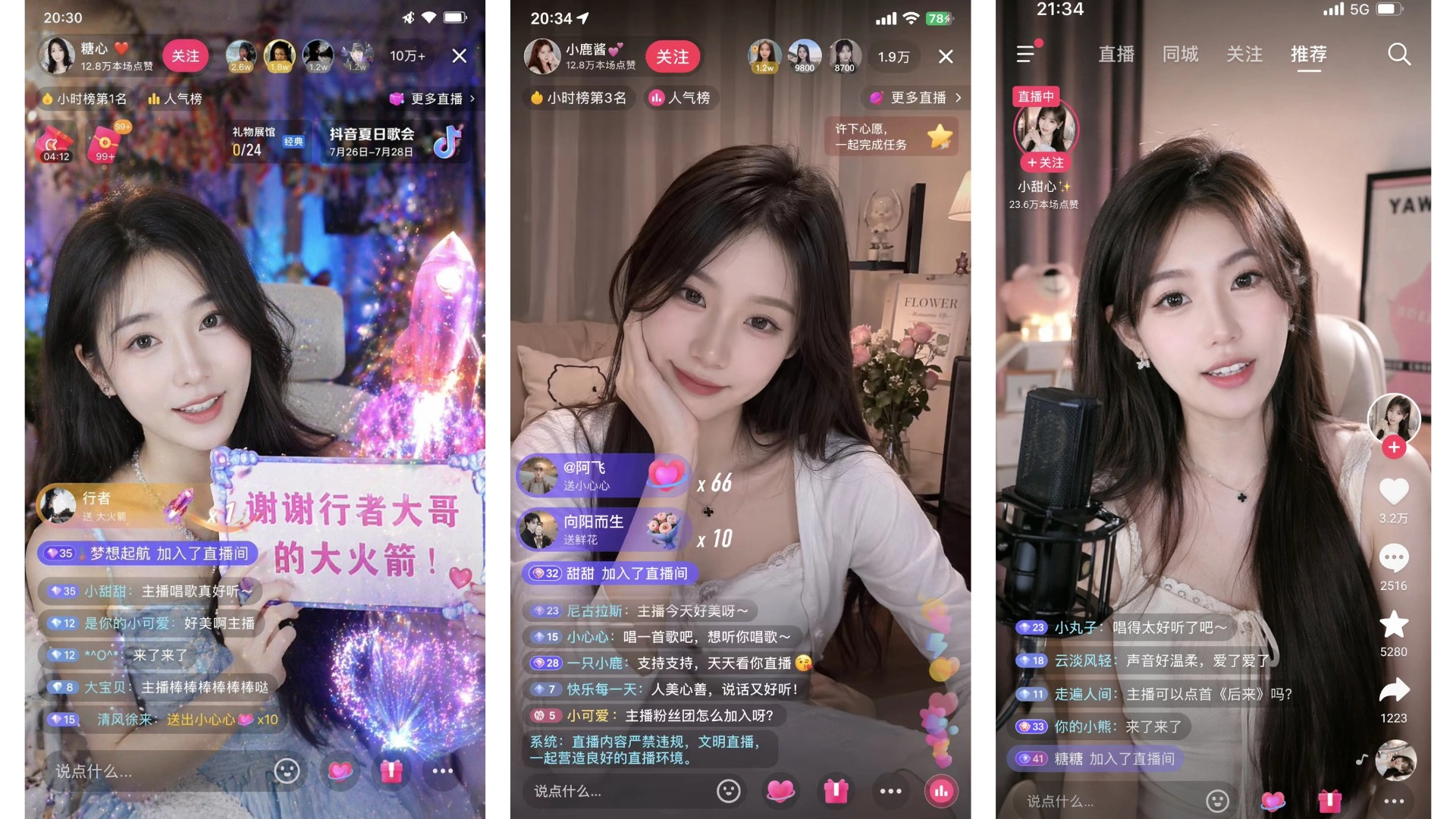
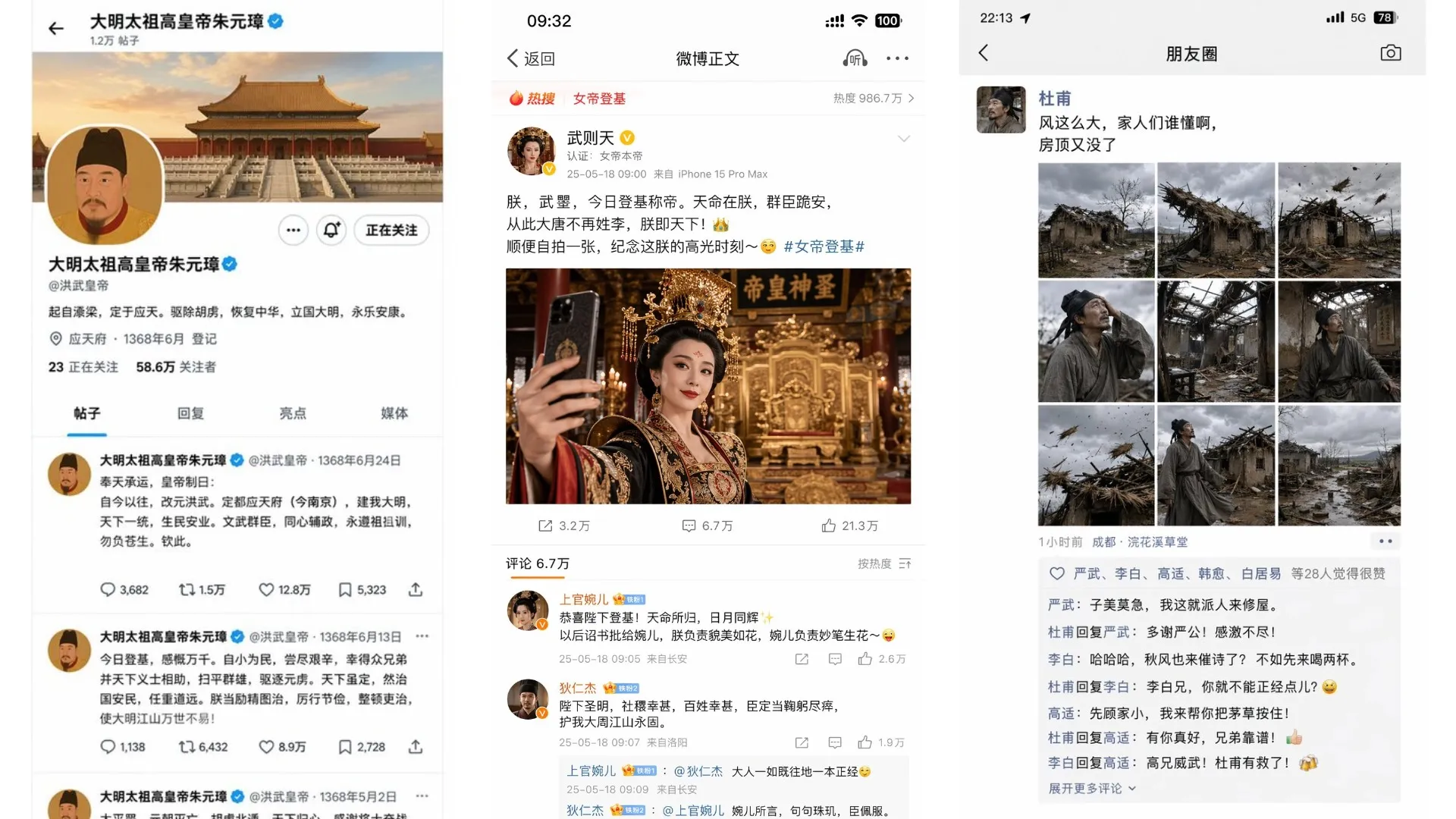
Iconic Social Media Mockups
Turn dull portraits into scroll-stopping content. Use our free ChatGPT image generator to flawlessly recreate familiar social media layouts, complete with realistic posts, crisp usernames, and trending tags. ChatGPT Image 2 offers a creative way to place any subject in a viral "what-if” scenario, turning everyday ideas into highly engaging, interactive feeds.
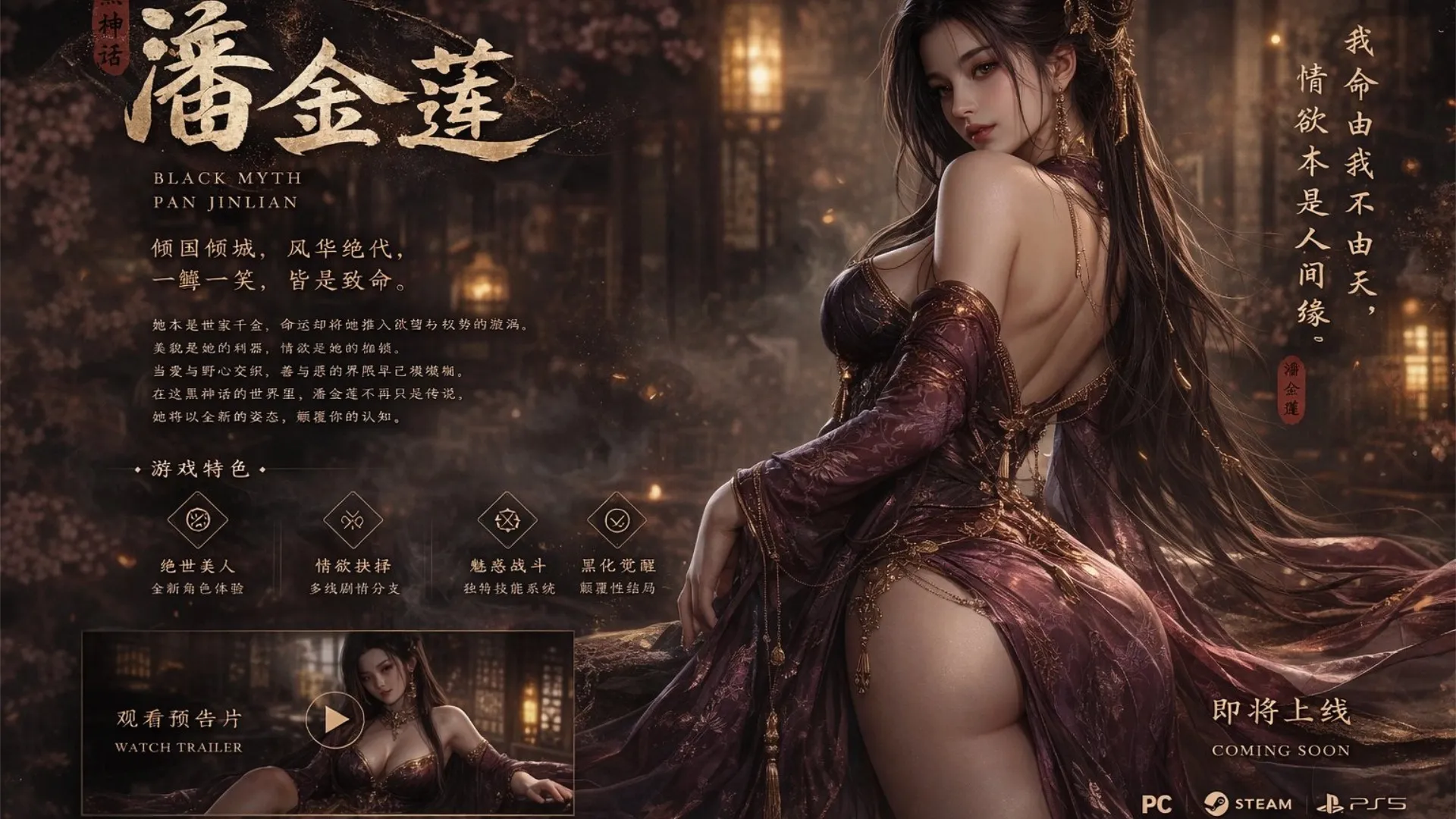
AAA-Style Game Concept Art
Elevate generic concepts into high-fidelity AAA game art. Powered by complex reasoning, this ChatGPT image generator crafts highly detailed visuals with incredible narrative depth. ChatGPT Image 2 is the ultimate free solution for indie devs and writers to turn simple prompts into breathtaking 4K concept pieces in seconds. No sign-up required—just pure creative power.
Why Choose GPT Image 2 AI Image Generator

Edit With Words, Not Layers
Upload a photo and say what should change—swap the background, adjust the lighting, or add an object. GPT Image 2 works from your description instead of treating every job like a blank canvas. Useful when you know the outcome you want but do not want to spend an hour masking in another app.

Same Face, New Scene
Many generators drift between shots—different jawline, new hair, wrong outfit. GPT Image 2 holds up better when you need the same character across panels, poses, or angles. Helpful for comic strips, brand mascots, and any project where the person has to stay recognizable.

Composites That Match the Photo
Obvious paste jobs show up in the shadows, grain, and color temperature. This model pays attention to how light hits your original image so new elements sit in the same scene. Product extensions and background swaps look like one shot, not two files pushed together.

Fewer Regenerates
If you have burned credits re-running the same idea, you know the frustration. GPT Image 2 often lands closer to the brief on the first try—especially for structured work like mockups, posters, and layout-heavy prompts. You still refine wording, but you are not starting from zero every click.

Text You Can Actually Read
Logos, captions, comic dialogue, translated menus—text inside images is where most tools fall apart. Built on OpenAI’s image model, GPT Image 2 handles legible copy and sensible spacing across many languages. That is why our demo posters and social layouts do not ship with scrambled lettering.

From Idea to Finished Visual
Turn a sentence into a promo card, streamer-style interface, or client concept without opening a full design suite. Choose Standard for quick drafts, Medium for balanced quality, or Ultra when you need 4K detail for print, hero images, or close-up review.
What Creators Say About GPT Image 2
Social Media Manager
I manage three brand accounts and I am always behind on creatives. Last week I needed a TikTok-style mockup for a pitch—not a real screenshot, just something that reads instantly in the deck. I described the scene, switched to Ultra so the on-screen text stayed sharp, and had something presentable in about two minutes. No sign-up meant I could try it between meetings without another login.

Indie Game Developer
Solo indie dev here—I cannot budget a full art pass for every pitch. I use GPT Image 2 for splash screens and character studies, and the face stays recognizable when I ask for the same hero in a new pose. I still paint over details in my usual tools, but I am not burning dozens of generations on "almost right" faces anymore.
Marketing Consultant
I was skeptical of free generators until a teammate shared a Japanese menu mockup with readable type—usually that is where these tools embarrass themselves. I dropped a product photo and asked for a café background; the shadows matched better than a paid editor I tried last month. We ran a small A/B test with the UGC-style variants and they beat our stock imagery on click-through.
AI Image Generator Tools You Might Like
Grok Image AI Image Generator (Free Trial)
Grok Image is an image generation tool from xAI, integrated into the X platform and powered by the Flux model. With exceptional creative freedom and highly realistic rendering of complex prompts, it lets users turn bold ideas into polished visuals with almost zero constraints.
Nano Banana AI Image Generator (Free Trial)
Nano Banana is a high-performance image generation model family deeply customized by Google for Gemini. With ultra-fast response and strong multimodal understanding, it supports precise text-to-image creation, intelligent image editing, and style transfer in one versatile visual workflow.
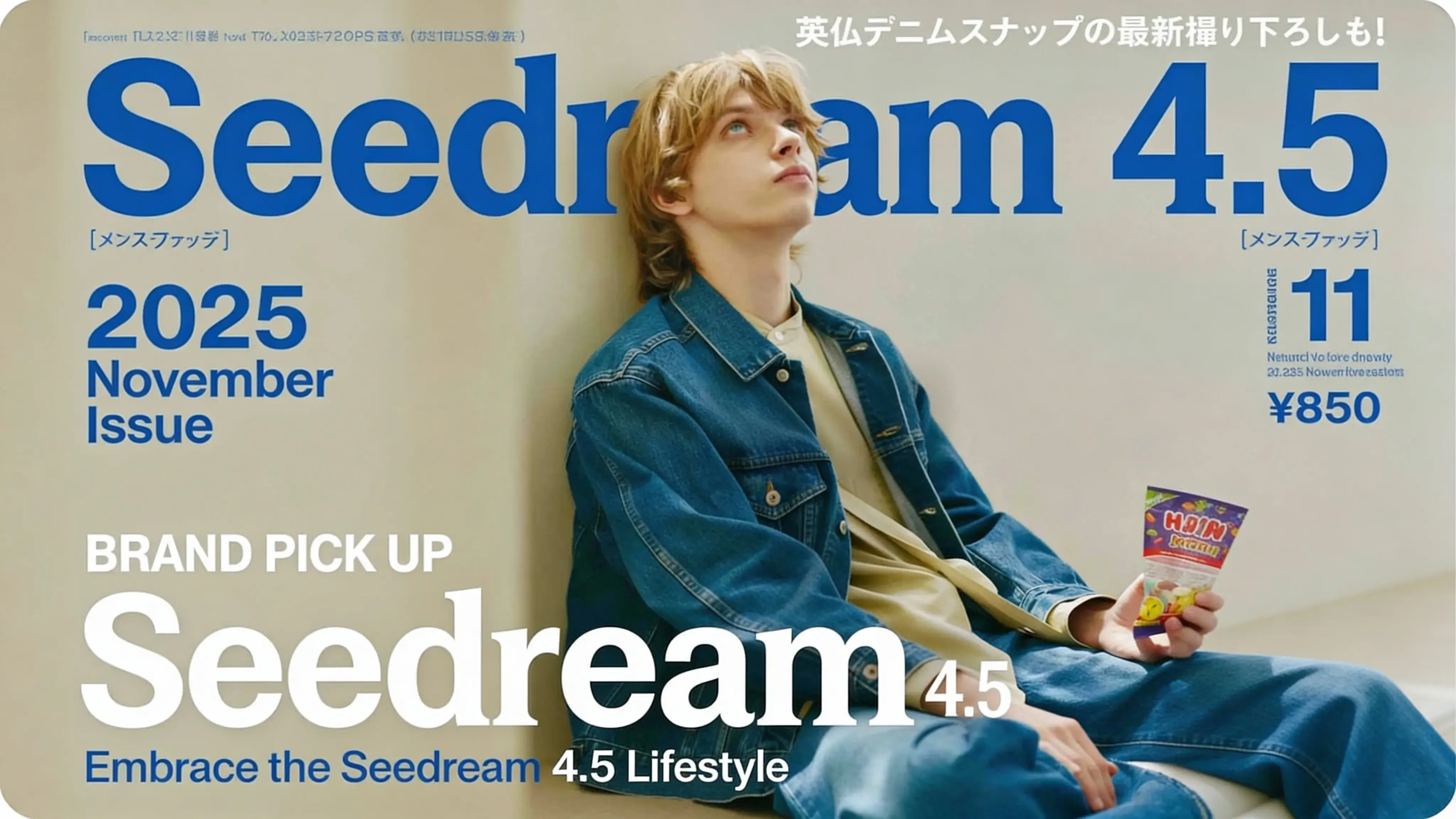
Seedream 4.5 AI Image Generator (Free Trial)
Seedream 4.5 is a top-tier AI image generation model from ByteDance. It delivers studio-grade photorealism and precise text rendering, making it the perfect tool for creating high-quality images for marketing, design, and social media.
Frequently Asked Questions About GPT Image 2
What is GPT Image 2?
GPT Image 2 (also known as ChatGPT Images 2.0) is OpenAI's latest AI image generation model, launched in April 2026. Powered by an advanced autoregressive architecture—fundamentally different from traditional diffusion-based models—it delivers unprecedented 99% text accuracy, native 4K resolution, and studio-grade photorealism. You can experience this powerful gpt image generator directly on our platform, instantly and online.
Is GPT-Image 2 free to use?
Yes! You can start using our chat gpt image generator free of charge with a generous daily credit allowance. All free generations come with no watermarks and require no sign-up. For high-volume creators who need unlimited access or want to consistently utilize the complex-reasoning Ultra (4K) mode, premium plans are also available.
What is GPT Image 2 different from Nano Banana or Grok?
While tools like Nano Banana and Grok offer solid creative capabilities, GPT Image 2 stands out due to its OpenAI-powered reasoning and unique autoregressive architecture. This gives it a massive advantage in understanding highly intricate prompts and rendering exact text (like logos or posters) without the typical AI "gibberish." Furthermore, our gpt image generator offers customizable output tiers (Standard for speed, Ultra for 4K detail), giving you far more precise control over the final result than most competitors.
Can I use GPT-Image 2 generated images commercially?
Yes, absolutely. All images you create using our chat gpt image generator include full commercial usage rights—even if you generated them using your free daily credits. You can safely use your artwork for advertising, merchandise, social media, print materials, websites, and e-commerce without worrying about additional licensing fees or royalties.
What's the difference between GPT-Image 2 and GPT-Image 1.5 image generator?
The leap from version 1.5 to GPT Image 2 is monumental. While 1.5 was a capable tool, GPT Image 2 introduces a completely rebuilt architecture that solves the biggest pain points of AI art. It offers near-perfect (99%) text spelling accuracy, much deeper prompt comprehension, and generates in true, native 4K resolution rather than just upscaling low-res outputs. It transitions from a basic image creator into a professional-grade gpt image generator designed for photorealism and exact detail.