Model
Images

Drag and drop your image here, or click to browse
Up to 12 pictures are supported
Prompt *
Recipe Creation
Architectural Visualization
Comic Storyboarding
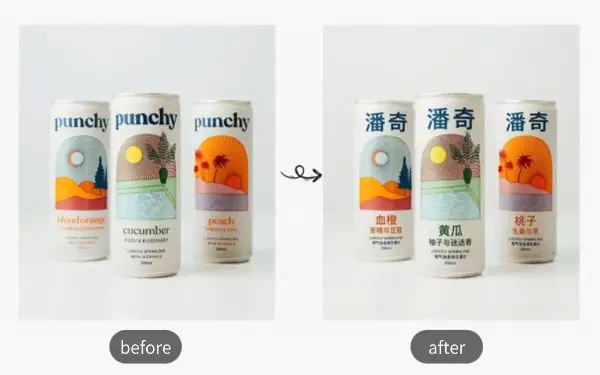
Image Text Translation
Perspective Transformation
Multi-Image Composition
Translate Product Images
Read Foreign Comics
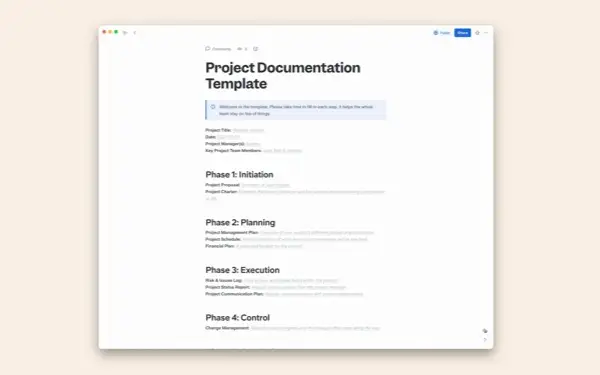
Switch Document Languages
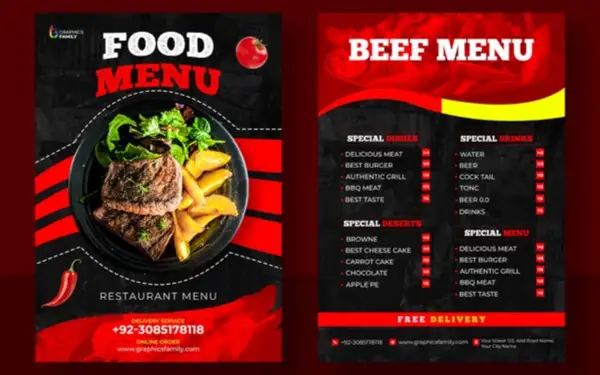
Translate Menu Cards
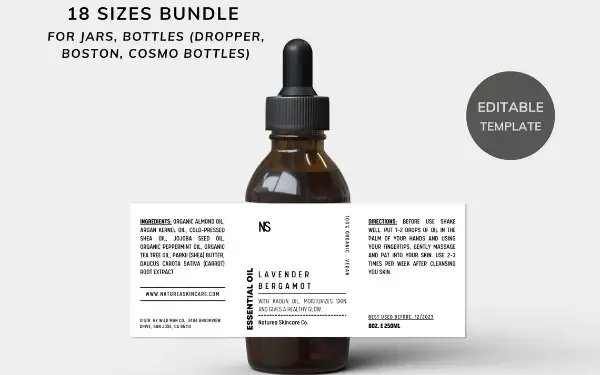
Shop Overseas Easily
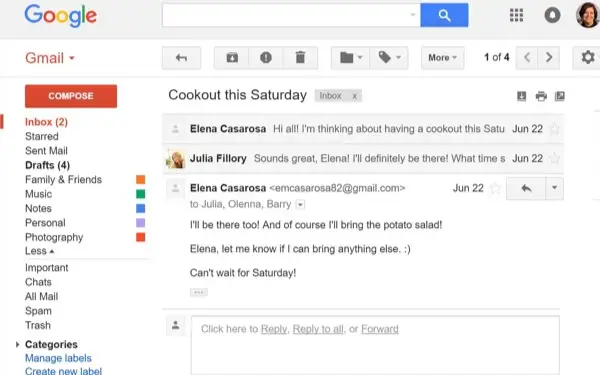
Translate Email Screenshots
Translate Contracts
Localize Posters
Advertisement Design
Movie Poster
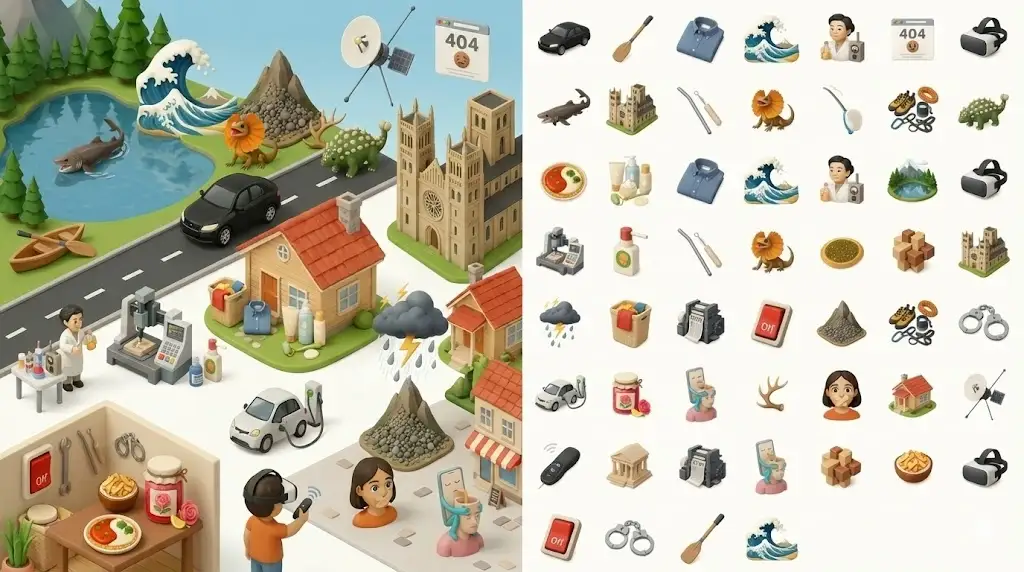
Illustration Design
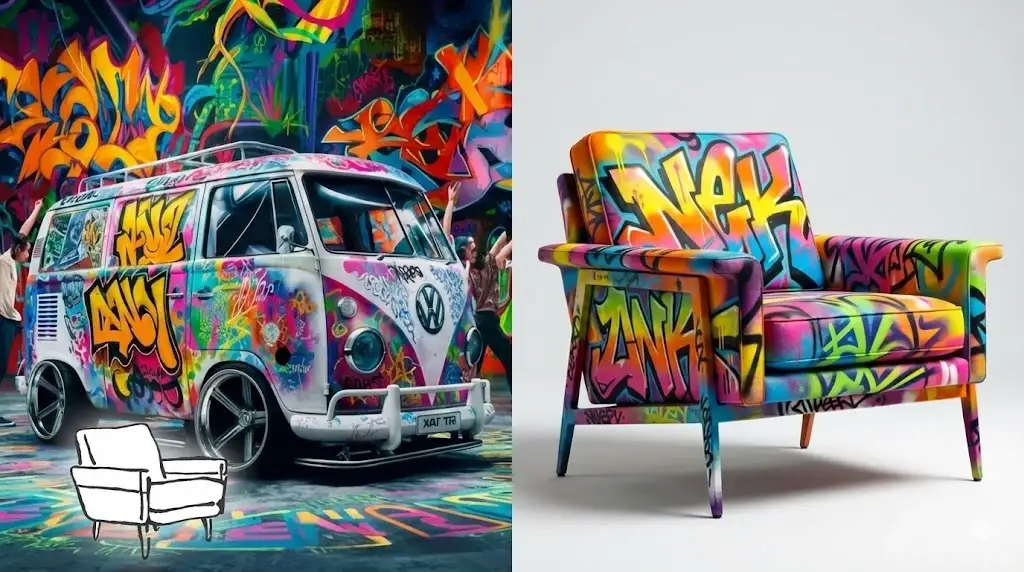
Sample Image Design
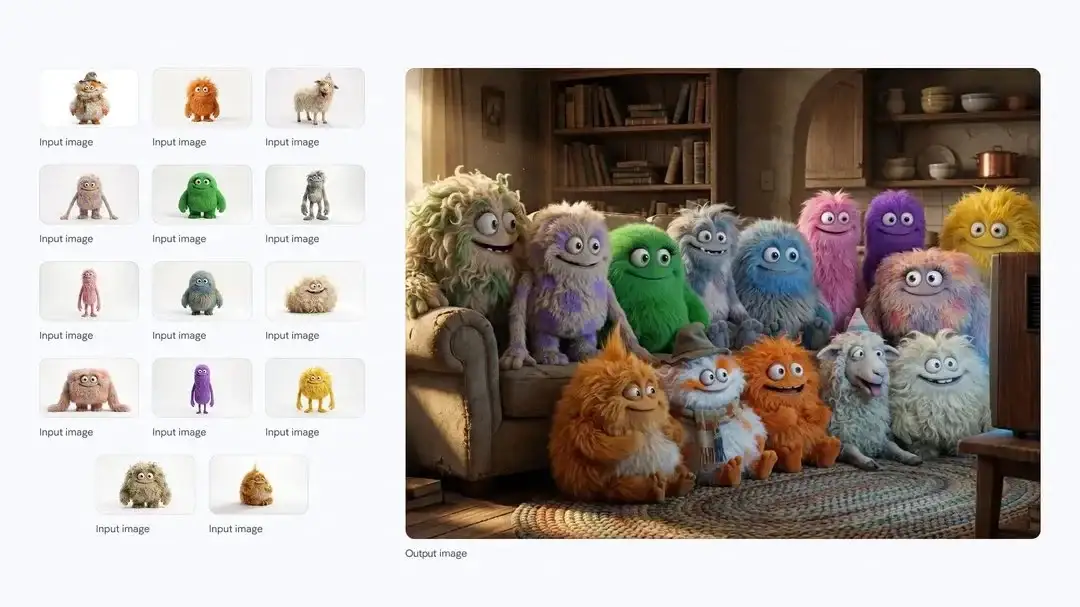
Social Media Marketing
Aspect Ratio
Resolution
30 credits per use
Nano Banana Pro Image Editor
Nano Banana Pro, powered by Google Gemini 3, doesn’t just create beautiful images—it also helps you craft more useful content. Enjoy faster, richer, and more creative visuals, all free, online, and with no sign-up required!
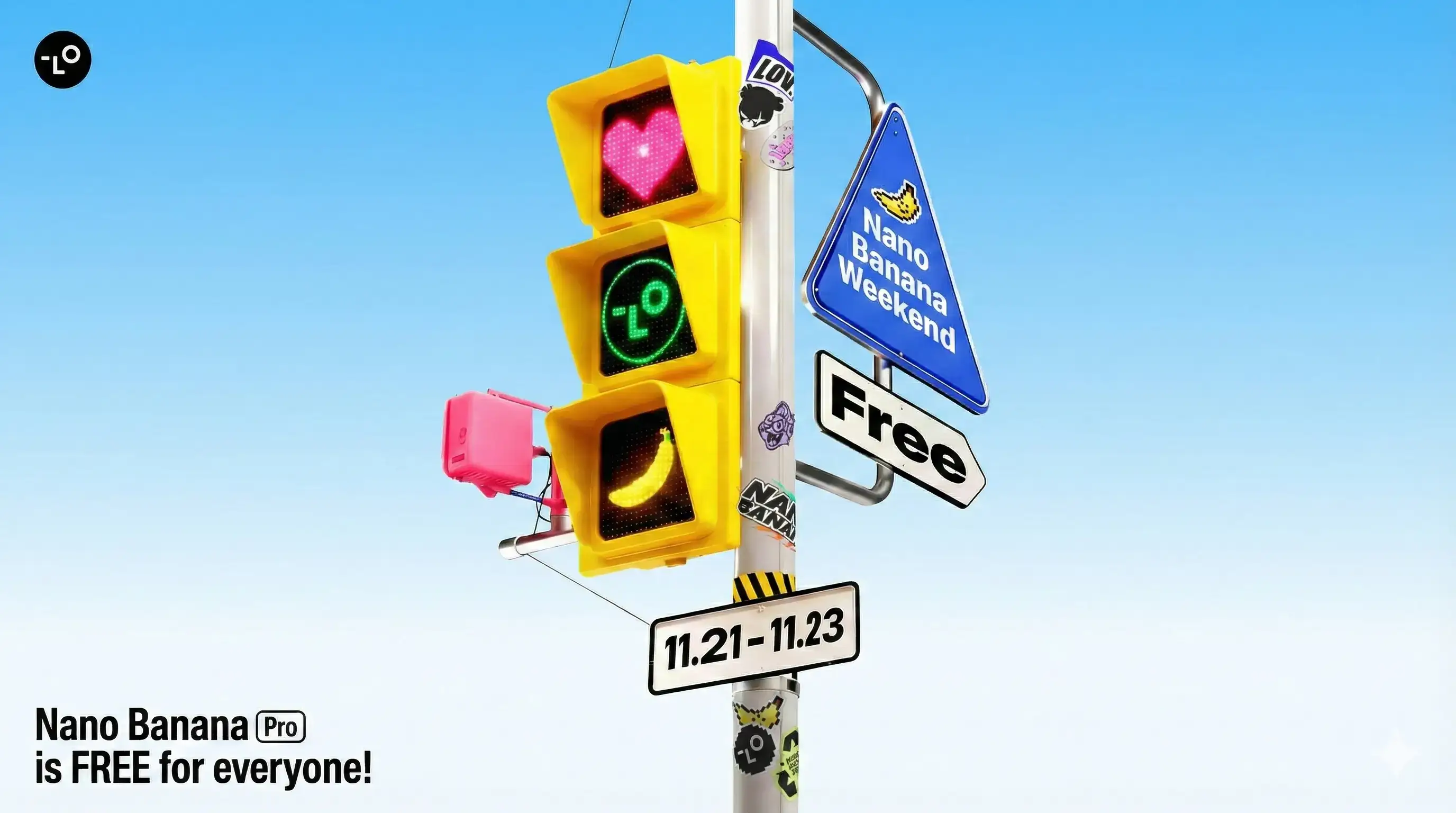
Explore examples using the free, online Nano Banana Pro Image Editor
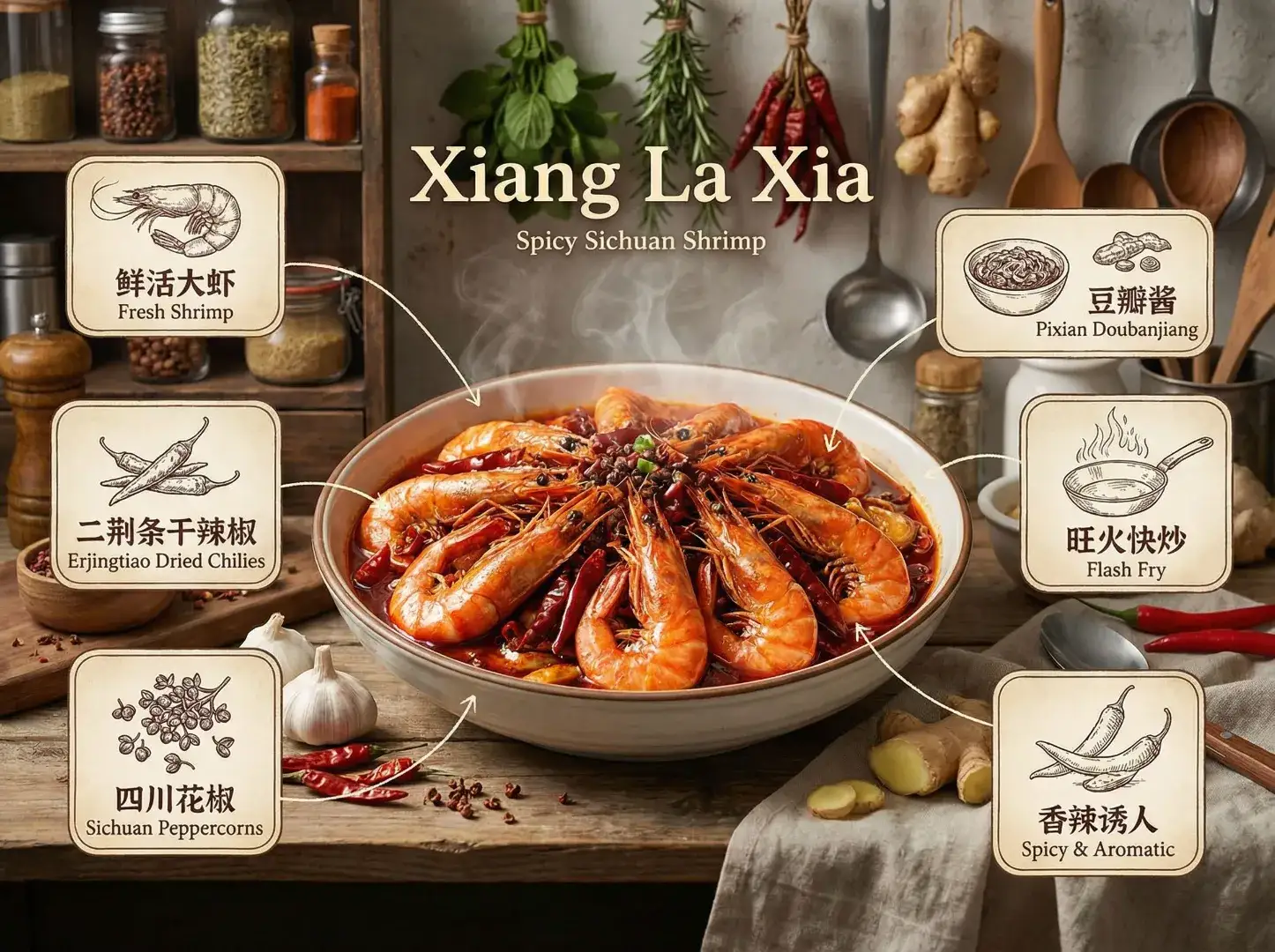
Recipe Creation
The Nano Banana Pro Image Editor makes it effortless to turn everyday ingredients into beautifully designed recipe visuals. Whether you're creating step-by-step cooking guides or polished recipe cards for social media, it helps you produce clean layouts, appetizing food imagery, and clear instructions with professional quality.
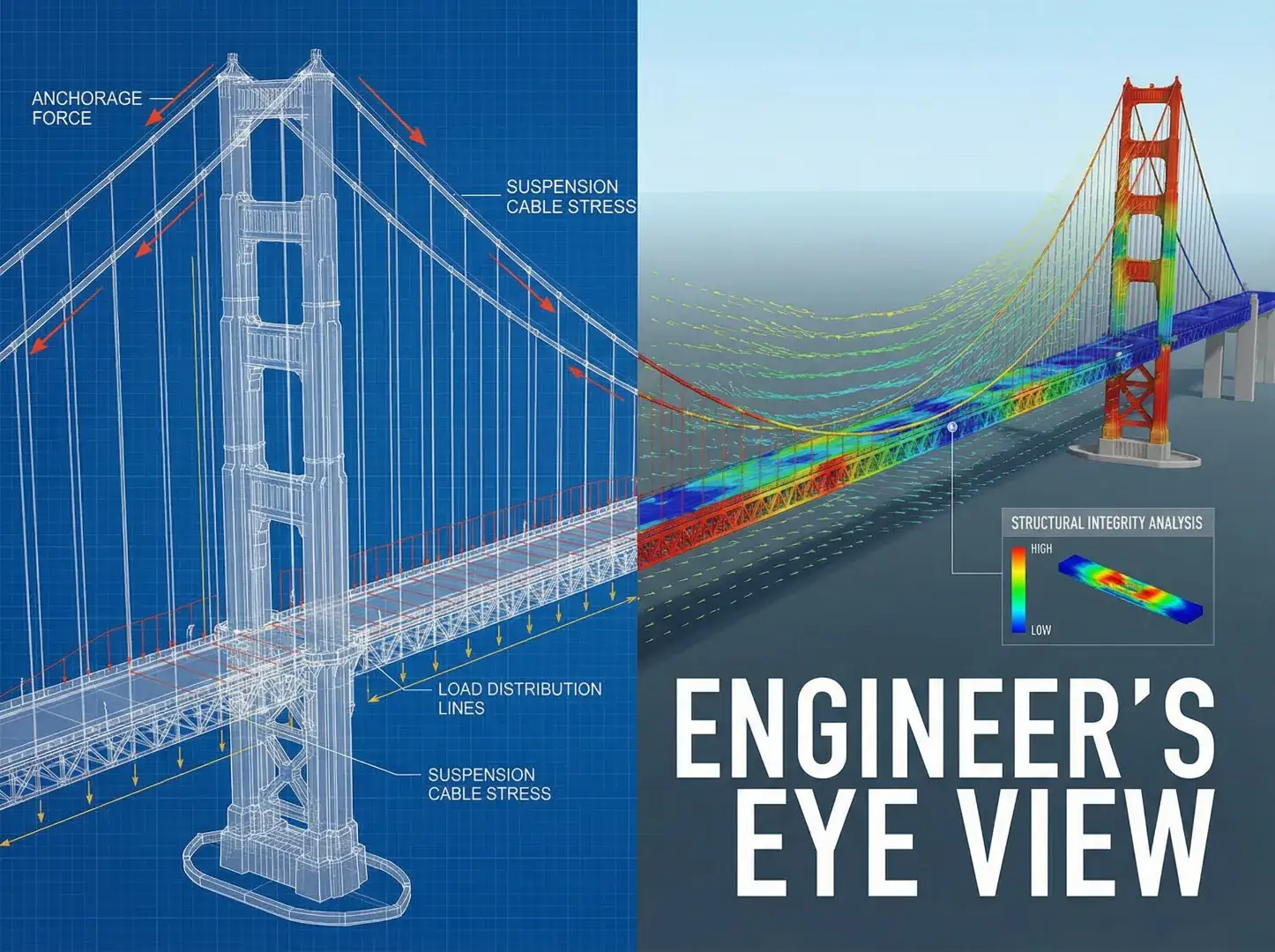
Architectural Visualization
With the Nano Banana Pro Image Editor, architects and designers can quickly explore different architectural perspectives—from conceptual sketches to photorealistic views. It helps you adjust angles, lighting, and scale to visualize how a structure would look in real-world environments or client presentations.
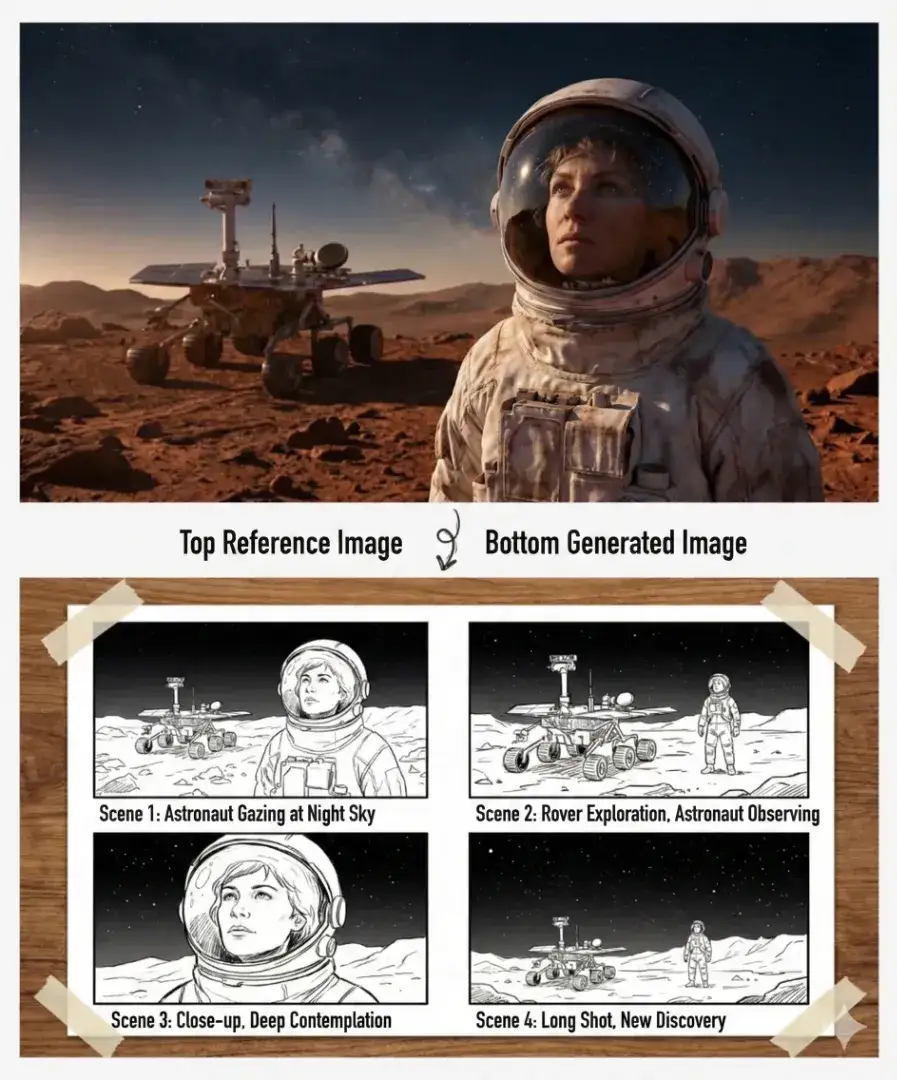
Comic Storyboarding
The Nano Banana Pro Image Editor allows creators to break down narratives into dynamic, expressive comic panels. It helps define character poses, scene transitions, and camera motion, making it ideal for planning comics, animations, or visual storytelling projects.
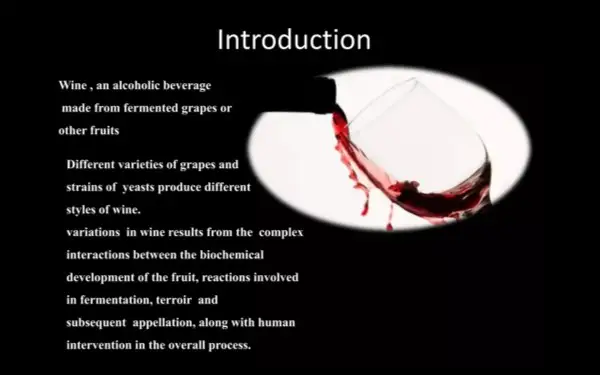
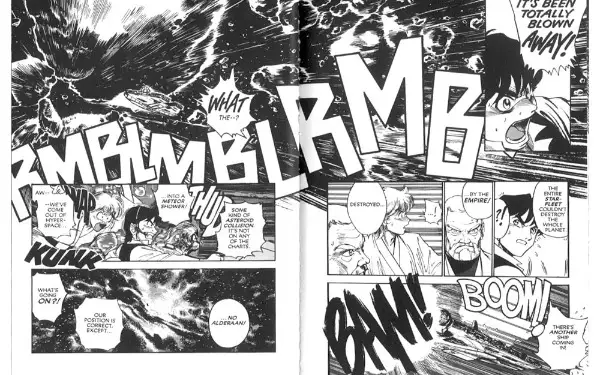
Image Text Translation
The Nano Banana Pro Image Editor can seamlessly translate and regenerate text within images while keeping the original layout and design intact. It's perfect for producing multilingual posters, menus, infographics, and localized marketing materials without manual redesigning.
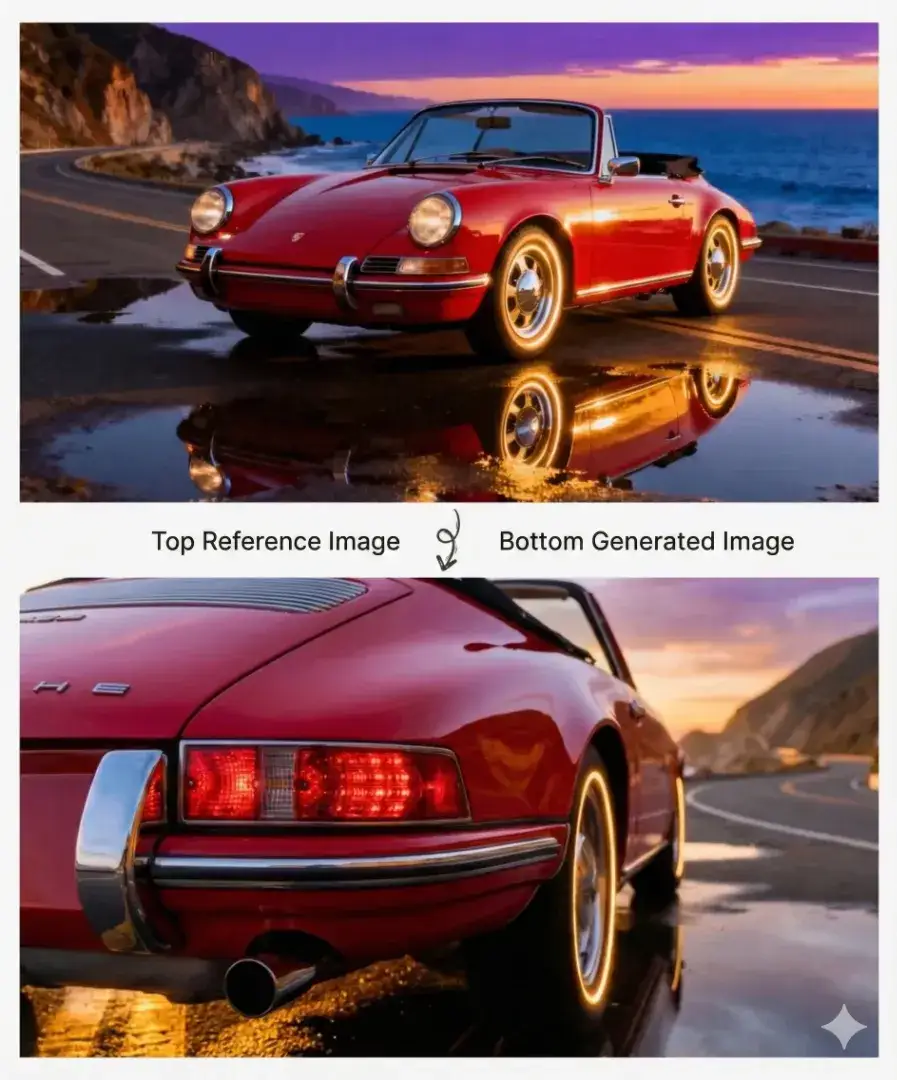
Perspective Transformation
With the Nano Banana Pro Image Editor, you can reimagine any scene from a new perspective—switch to a top-down view, rotate the angle, or create a cinematic shot. This is especially useful for product showcases, concept art, and creative storytelling where visual variety matters.
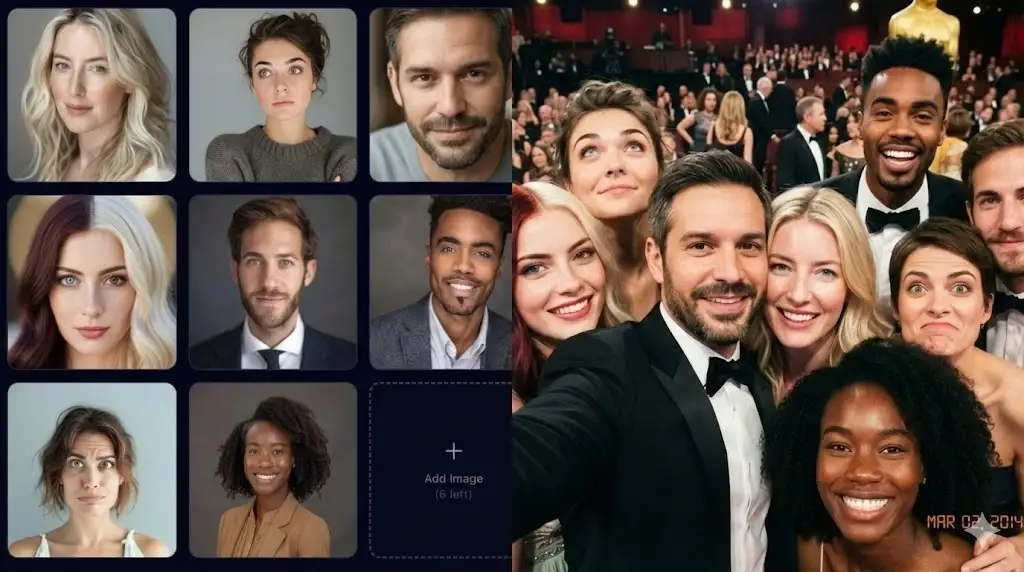
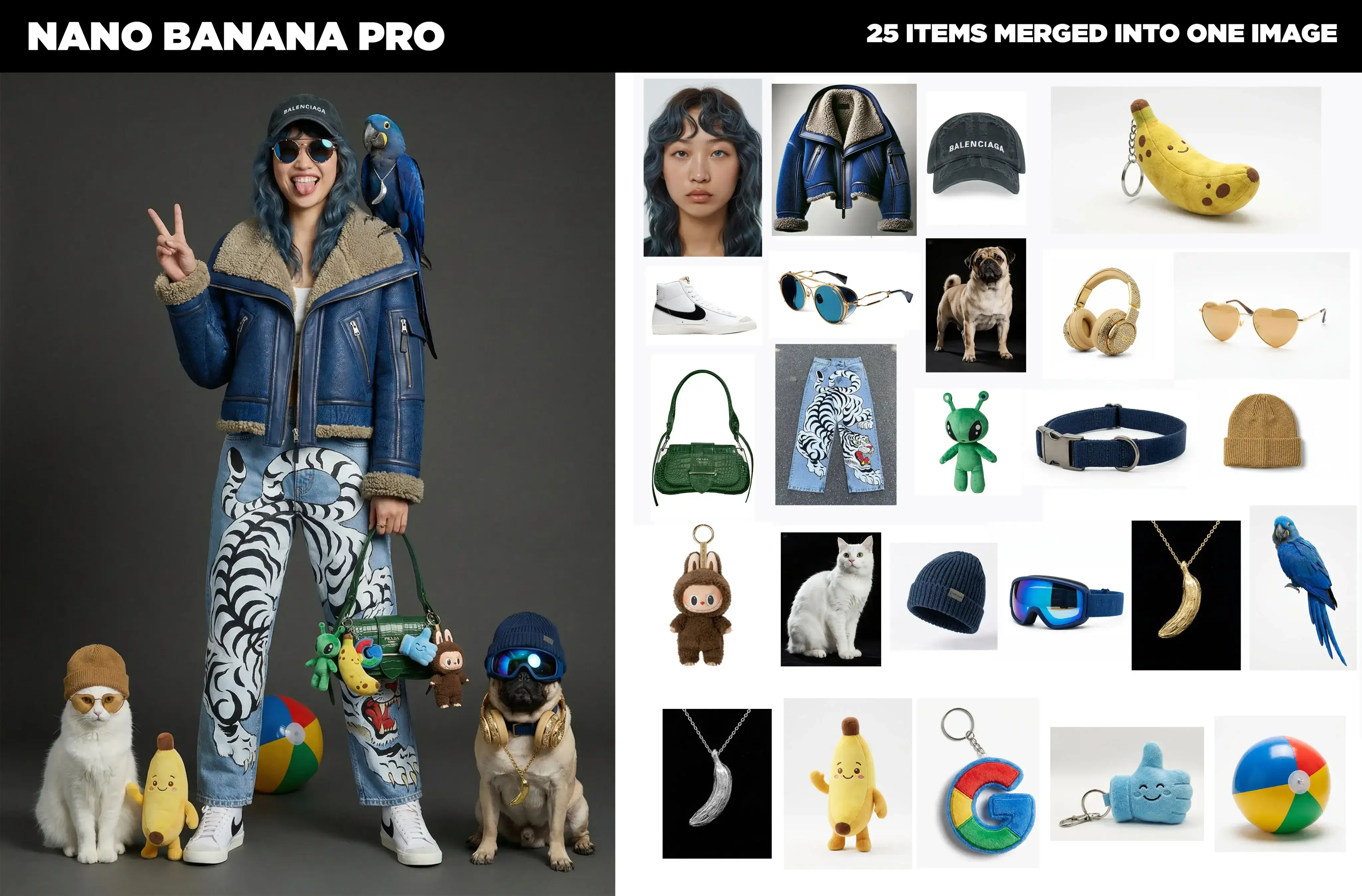
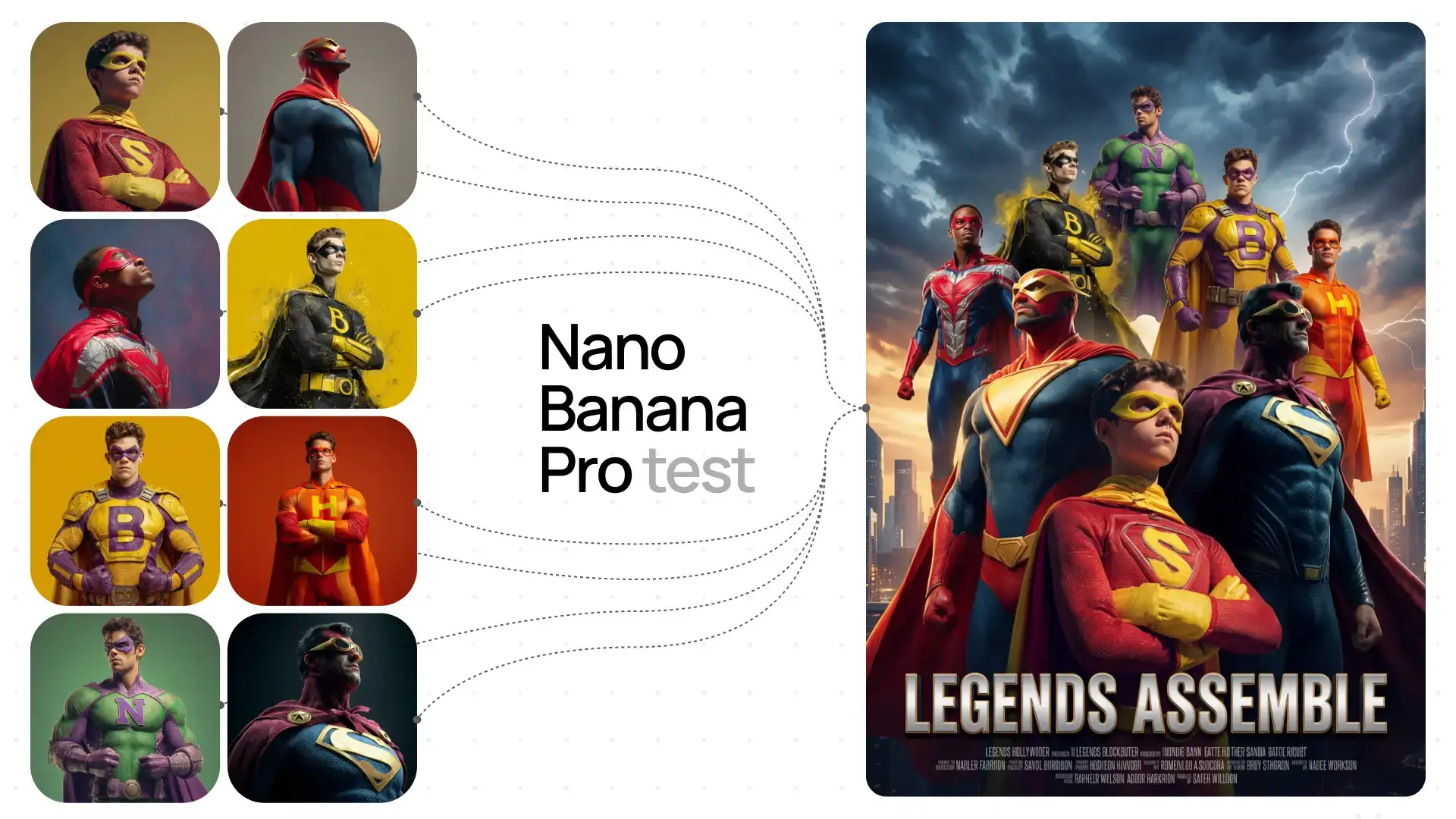
Multi-Image Composition
The Nano Banana Pro Image Editor can blend multiple images into a single cohesive scene, allowing you to merge elements, unify lighting, and create rich, complex compositions. Ideal for moodboards, marketing visuals, and artistic collages.
Why Choose Nano Banana Pro Image Editor

Aspect Ratio
You can choose from a variety of image sizes and aspect ratios—like square, widescreen, or vertical—so your visuals fit perfectly whether they’re for social posts, slides, or print materials.

Resolution
Nano Banana Pro can generate high-resolution images, including 2K and 4K output, giving you crisp, detailed visuals suitable for large displays or professional printing.

Camera Angle
You can guide the model to use specific camera angles—such as overhead, low-angle, close-up, or wide shots—making it easy to achieve the exact perspective or mood you want.

Focus & Depth of Field
The model allows you to control what stays sharp and what goes blurry, helping you emphasize the subject, create depth, or produce cinematic-style effects.

Multilingual Text Generation
It supports generating text within images in multiple languages, perfect for localized marketing or global audiences—free, online, and with no sign-up required.

Color & Grading
You can specify the overall color style—warm, cool, vintage, monochrome, vibrant, and more—so the finished image matches your branding or desired aesthetic.
What Our Users Say About Nano Banana Pro Image Editor

Architect
As an architect, Nano Banana Pro Image Editor’s visualization and camera controls are game-changers for client presentations. Perspective transformations make it easy to show any viewpoint—free, online, and with no sign-up required.

Food Content Creator
Creating recipe visuals is so easy with Nano Banana Pro Image Editor! Aspect ratio options and color grading make my food photos look professional—free, online, and with no sign-up required, perfect for social media.

Comic Artist
Nano Banana Pro Image Editor is perfect for my comic storyboarding. Multi-image composition lets me create dynamic panels effortlessly—free, online, and with no sign-up required. It’s now essential to my creative workflow.
Other AI Tools You Might Like
Cloth Swap
Cloth Swap Free is an AI-powered tool for virtual outfit swapping. Try on different styles instantly, mix and match outfits, and explore new looks for free!
Runway Gen 4
Runway Gen 4 is the latest AI model, delivering video generation quality comparable to cinematic effects, making high-efficiency content creation more accessible than ever.
Nano Banana AI image editor(Free)
Nano Banana, powered by Google Gemini, is an AI image editor that lets you easily edit and enhance your images with just a few clicks.
Frequently Asked Questions
What is Nano Banana Pro Image Editor?
Nano Banana Pro Image Editor is a free, online AI-powered tool powered by Google Gemini 3. It lets you create or edit images with simple text prompts, helping you generate professional visuals for recipes, architectural visualizations, comic storyboards, and more.
Do I need design or Photoshop skills to use it?
Not at all! Nano Banana Pro Image Editor is designed for everyone. Just upload your image and describe what you want—no design experience needed. The AI handles all the complex work for you.
What can I create with Nano Banana Pro Image Editor?
You can create recipe visuals, architectural visualizations, comic storyboards, translate text in images, transform perspectives, and compose multiple images into seamless scenes. It supports various aspect ratios, high-resolution output (2K/4K), and multilingual text generation.
What image quality does Nano Banana Pro Image Editor produce?
Nano Banana Pro generates high-resolution images, including 2K and 4K output, with crisp, detailed visuals perfect for social media, marketing materials, professional printing, or creative presentations.
Can I control camera angles and perspectives?
Yes! Nano Banana Pro Image Editor lets you specify camera angles—overhead, low-angle, close-up, or wide shots—and transform perspectives. You can also control focus, depth of field, and color grading to achieve your desired look.
Is Nano Banana Pro Image Editor free to use?
Yes! Nano Banana Pro Image Editor is completely free, online, and requires no sign-up. You can start creating professional images right away—no downloads, no setup, just open your browser and go.