Image *

Drag and drop your image here, or click to browse
Up to 1 pictures are supported
Prompt *
15 credits per use
Free AI Image Inpainting Tool
Edit images with precision using AI image inpainting. Draw custom masks, describe your intent with prompts, and regenerate specific areas seamlessly. Free to use, no signup required, powered by FamilyPro.
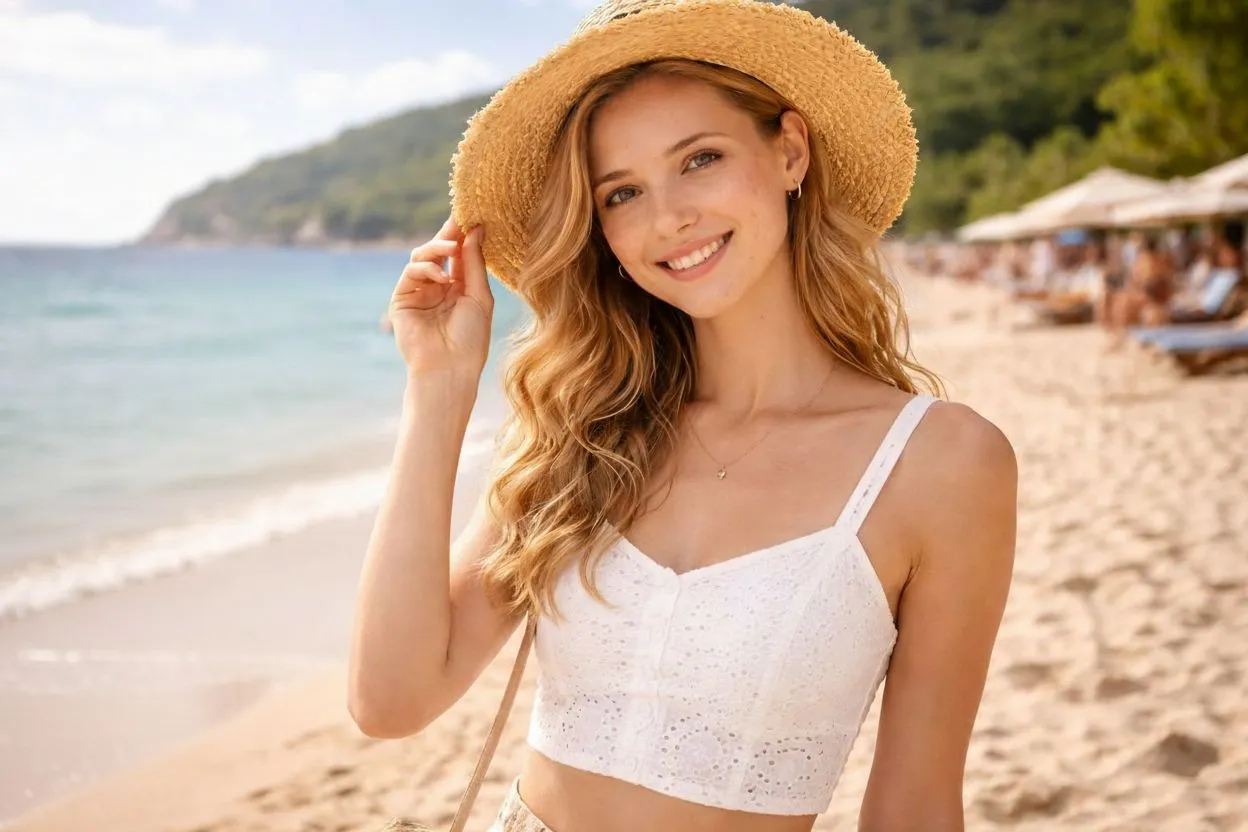
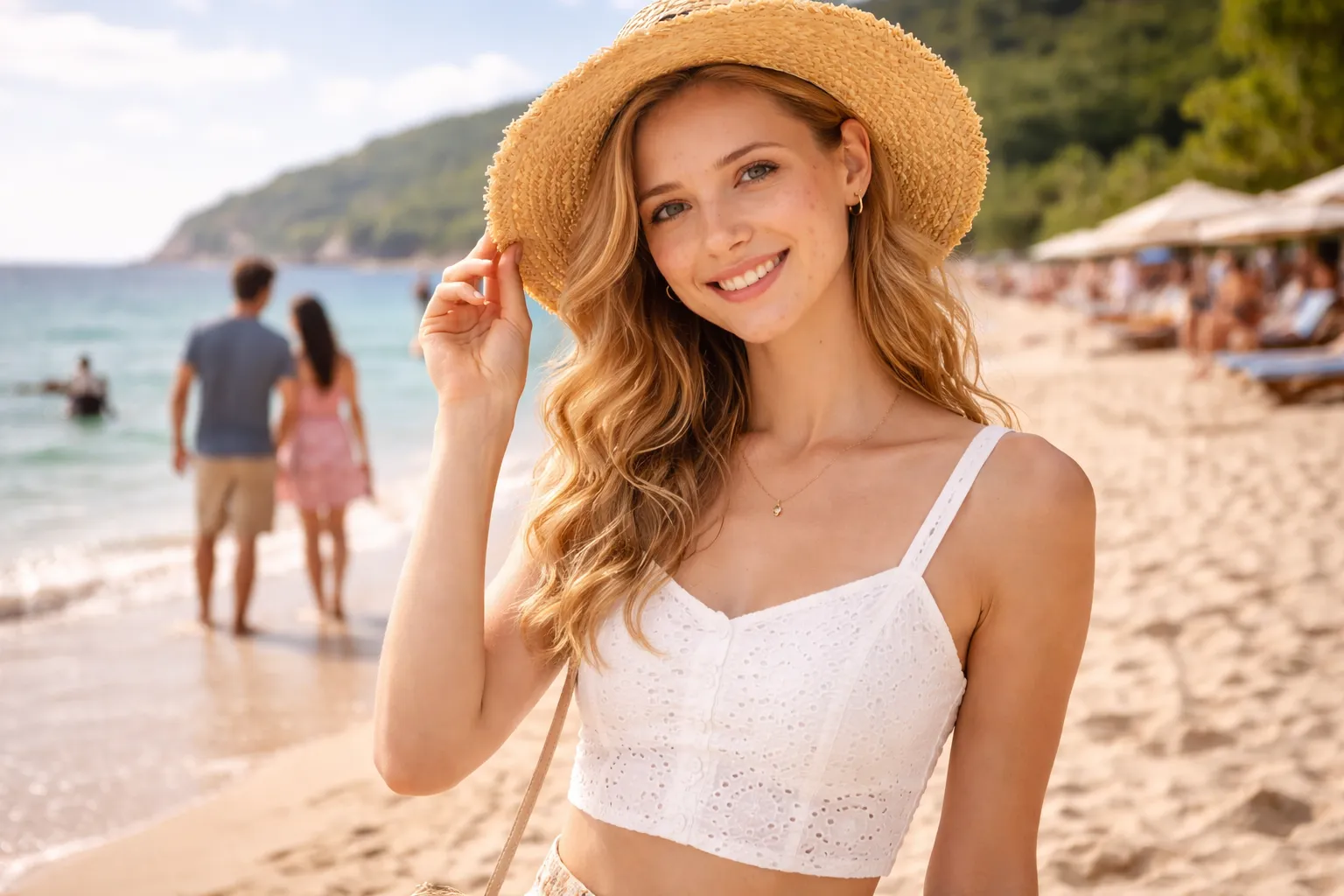
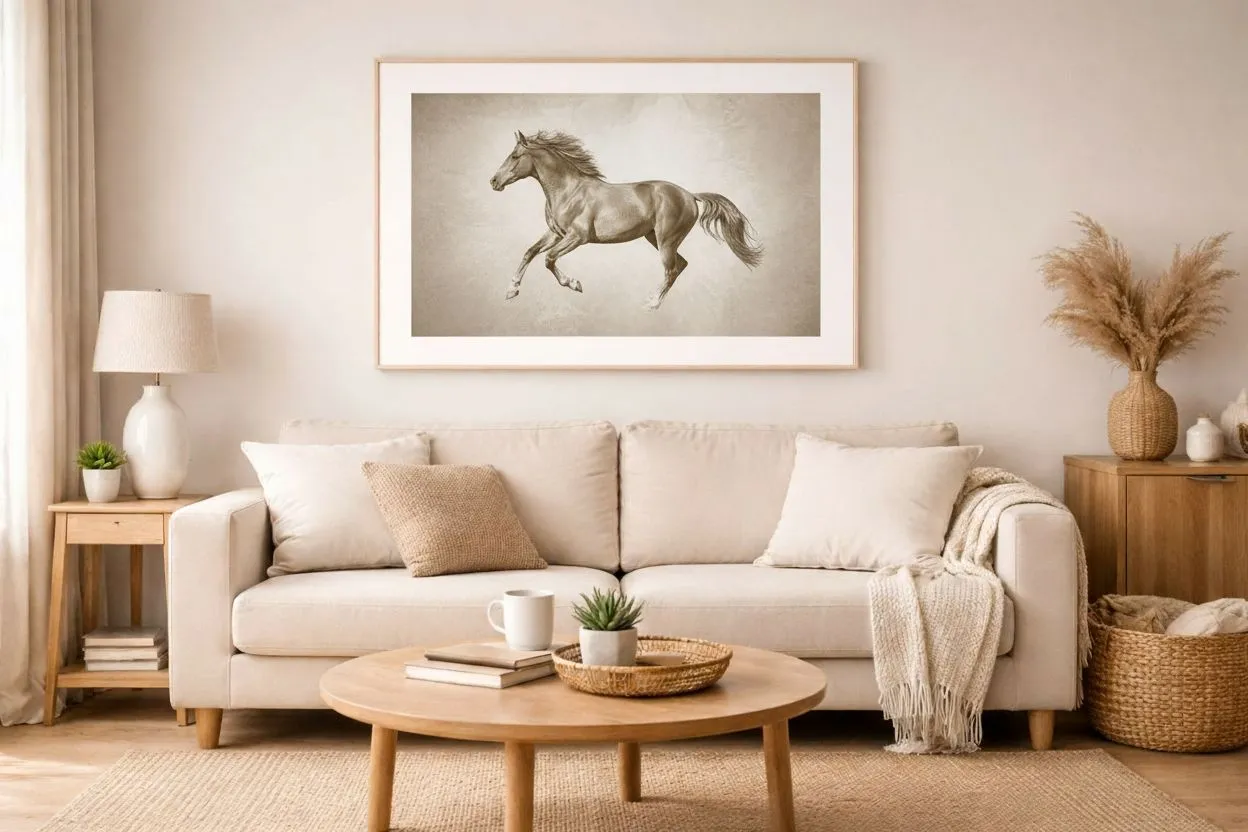
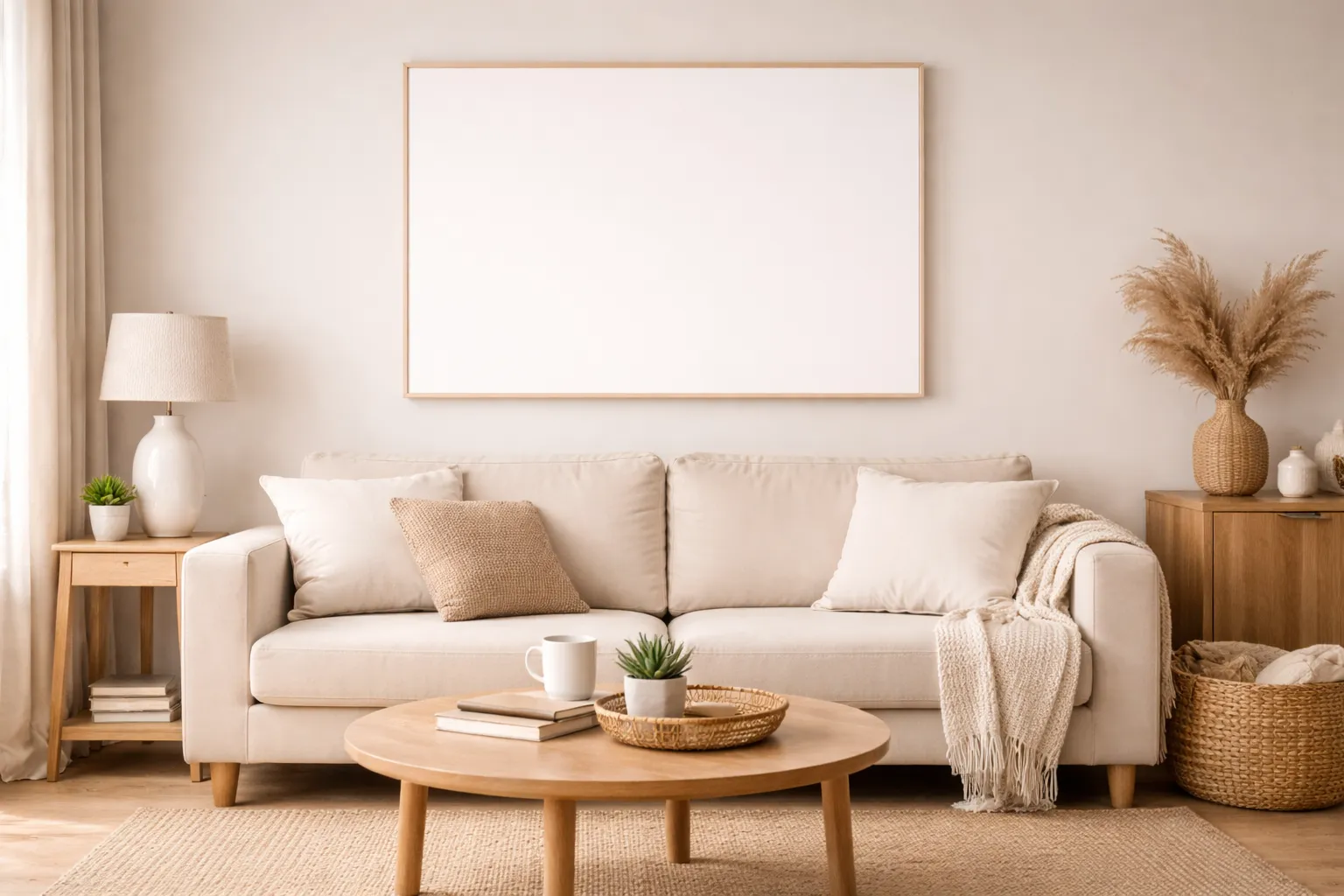
How Image Inpainting Works
Step 1
Upload Your Image
Upload the original image you want to edit. This image will be used as the base for the AI image inpainting process.
Step 2
Draw a Mask & Add a Prompt
Use the brush or text tools to mark areas for inpainting, then describe how the selected region should be edited or regenerated.
Step 3
Generate with AI Inpainting
The AI regenerates only the masked area while keeping the rest of the image unchanged, delivering natural and realistic results.
What Is Image Inpainting?
Image inpainting is an AI-powered technique that allows you to edit or regenerate specific parts of an image without affecting the rest. With custom masks and prompt guidance, FamilyPro enables free image inpainting online with precise control and natural visual blending.
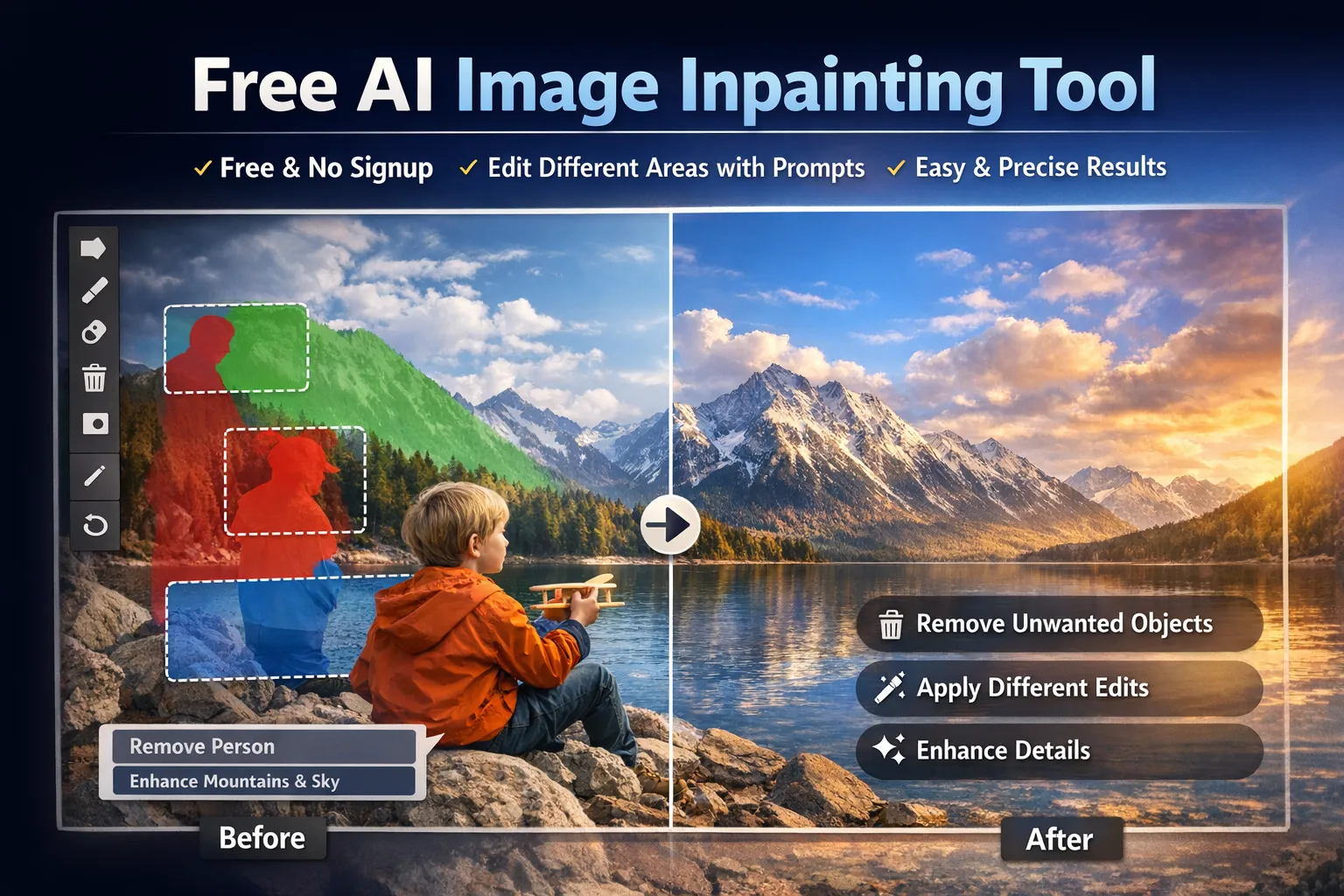
Real Image Inpainting Examples
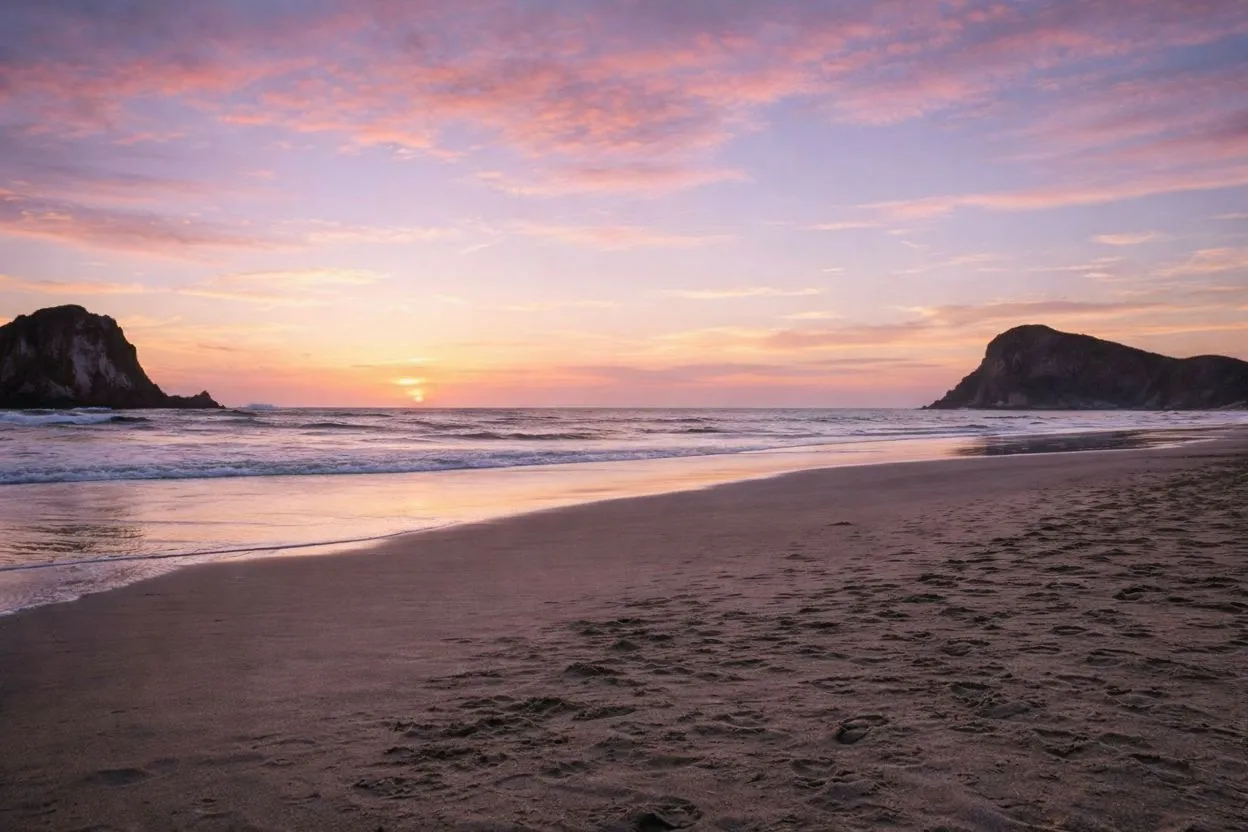
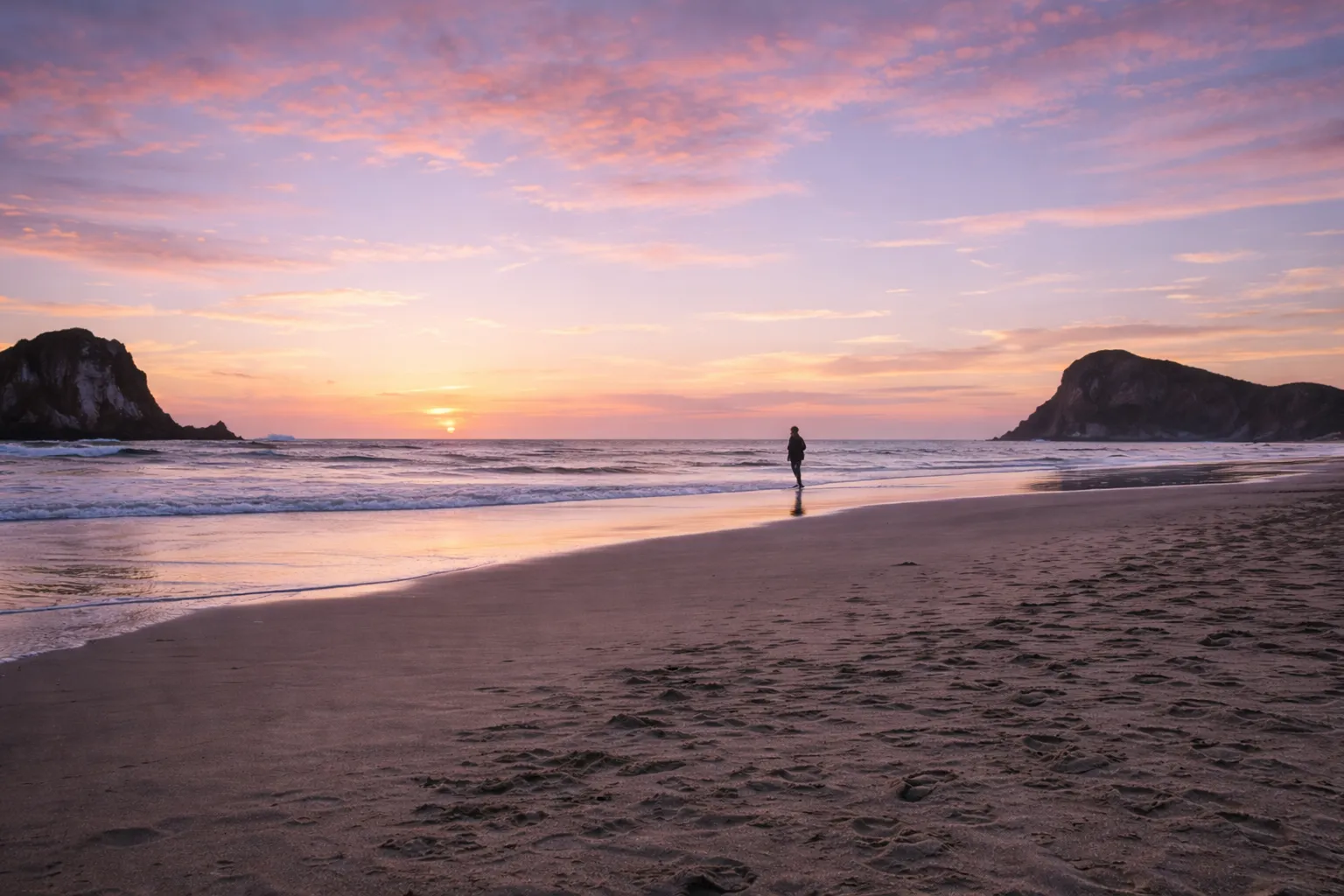
Remove Unwanted Objects
Use free image inpainting to remove unwanted objects such as people, clutter, or distractions. The AI intelligently fills the masked area based on surrounding textures, lighting, and context for a clean and realistic result.
Replace Image Details
Precisely replace specific image elements such as signs, objects, or decorations. Image inpainting regenerates only selected areas while preserving the original composition.
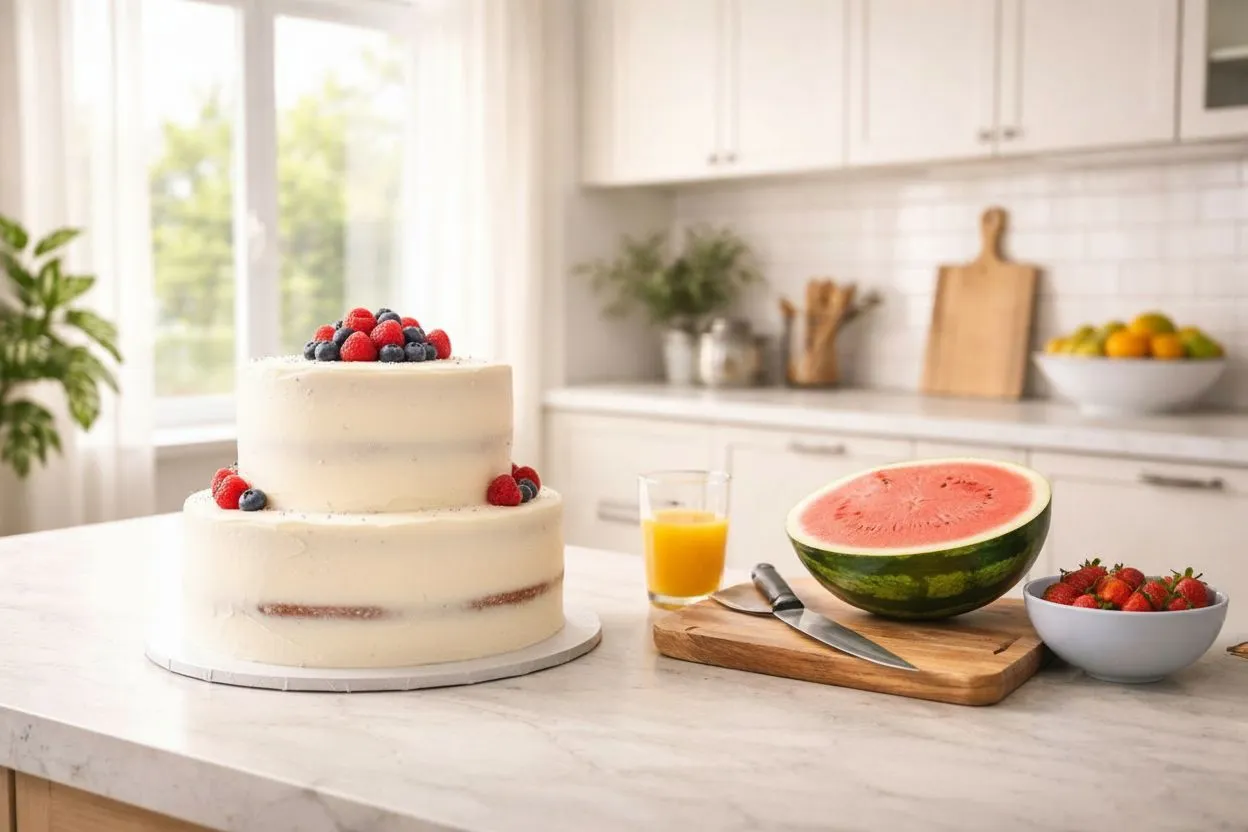
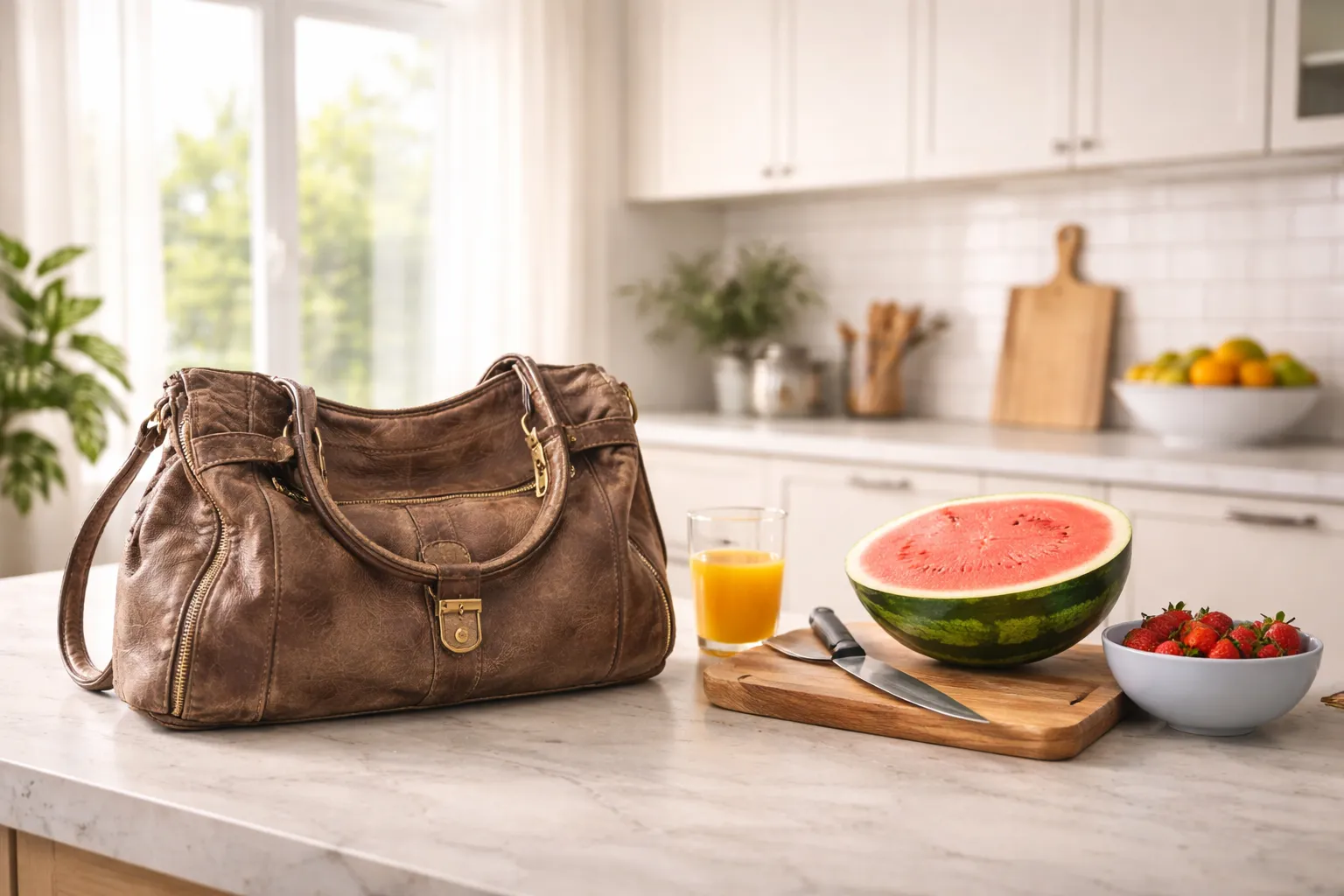
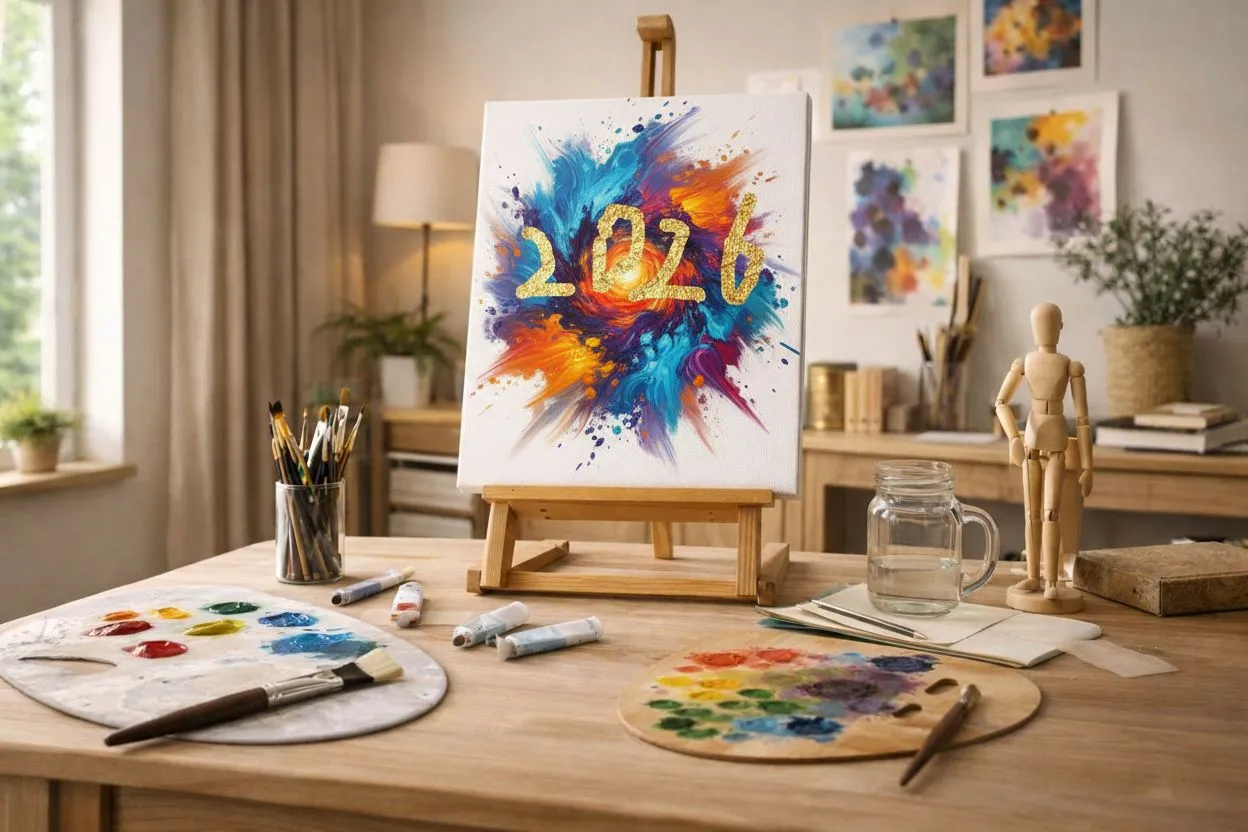
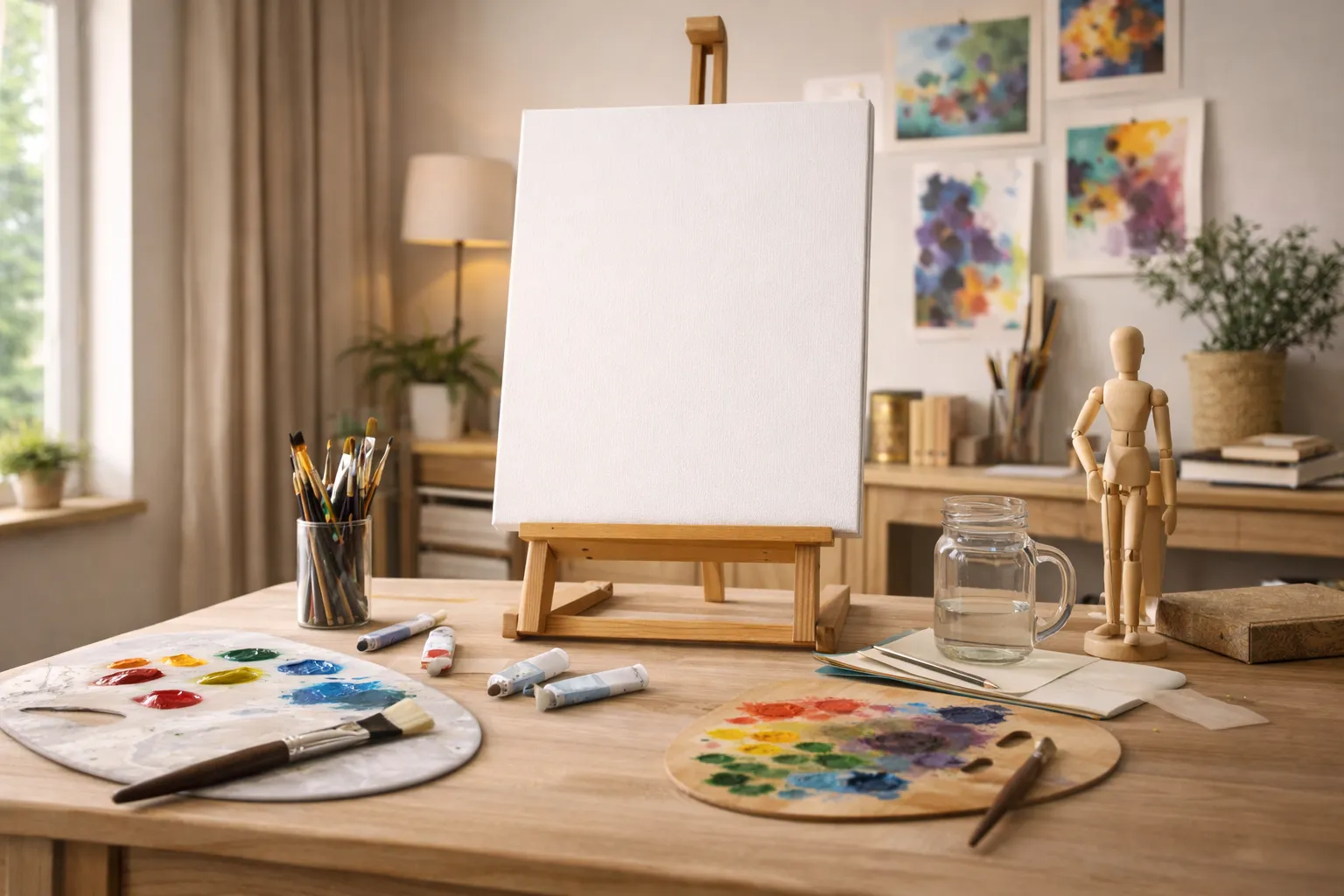
Creative Image Editing
Apply different creative edits to different parts of the same image in one generation. This allows you to experiment with artistic ideas in specific regions without affecting the overall composition.
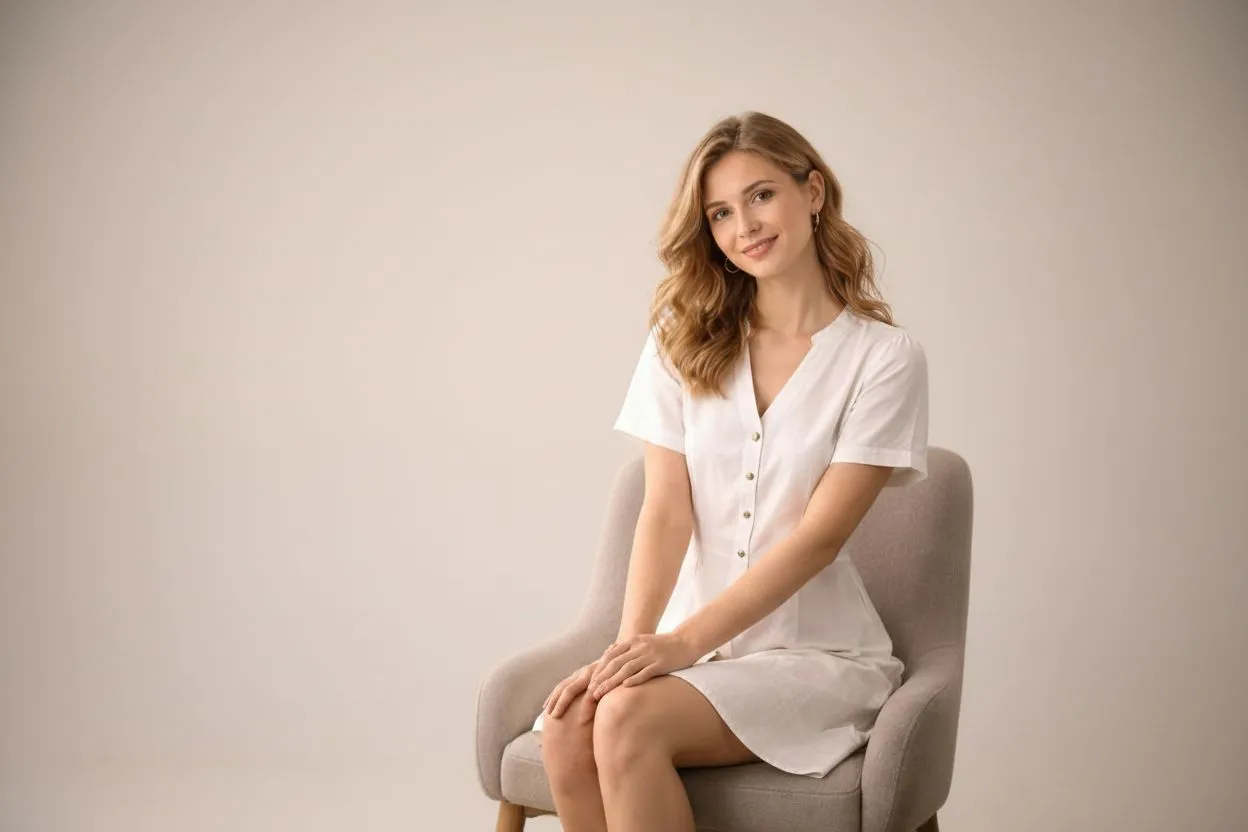
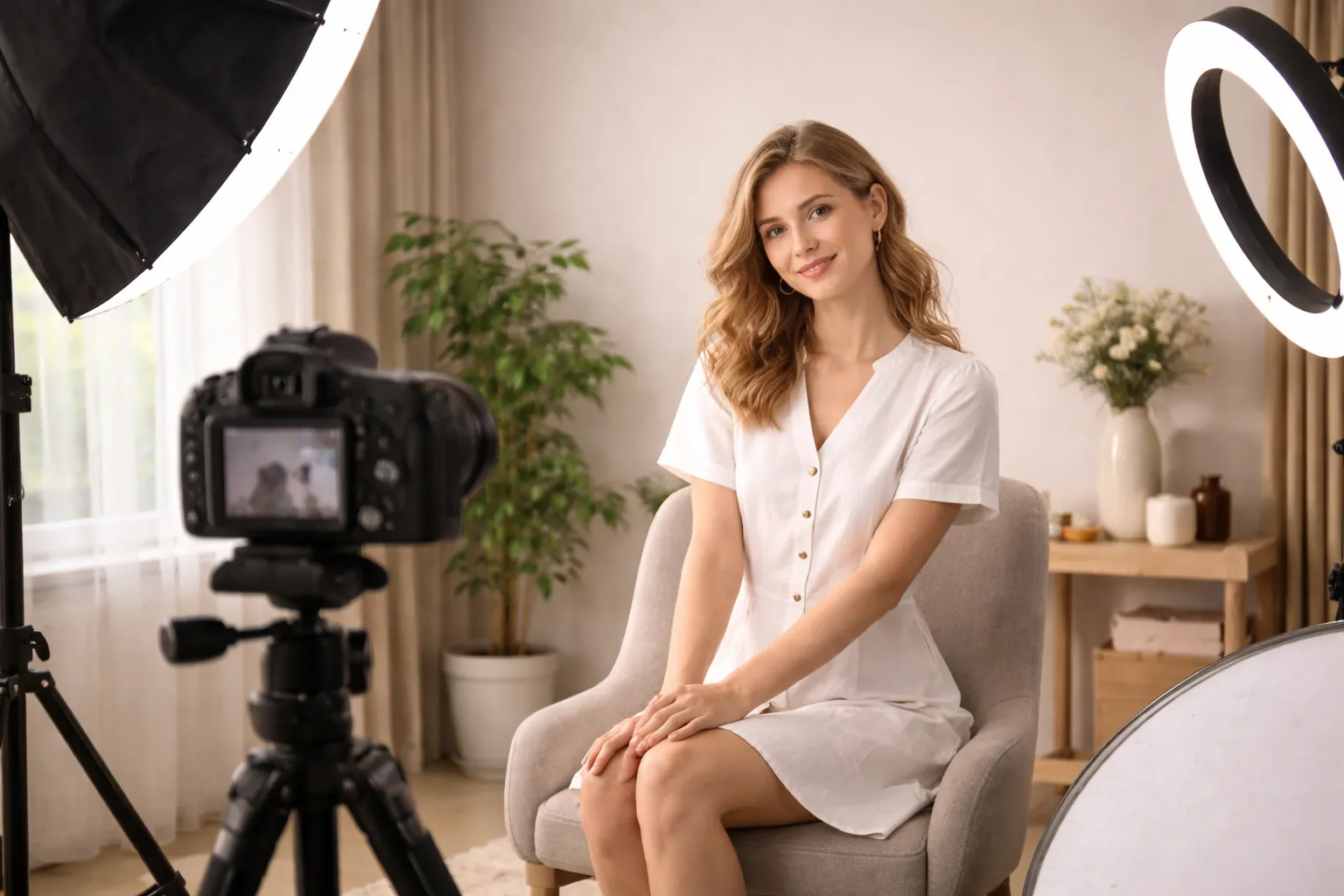
Background Cleanup
Quickly clean up messy or distracting backgrounds using free image inpainting. Ideal for portraits, product photos, and social media visuals.
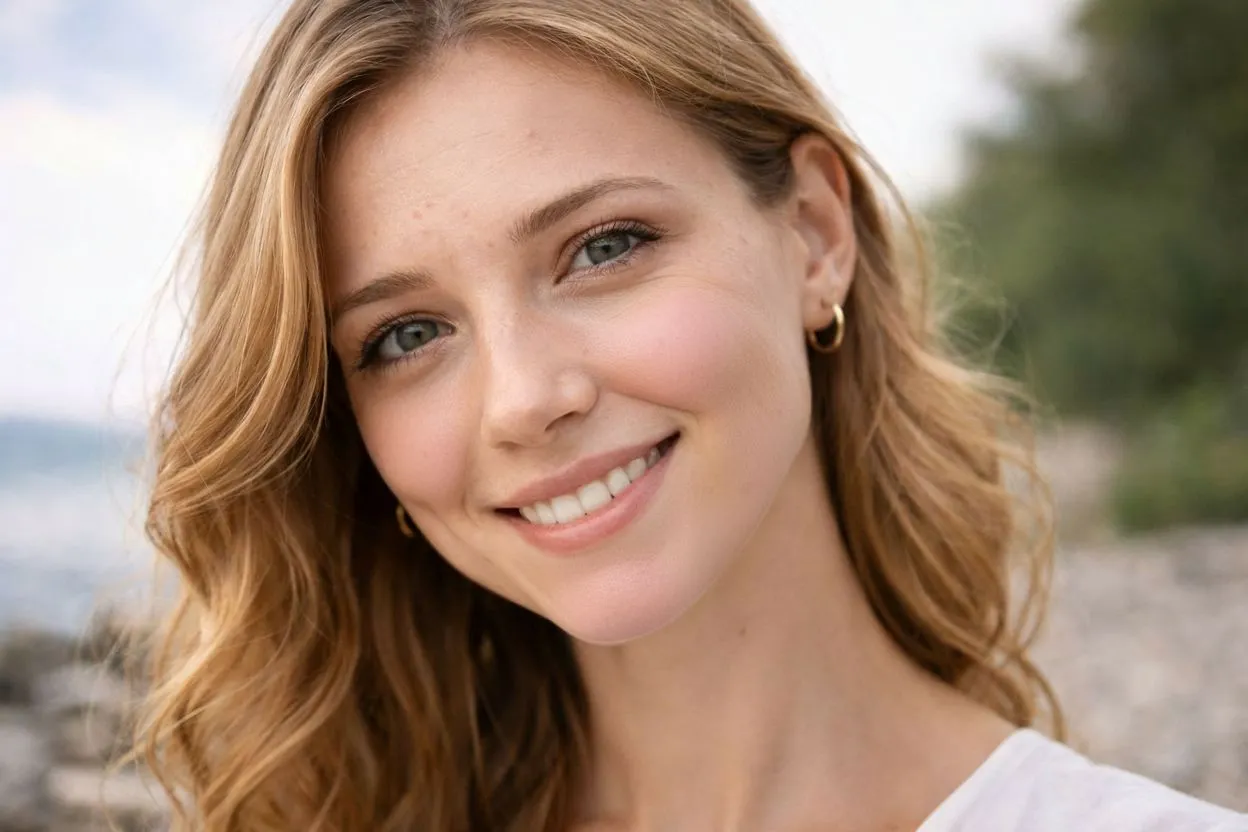
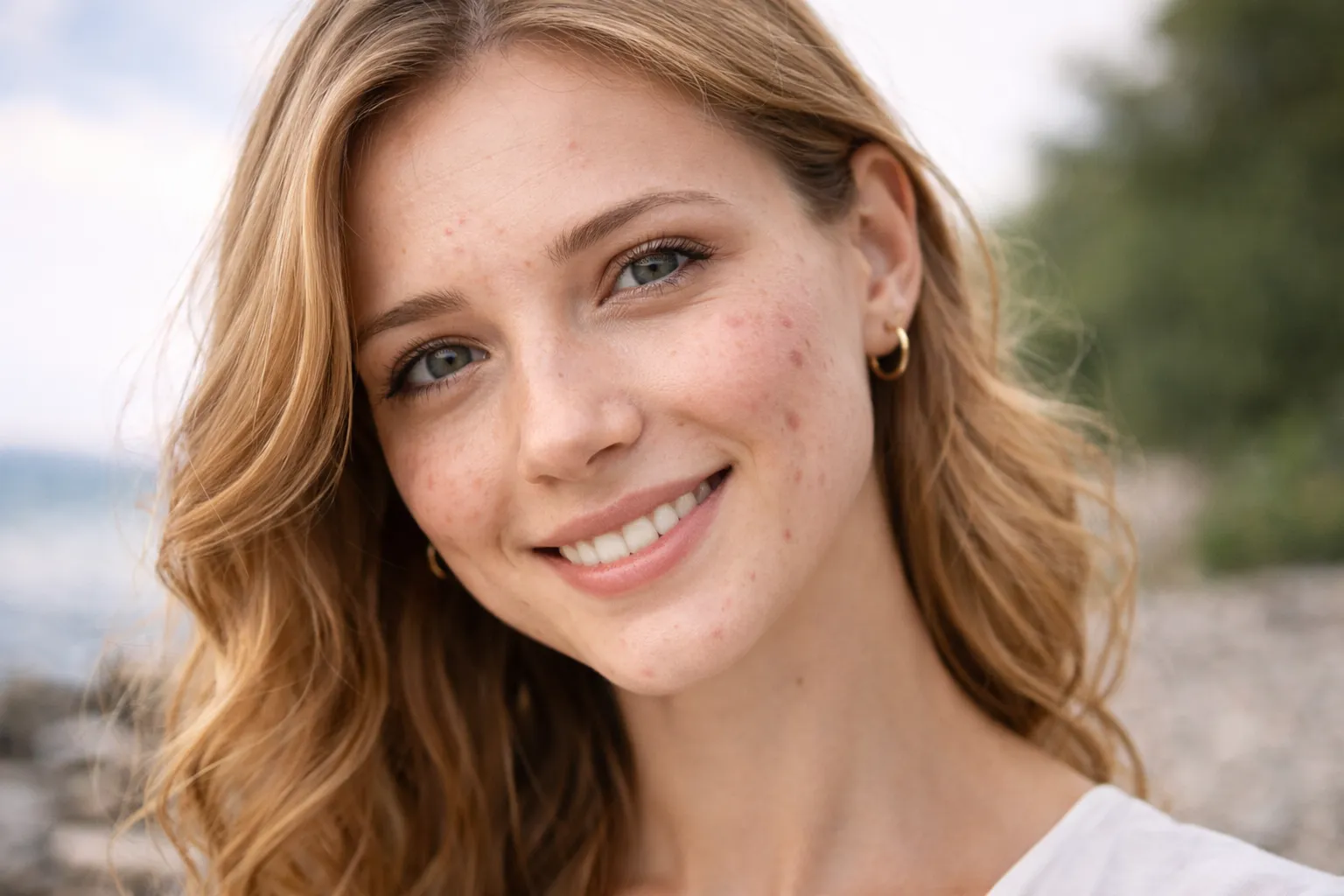
Face Retouching
Perform subtle face retouching with image inpainting. The AI enhances selected areas while keeping skin texture natural and realistic.
Object Redesign
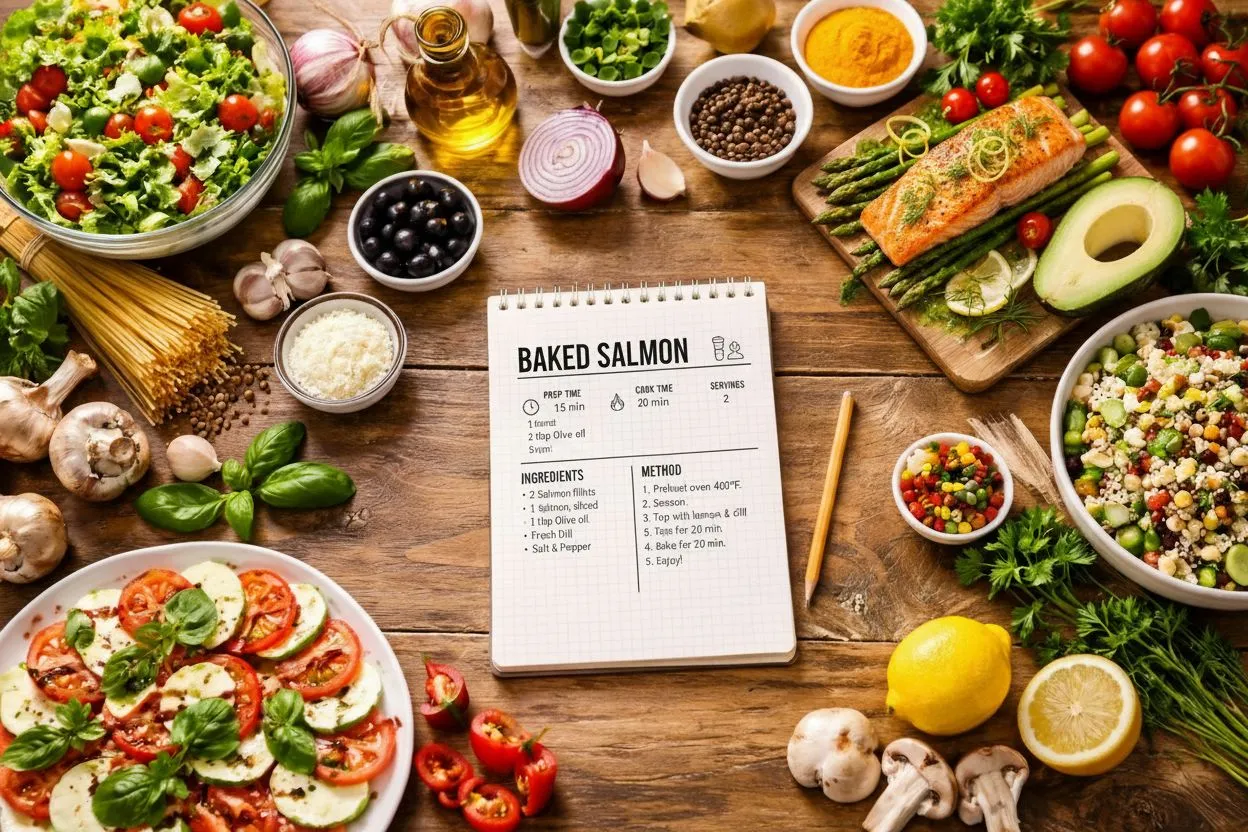
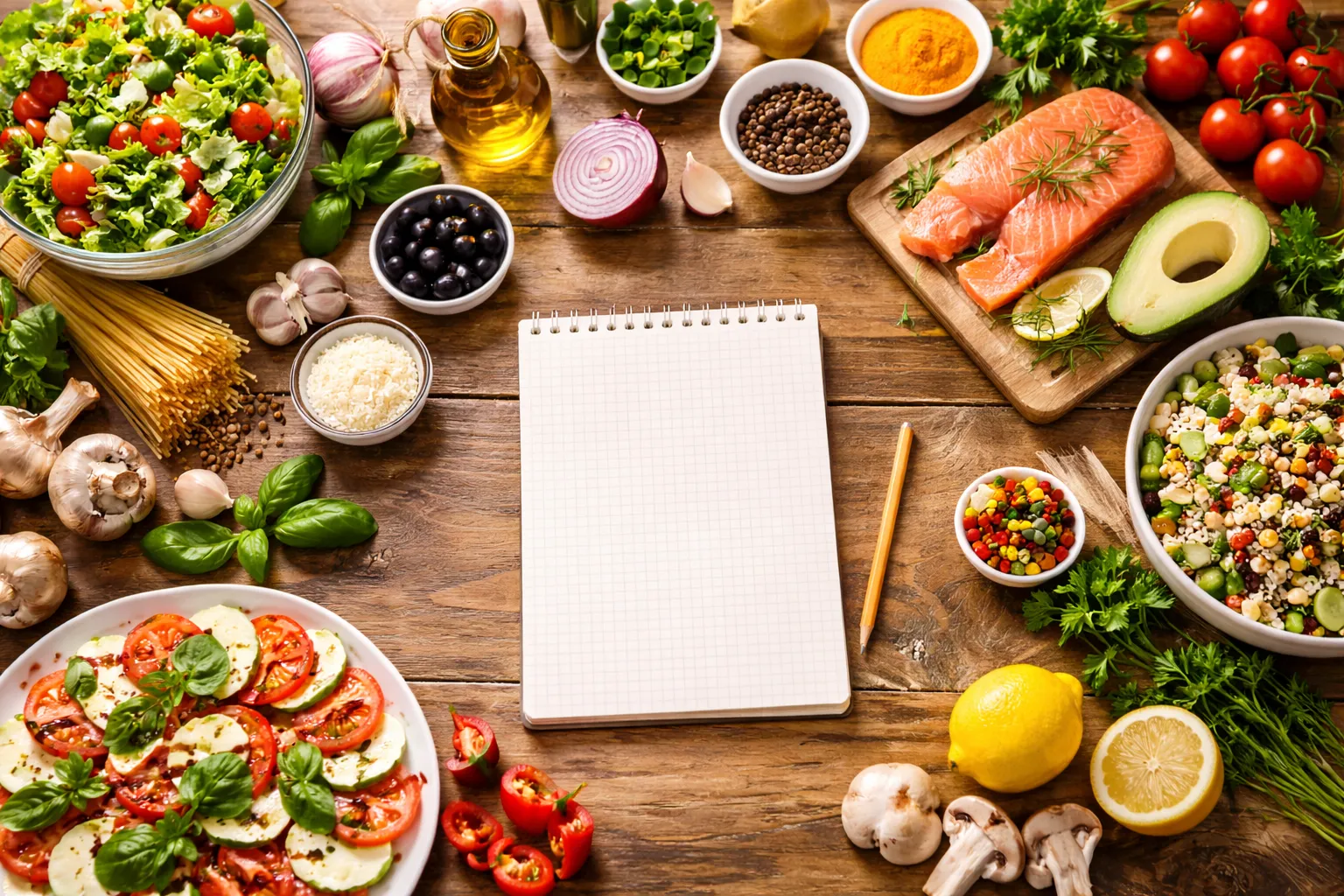
Redesign objects while coordinating changes across multiple areas of the image. This makes it easy to iterate on concepts and layouts without recreating the entire scene.
Why Choose FamilyPro Image Inpainting

Area-Level Editing Control
Apply different edits to different parts of an image within a single inpainting process.

Prompt-Guided Workflow
Describe how each selected area should change using simple natural language.

Multi-Change in One Generation
Handle multiple editing intentions at once without repeating the process.

Non-Destructive Editing
Only selected regions are regenerated, preserving the original image.

Free & No Signup
Start image inpainting for free with no signup required.

Precise Region Control
Select and edit specific areas of an image with fine-grained control, ensuring changes stay exactly where you intend.
What Users Say

Content Creator
I love that I can use image inpainting for free without signing up. The results look incredibly natural.

Designer
Mask-based control makes this tool much more powerful than typical AI image editors.

Everyday User
Super easy to use and no signup needed. Perfect for quick edits.
Other AI Tools You Might Like
Free Image Inpainting FAQ
Is this image inpainting tool really free?
Yes. FamilyPro offers free image inpainting with daily usage limits, and no signup is required to get started.
What is image inpainting?
Image inpainting is an AI technique that edits or regenerates specific parts of an image while keeping the rest unchanged.
How does mask-based image inpainting work?
You draw a mask over the area you want to edit, and the AI regenerates only the masked region.
Can I control the inpainting result?
Yes. You can guide the inpainting process using detailed text prompts.
Do I need to create an account to use this tool?
No signup is required for free usage. You can start image inpainting instantly.