Model
Reference Images

Drag and drop reference images here, or click to browse
Up to 10 images are supported
Prompt *
Aspect Ratio
Resolution
Image Format
Background
3 credits per use
GPT Image 2.5 Free AI Image Generator
Create sharp, detailed images and refine them with natural-language prompts. Try GPT Image 2.5 online with free credits for text-to-image generation, reference-based creation, and precise visual edits.
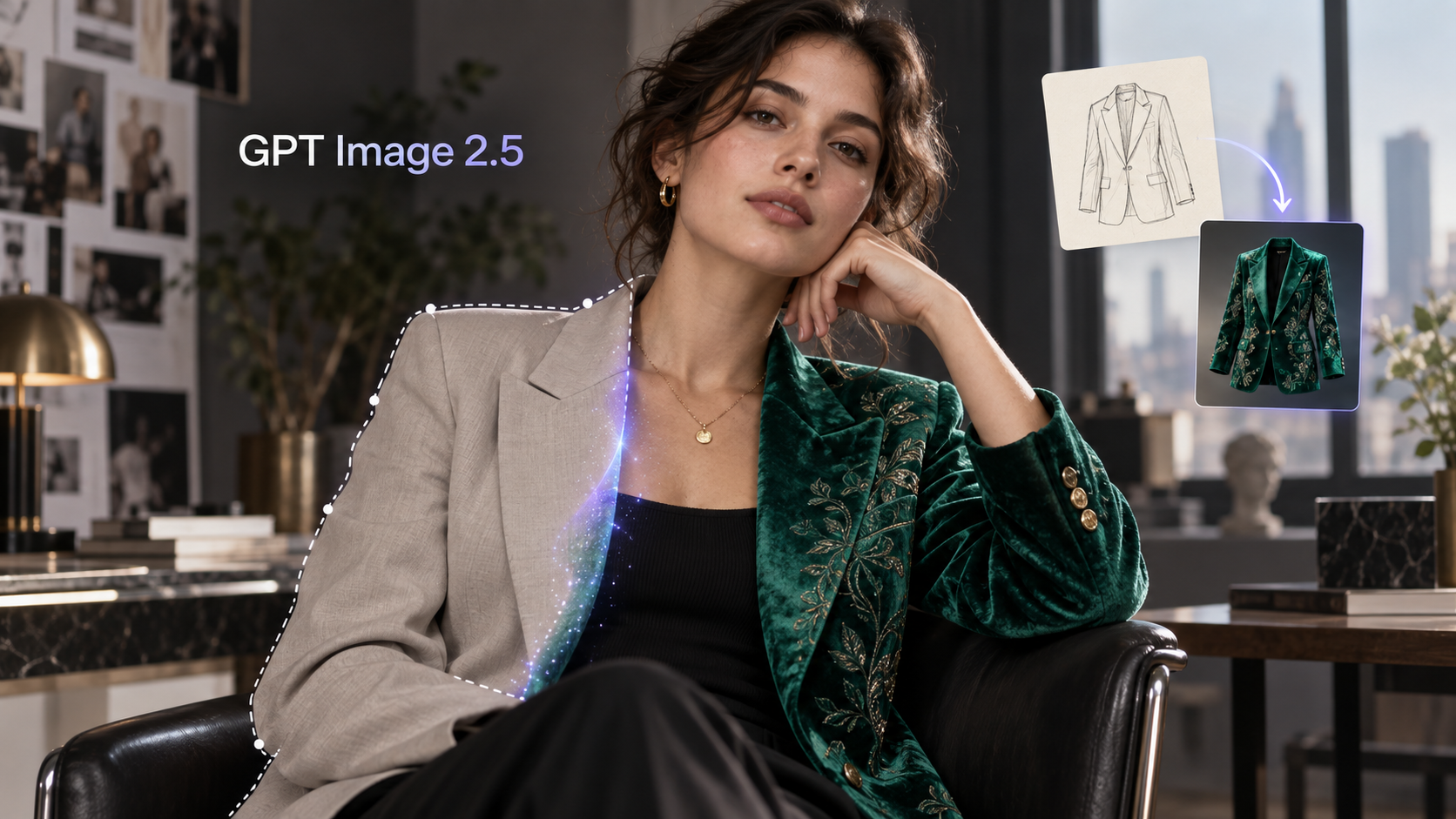
How to Use GPT Image 2.5 Online
Step 1
Write a Specific Prompt
Describe the subject, style, colors, composition, and intended format. For an edit, upload a reference image and clearly name the area that should change.
Step 2
Choose Your Settings
Select the available aspect ratio, resolution, and image format for your project. Use a quick setting for drafts and a higher-quality setting for polished creative work.
Step 3
Generate, Refine, and Download
Generate your image, review the result, and use a focused follow-up prompt for revisions. Ask the model to keep everything else unchanged when you only need a local edit.
What Is GPT Image 2.5?
GPT Image 2.5 is OpenAI’s 2026 image generation update for creating and editing visuals with natural-language instructions. It is designed for sharper detail, richer textures, more reliable text, and more precise local edits than GPT Image 2. The release also highlights faster generation and a smoother creative workflow with tools such as Sketch, Templates, image comments, and prompt sharing. On FamilyPro, you can try the GPT Image 2.5 experience online with free credits, generate from text, upload reference images, and download your results.
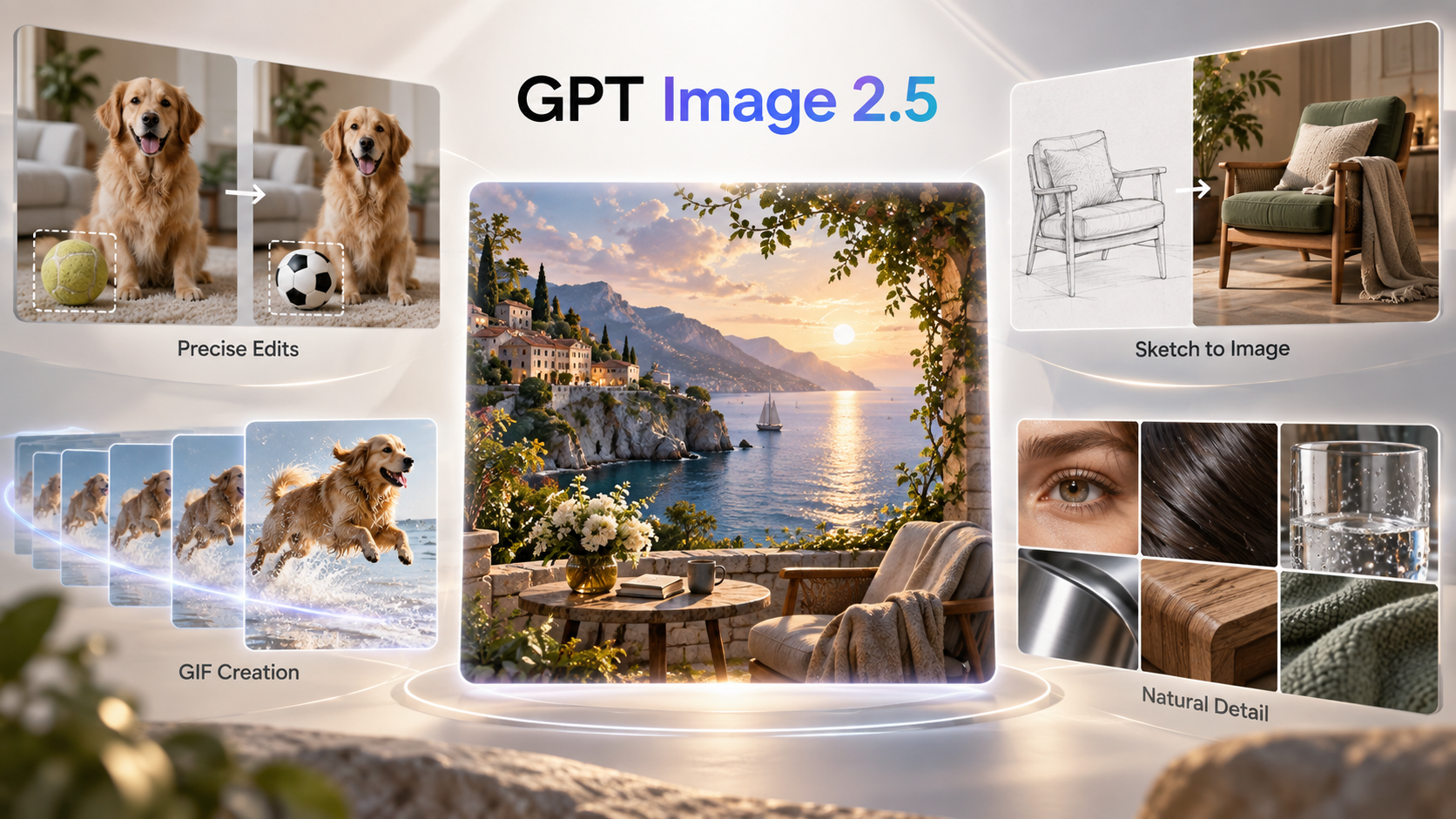
What You Can Create With GPT Image 2.5
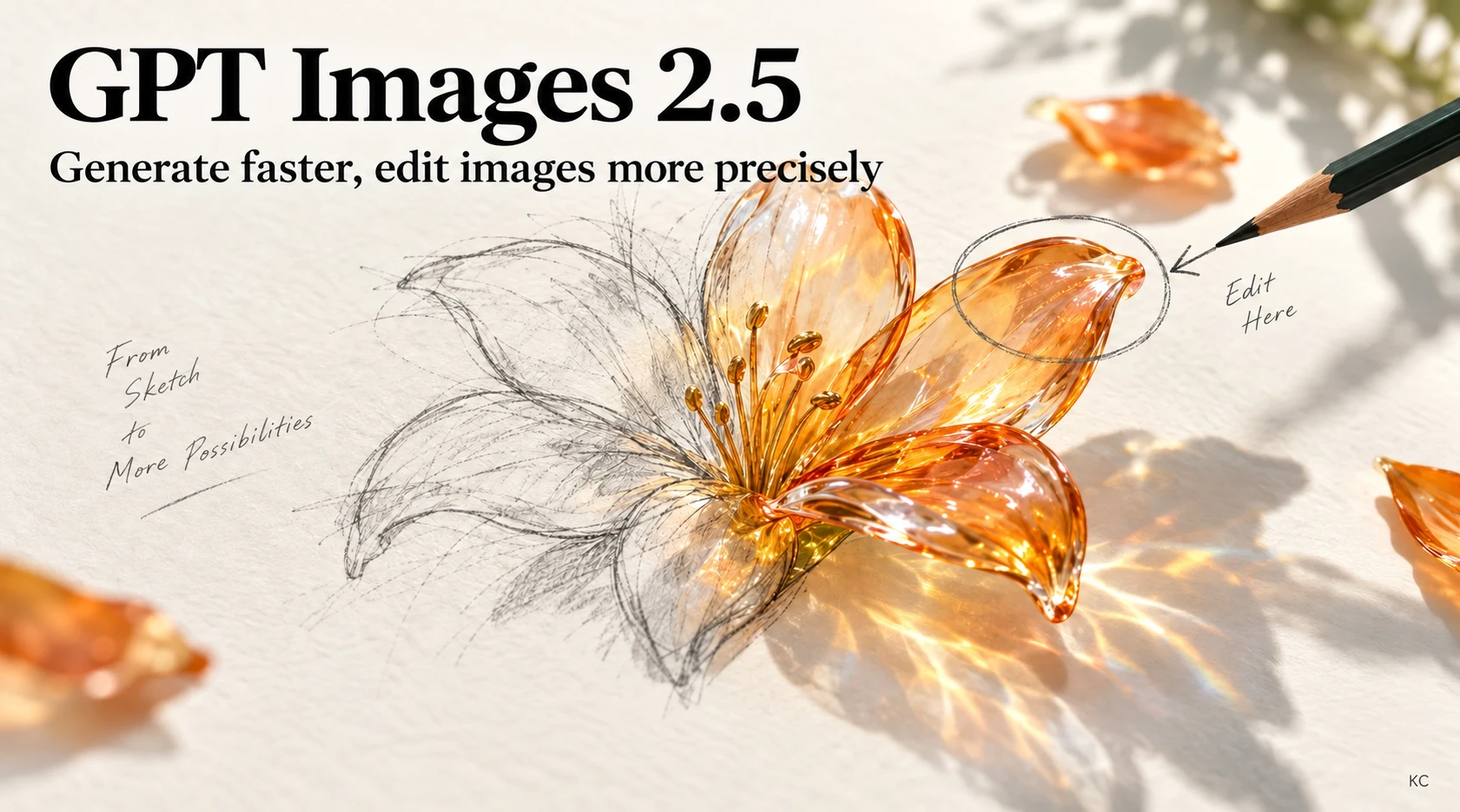
Edit Any Detail, Right Where You Want
With GPT Image 2.5, you don’t have to regenerate the entire image just to fix one small thing. Want to change an outfit, adjust a hairstyle, remove an object, or tweak a specific detail? Just tell the AI what to change. It keeps the original composition and surrounding elements intact, so you can refine your image step by step until it looks just right.
Turn Rough Sketches Into Finished Images
You don’t need to be good at drawing—or spend ages describing what’s in your head. Just sketch out the basic layout of your characters, products, or key elements, and GPT Image 2.5 can fill in the details and turn your rough idea into a finished image. You sketch the idea, and AI takes care of the rest.

Bring Your Images to Life with GIFs
Sometimes a static image just isn’t enough. GPT Image 2.5 can turn a simple visual concept into an animated GIF, adding movement to characters, products, or other elements in the scene. Whether you’re creating social media content, promotional assets, or product visuals, you can make your images more engaging without building an animation from scratch.
More Natural Details, Less of That ‘AI Look’
GPT Image 2.5 isn’t just about making images sharper—it pays more attention to the little details that make an image feel real. Skin, hair, clothing textures, glass, metal, wood, and other materials can all have more natural lighting and depth. The result feels less obviously AI-generated and more like something you could have captured with a real camera.
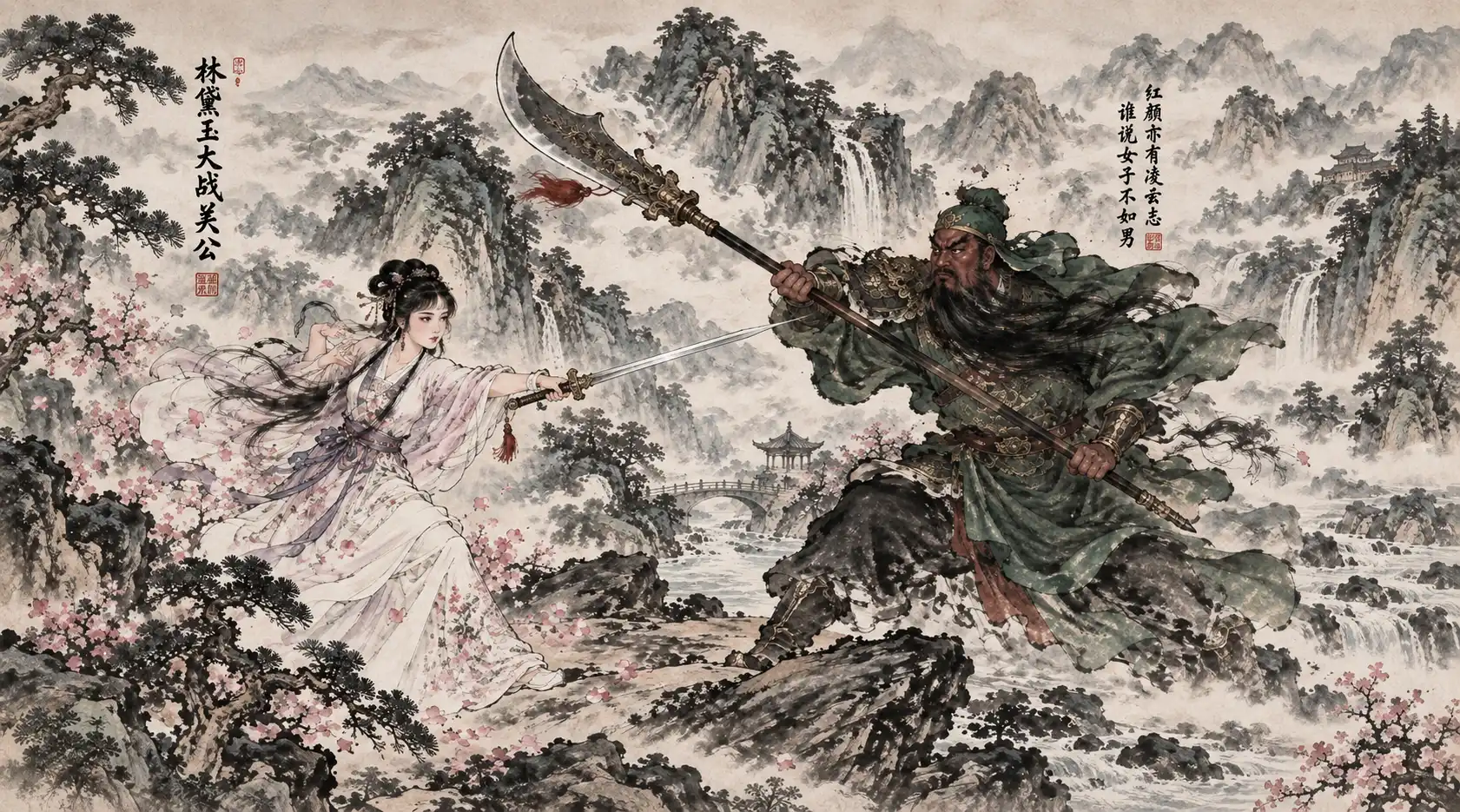
What’s New in GPT Image 2.5

Sharper Detail and Richer Texture
GPT Image 2.5 is designed to improve fine detail, material texture, natural lighting, and overall clarity for product images, concept art, posters, and polished marketing visuals.

More Precise Local Editing
Ask to replace one object, adjust a background, or correct a small area while keeping the subject, lighting, and composition unchanged. This focused workflow reduces unwanted drift between edits.

Faster Image Generation
OpenAI describes generation latency as up to 50% lower than GPT Image 2, helping creators move from a first draft to a finished visual with less waiting between revisions.

Cleaner Text in Images
Create posters, product labels, menus, interface mockups, and social graphics with clearer lettering and more dependable spacing across text-heavy layouts.

Flare and Sunburst Workflows
Flare is positioned as the default option for most apps and high-volume generation, while Sunburst targets premium production work that needs tighter control across detailed edits.

Sketch, Templates, and Comments
The broader GPT Image 2.5 workflow introduces visual guidance with Sketch, reusable starting points with Templates, focused feedback through image comments, and easier collaboration through prompt sharing.
More AI Image Generators to Explore

Grok Imagine Image Generator
Unleash bolder AI creativity with Grok Imagine by xAI. Fewer limits, wider possibilities, and powerful image generation for ideas beyond the ordinary.
Nano Banana 2 AI Image Editor
Create and edit images with multimodal prompts, reference photos, style transfer, and practical visual workflows powered by Google’s image model family.

Seedream 4.5 AI Image Generator
Unlock cinematic creativity with Seedream 4.5 by ByteDance – your advanced web-based visual engine. Seamlessly fuse multiple styles and render precise typography instantly, offering free access with no account required
GPT Image 2.5 Frequently Asked Questions
What is GPT Image 2.5?
GPT Image 2.5 is OpenAI’s latest image generation update, released on September 8, 2026. It is designed for sharper images, richer textures, faster generation, and more precise edits than GPT Image 2.
Is GPT Image 2.5 free to use?
Yes. Free access is available with usage limits, while paid options provide more capacity. FamilyPro also lets you try the GPT Image 2.5 experience online with free credits before choosing a paid plan.
How do I use GPT Image 2.5?
Enter a prompt that describes the subject, style, colors, composition, and format. You can also upload a reference image, name the exact area to change, generate the result, and continue refining it with focused prompts.
Is GPT Image 2.5 better than GPT Image 2?
GPT Image 2.5 is intended to deliver sharper results, cleaner text, and generation latency up to 50% lower. Its biggest practical improvement is precise local editing, which helps change one area while preserving the rest of the image.
What is the difference between GPT Image 2.5 Flare and Sunburst?
Flare is the default choice for most applications and high-volume generation. Sunburst is aimed at premium production workflows that benefit from tighter control across multiple detailed edits.
Can GPT Image 2.5 edit an existing image?
Yes. Upload an image and describe the exact change. For the best local edit, identify what should change and explicitly ask the model to keep the subject, background, lighting, layout, and other details unchanged.
Can I use GPT Image 2.5 on mobile?
GPT Image 2.5 is designed for image generation and editing workflows across desktop, mobile, and web. Availability and usage limits can vary by product and plan.
Create More With GPT Image 2.5
Start with free credits, then upgrade when you need more image generations.
Get More Generation Credits