Sharpen Image Free Online

Don't let blurry shots or old photos dull your moments! Sharpen Image Free Online—no sign-up required. Just upload, let AI enhance every detail to 16K ultra-clear in seconds, making your photos crystal-clear, sharp, and rich in detail. Watch as skin textures and hair strands come alive!

Original imageEnhanced image
BeforeAfter
uploader-icon
Drag and drop to unblur images
Supported formats: JPG, PNG, WEBP, 20MB limit

No image? Try clicking these example images:
Family Photo with a baby and a dog
A boy reading a book
A family enjoying toy time together
0 credits per use

How to Sharpen an Image

Blurry photo
Upload image
1.

Upload Your Image

Click 'Upload image' and choose a JPG, PNG, or WEBP file from any device. You're all set to edit!

Before
After
2.

Sharpen Automatically

Just upload and watch! Our AI instantly sharpens your picture, and in no time, a clear, download-ready version pops up.

Result
DownloadA downward arrow pointing to a base line, representing downloading.
3.

Download Your Image

Your photo’s all sharpened and ready! Download it now with Sharpen Image Free Online and make it pop on social media or your website.

What is Sharpen Image Free Online?

You know how bad it is when a perfect photo moment is ruined by blur, or your favorite old pictures look hazy and faded? Don't lose those memories—try Sharpen Image Free Online! No sign-up required, and no skills needed. Just upload your photo. Our powerful AI instantly boosts every detail to a stunning 16K ultra-clear resolution in seconds. Your images will be crystal-clear, super sharp, and rich in detail. Watch the magic happen: skin textures and hair strands come alive, making memories feel real again. One click is all it takes to save every moment, perfectly clear and ready to share!
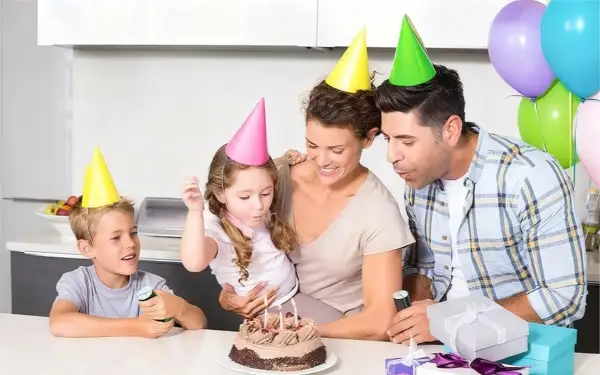
Original imageEnhanced image
BeforeAfter
Free

What Are the Use Cases for Sharpen Image Free Online?

Turn Blurry Shots into Stunning Posts

Ever snapped a great moment only to find it blurry? Don’t worry! Sharpen Image Free Online instantly fixes your photos. Our AI sharpens every detail naturally—no downloads, no stress. Upload, enhance, and get clear, ready-to-share images in seconds.
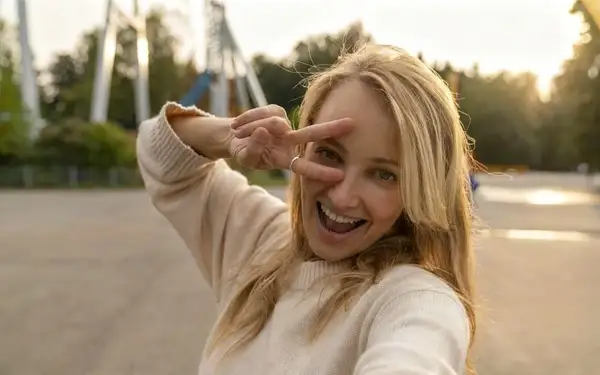
Before
Turn Blurry Shots into Stunning Posts - Before
After
Turn Blurry Shots into Stunning Posts - After

Relive Precious Moments with Sharpened Photos

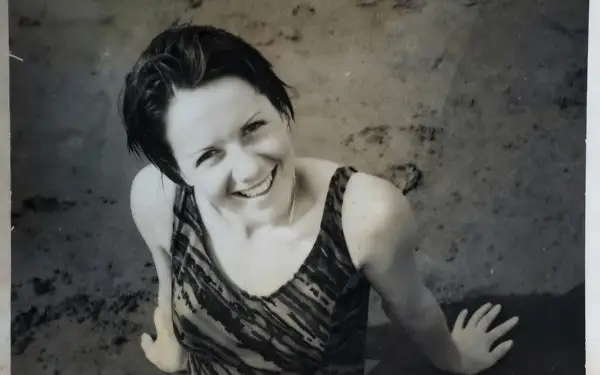
Your old photos may be a little soft around the edges, but the memories don’t have to be. Upload them to Sharpen Image Free Online and watch as our AI sharpens every detail—perfect for birthday pics, travel shots, or any moment you want to treasure forever.
Before
Relive Precious Moments with Sharpened Photos - Before
After
Relive Precious Moments with Sharpened Photos - After

One-Click Sharpening for Perfect Product Photos

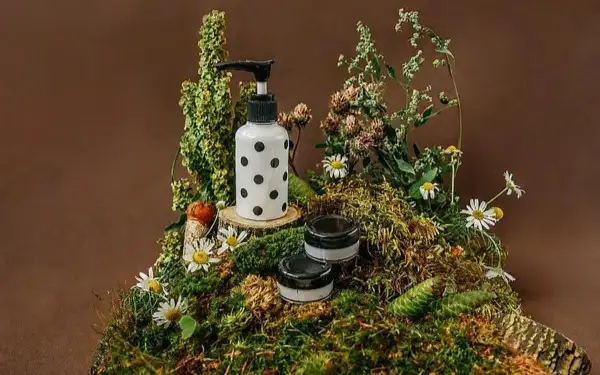
Your products deserve to shine! Sharpen Image Free Online fixes blurry shots in seconds, making them crystal clear and professional. Perfect for eCommerce, prints, or social posts—upload, enhance, and make your images stand out immediately.
Before
One-Click Sharpening for Perfect Product Photos - Before
After
One-Click Sharpening for Perfect Product Photos - After

Clear Up Hard-to-Read Text in Seconds

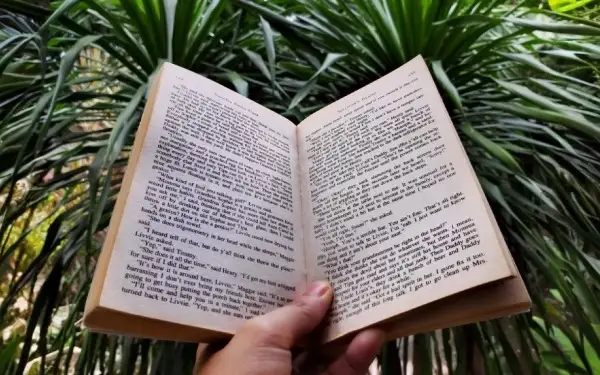
Hard to read old documents, faded books, or handwritten notes? Sharpen Image Free Online instantly makes every word crisp and clear. Just upload your image and watch all the details come back—perfect for study, work, or preserving precious memories.
Before
Clear Up Hard-to-Read Text in Seconds - Before
After
Clear Up Hard-to-Read Text in Seconds - After

Keep Every Screenshot Crisp and Clear

Blurry or pixelated screenshots ruining your highlights? Sharpen Image Free Online sharpens every pixel in your game clips, tutorials, or social images. Upload, enhance, and enjoy perfectly crisp screenshots ready to share anywhere in seconds.

Before
Keep Every Screenshot Crisp and Clear - Before
After
Keep Every Screenshot Crisp and Clear - After

Transform Ordinary Landscapes into Breathtaking Views

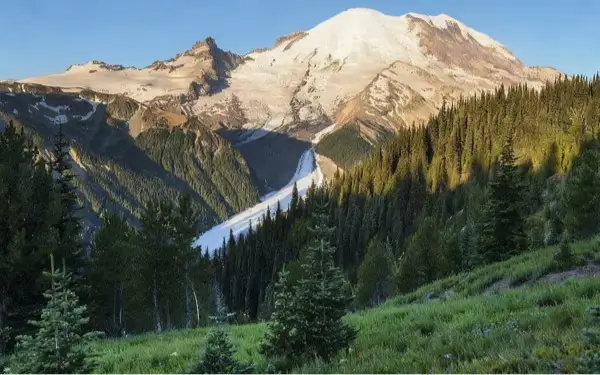
Ordinary travel photos don’t have to stay dull. Sharpen Image Free Online enhances every pixel, turning soft landscapes into crisp, vibrant scenes full of detail and color—mountains, beaches, and city views all come alive.
Before
Transform Ordinary Landscapes into Breathtaking Views - Before
After
Transform Ordinary Landscapes into Breathtaking Views - After

Why Choose Sharpen Image Free Online?

Sharpening Has Never Been This Easy

Sharpening Has Never Been This Easy

Never opened an editing app before? No worries! Just drop your blurry photo into Sharpen Image Free Online and watch it magically become crisp and clear—like having a photo pro right beside you.

Bring Your Fuzzy Shots Back

Bring Your Fuzzy Shots Back

That photo ruined by shaky hands or missed focus? Don’t delete it! Sharpen Image Free Online spots common blur problems and brings back the sharpness and detail your favorite moments truly deserve.

Keep the Feel, Just Sharper

Keep the Feel, Just Sharper

We get it—sharpening a photo shouldn’t strip away what makes it yours. Sharpen Image Free Online clears up the blur while keeping the original vibe intact, bringing out details without changing the natural look you love.

Quick Fix, Zero Hassle

Quick Fix, Zero Hassle

With Sharpen Image Free Online, your photo goes from fuzzy to clear in just a few seconds. No confusing tools, no extra steps—just a quick fix that sharpens everything up without the usual editing headache.

Your Privacy Comes First

Your Privacy Comes First

You can use Sharpen Image Free Online right in your browser—no sign-up, no downloads, needed. Your privacy is our top priority: your photos are processed securely, and we never store your images or any personal info.

Works with All Your Pics

Works with All Your Pics

Doesn’t matter if it’s a quick phone selfie or a high-res camera shot—Sharpen Image Free Online can handle it. It works with images up to 4000×4000 pixels in JPG, PNG, WEBP, and more, so whatever you upload, it’s ready to sharpen.

What Our Users Say About Sharpen Image Free Online

James Mitchell

James Mitchell

Travel Blogger

I was thrilled with my Bali sunrise shot—until I saw how soft and faded it looked. Almost deleted it, but then tried Sharpen Image Free Online. No sign-up needed; just uploaded it. Seconds later, the image turned crisp and vivid. Posted it the same day, and my followers asked what pro camera I used!

Benjamin Clark

Benjamin Clark

Office Worker

Another time, I snapped a cute shot of my friends during dinner, but the lighting was off and it came out blurry. Pulled up Sharpen Image Free Online again — still no sign-up, totally hassle-free. Uploaded the pic, and it sharpened our faces and details naturally, without that over-edited look. It's now one of our favorite photos — we even printed a copy for the fridge.

Emma Rodriguez

Emma Rodriguez

Online Shop Owner

Running a small online shop, I had a batch of product photos turn out slightly blurry. Reshooting wasn’t an option, so I tried Sharpen Image Free Online. Best part? No sign-up — I could start right away. In seconds, it crisped up every detail, making my listings look professional instantly. Honestly, that same week I even noticed a nice bump in sales.

More AI Tools You Might Like

Frequently Asked Questions

Can I really sharpen my photos for free?

Absolutely! Just open Sharpen Image Free Online right in your browser—no sign-up needed, and zero sneaky watermarks. Got another blurry shot? Just hit refresh and start over. It seriously couldn't be simpler.

Do I need to download or install anything?

Nope, everything happens online. Just drag your photo in and let Sharpen Image Free Online do its thing—no apps, no installs, no hassle. Perfect for quick edits on the fly.

What types of images can I sharpen?

Pretty much anything: selfies, travel shots, screenshots, even those nostalgic old photos. Sharpen Image Free Online works with JPG, PNG, WEBP, and other common formats. Even slightly blurry images can come out looking crisp and refreshed.

Are my personal photos safe?

Completely. All the work happens right in your browser—your photos never leave your device. Sharpen Image Free Online doesn’t store any of your images or info, so your memories stay private and secure.

How fast does it work?

Seriously quick! Upload any image, and within seconds it’s sharp and clear. No confusing settings, no waiting around—just a clean, ready-to-share photo in no time.

Explore More AI Tools

Visit FamilyPro for more professional AI creation tools

Visit FamilyPro